EasyFolders .
Description
🖼️ Tool Name:
EasyFolders
🔖 Tool Category:
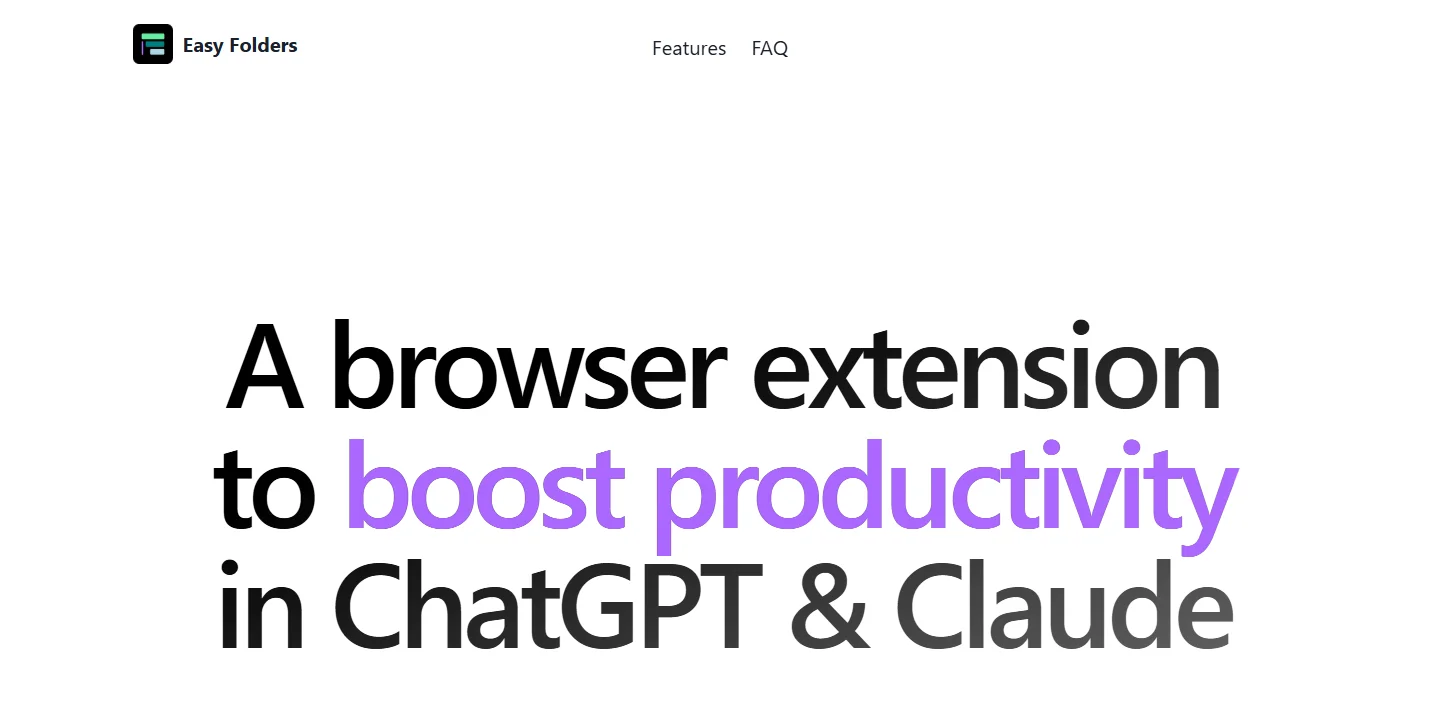
Chrome extension for organizing and managing chats, folders, bookmarks, and prompts across AI platforms like ChatGPT.
✏️ What does this tool offer?
EasyFolders helps users organize their ChatGPT conversations into folders and subfolders, color-code them, bookmark important chats, and access a local Prompt Library. It also offers full-text search within titles and chat content.
⭐ What does the tool actually deliver based on user experience?
Unlimited folder and subfolder creation
Full search functionality across chats
Bookmarking feature for important threads
Prompt Library you can download and edit
Simple syncing via Chrome Sync
A smooth, native Chrome extension experience
Premium sync and management tools with paid plans
🤖 Does it include automation?
Not automation in the traditional AI sense, but it automates your workspace organization and syncing to streamline productivity inside ChatGPT and similar tools.
💰 Pricing Model:
Freemium — free version with optional paid upgrades.
🆓 Free Plan Details:
100% free to install and use
Unlimited folders and bookmarks
Access to Prompt Library
Full-text search inside chats
Basic device sync via Chrome
💳 Paid Plan Details:
1. Superuser Monthly – £6.99/month
Advanced cloud sync (instead of local Chrome sync)
Likely includes priority support and admin tools
2. Superuser Lifetime – £99.99 (one-time payment)
All premium features for life
Includes all future updates
Other price estimates:
Some sources mention ~$9/month, but the official pricing is listed in GBP (£).
🧭 Access Method:
Installable from Chrome Web Store
Activated instantly within your ChatGPT environment
Premium unlocked via in-extension purchase
🔗 Experience Link:
EasyFolders.io