Boomerang
Description
🖼️ Tool Name:
Boomerang for Gmail
🔖 Tool Category:
A smart email extension for Gmail/Workspace that helps you manage your email smarter — schedule emails, snooze messages, remind you for follow-ups, and pause your inbox.
✏️ What does this tool offer?
Schedule emails to send later (Send Later)
Remind you if no reply is received (Reminders)
Delay showing messages (Boomerang/Inbox Pause)
Track replies and message opens (Response/Read Tracking)
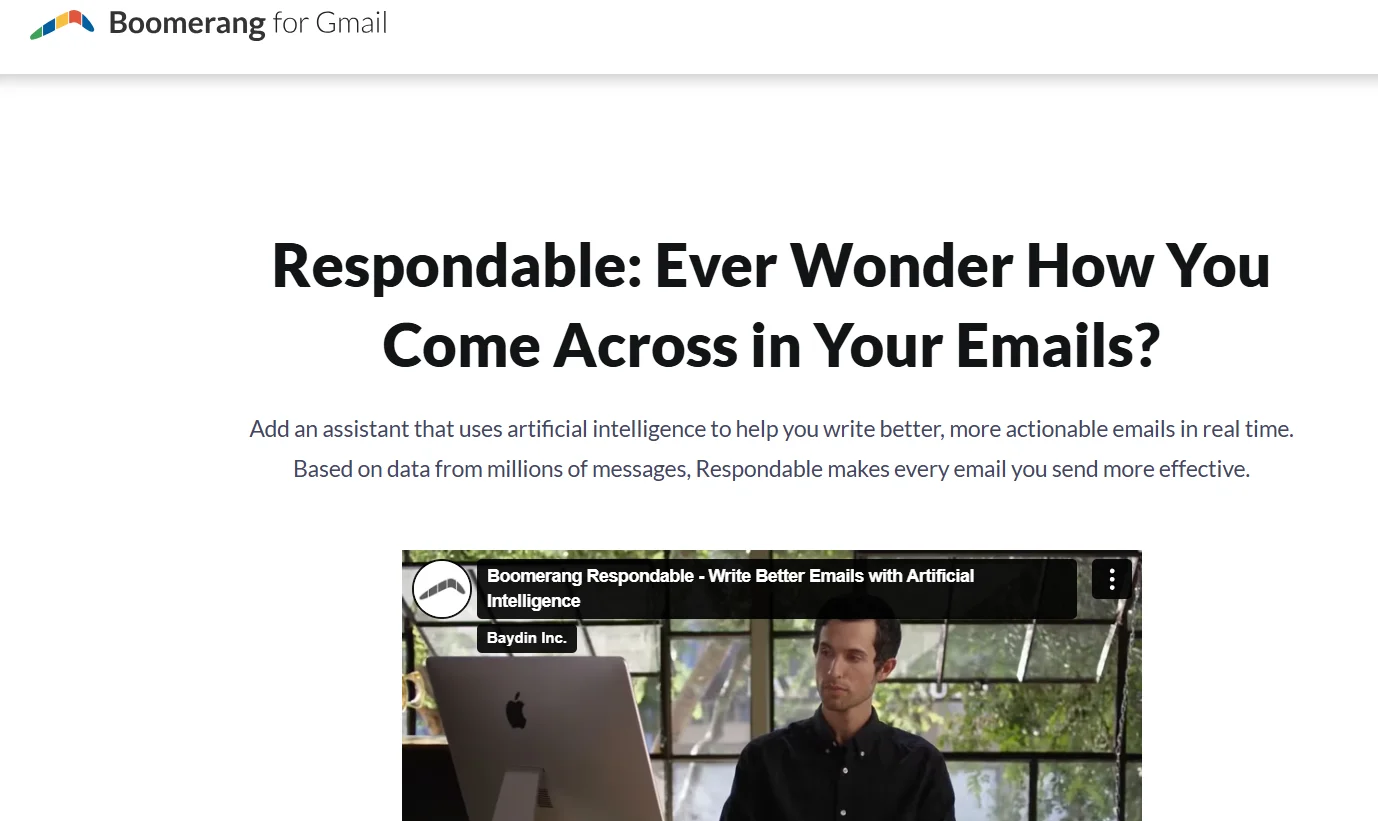
Smart writing suggestions (Respondable AI) and easy scheduling of meetings
Convert emails into appointments with one click, plus group scheduling support (Meeting Poll, Bookable Schedule)
⭐ What does the tool actually deliver based on user experience?
Users say it helped them reach Inbox Zero easily
Heavy email senders feel total control: snoozing, reminders, scheduling without distractions
Respondable suggestions reportedly improve reply rates significantly
🤖 Does it include automation?
Definitely! All features are automated: scheduled sending, automatic reply reminders, message snoozing, auto tracking of reads/replies, and meetings scheduled without manual effort.
💰 Pricing Model:
Freemium — free plan plus paid plans called Personal, Pro, and Premium.
🆓 Free Plan Details (Basic):
Completely free, no credit card needed
10 message credits per month for scheduled sends or reminders
Access to most core features: Send Later, Reminders, Read/Response Tracking, Inbox Pause, Respondable
Good for casual users or those wanting to try before paying
💳 Paid Plans Details:
Personal (~$4.98/month, billed annually):
Unlimited message credits monthly
Access to mobile apps
All free plan features + Notes
Pro (~$14.98/month, billed annually):
All Personal features
Advanced Inbox Pause
Respondable ML enhancements
Recurring messages
Insights
Premium (~$49.98/month, billed annually):
All Pro features
Default tracking on all messages
CRM integrations (e.g., Salesforce)
Advanced toolbox features
Priority customer support
Teams / Enterprise:
Custom plans for groups
Unified billing, centralized control, strong support, and more
🧭 Access Method:
Install the extension from Boomerang’s website or Chrome/Firefox/Edge/Opera stores. Use it with Gmail or Workspace accounts. Mobile app available after upgrading.
🔗 Experience Link:
https://www.boomeranggmail.com/