Browse AI
Description
🖼️ Tool Name:
Browse AI
🔖 Tool Category:
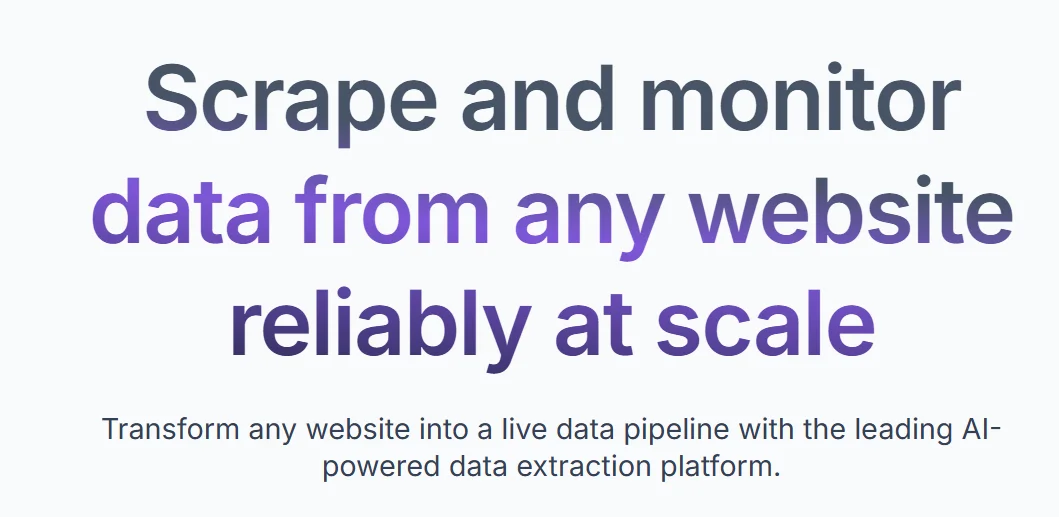
AI tool for no-code web scraping automation — helps you monitor and extract data from any website easily.
✏️ What does this tool offer?
Browse AI lets you create “robots” that automatically browse websites, extract the data you need, and send it to you in an organized way.
No programming skills needed; all drag-and-drop
Track product price changes, news updates, customer lists, and more
Export data as Excel or JSON files or integrate with other tools via API
Automatically saves periodic reports without manual effort
⭐ What does the tool actually deliver based on user experience?
Robots run with high accuracy and minimal manual intervention
User-friendly interface suitable for both beginners and pros
Saves tons of time and effort from manual data gathering
Users say it’s reliable and fast in execution
Sometimes requires tweaking depending on website complexity
🤖 Does it include automation?
Absolutely — automation is the core:
Builds smart bots that autonomously navigate sites and extract data
Schedule bots to run daily or as you wish
Auto-integrate extracted data with analytics software or databases
Auto-update collected data without your involvement
💰 Pricing Model:
Subscription-based with a free plan
🆓 Free Plan Details:
Limited number of web robots and monthly scrapes
Great to start, test, or run small projects
No payment required to try
💳 Paid Plan Details:
More robots and daily scrapes included
Faster support and advanced customization
Plans fit companies and larger projects
Pricing varies by usage and features needed
🧭 Access Method:
Use directly from your browser, no downloads
Create an account, build bots easily, and monitor data in one place
Browser extensions available for easier setup
🔗 Experience Link: