The Windsurf Editor
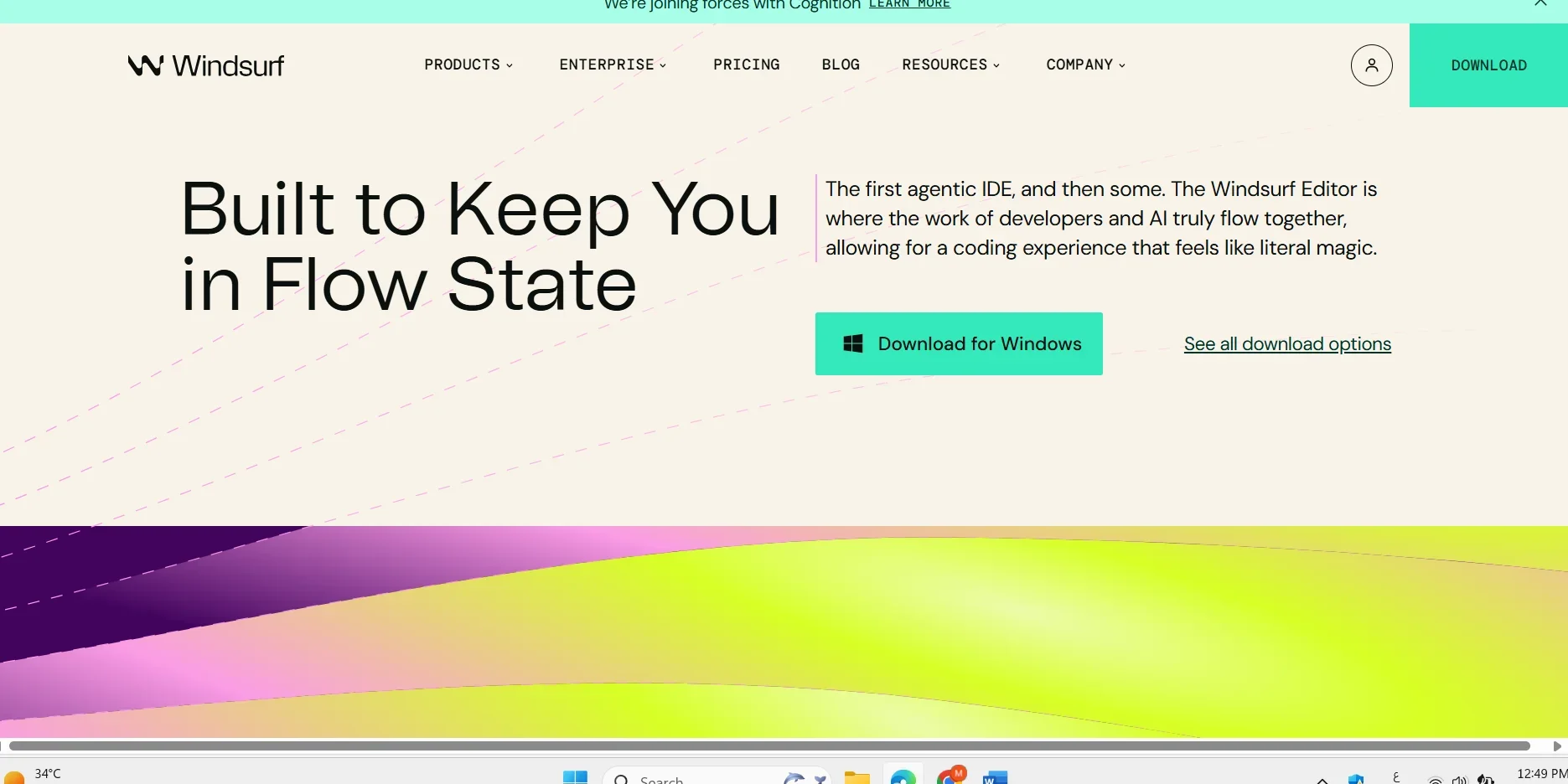
Description
🖼️ Tool Name:
Windsurf Editor
🔖 Tool Category:
AI-native IDE (Integrated Development Environment) – A smart code editor built around AI agents (like Cascade) to deeply understand your code and context, and act automatically during software development.
✏️ What does this tool offer?
Windsurf is designed from the ground up to understand the full software development experience and serve as an intelligent programming companion. It offers:
Cascade technology – An AI agent that understands the project tree and code structure
Windsurf Tab – Advanced autocomplete suggestions
Features like Supercomplete and an AI chat integrated into the editor
Ability to run code, handle errors, retry, and deploy—all within the same environment
⭐ What does the tool actually deliver based on user experience?
Based on user feedback and reviews:
It analyzes code, runs it, and automatically fixes errors until it works
Live preview inside the editor with one-click deployment
Smart intervention while typing—no need for excessive commands
Multi-editor support: VS Code, JetBrains, Neovim, and others
While many users love the experience, some have complained about the “free steps” limitations and lack of support response
🤖 Does it include automation?
Yes, fully. Cascade tracks your activity across files, terminal, and browser, plans 10 steps ahead, writes code, fixes it, and deploys—all autonomously.
Key automation features include:
Deep context-aware understanding of the entire project
Natural-language commands directly in the terminal
Instant execution and live deployment
💰 Pricing Model:
Windsurf offers both free and paid plans:
Free version – Includes access to Windsurf Tab and Cascade with limitations based on credit/step usage
Paid plans – Range approximately from $15–39/user/month depending on the source
Enterprise plans – Custom pricing for larger teams, with additional features and stronger security
🆓 Free Plan Details:
Access to core tools like Cascade and Tab with limited usage (e.g., 50 prompts and 200 flow actions/month, according to announcements)
No credit card required to activate
🧭 Access Method:
Download the Windsurf IDE directly from their official site (available on Windows, Mac, and Linux)
Alternatively, install plugins for VS Code, JetBrains, or Neovim to use it inside your current editor
🔗 Experience Link: