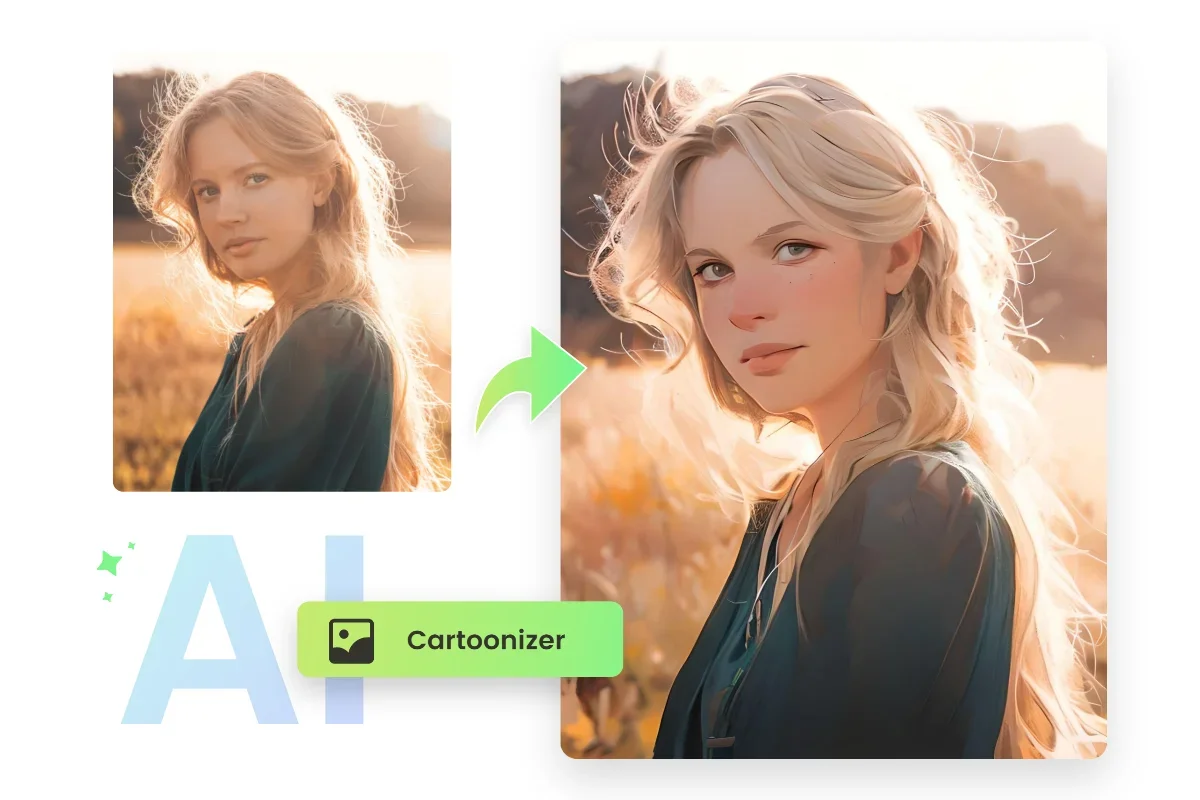
Photo to Cartoon
Fotor is an AI-powered photo design and editing platform that combines traditional design tools with image generation and enhancement tools into a single, easy-to-use system.
- Social Templates & Auto-Editing
- Image Design and Creation
- Text to Image Generation
- Editing, Enhancement & Upscaling
- Object & Background Editing
- Style Transfer & Batch
- Game Assets Generation
- Branding & Logo
Last updated
Features
- Converts photos into cartoon and artistic styles in seconds
- Offers styles such as 3D, Anime, Clay, Simpson and Funko Pop
- Supports photos of people, animals and landscapes while preserving facial details
- Outputs high-quality images up to 4K depending on the plan
- Works in the browser with no installation
- Includes background removal, batch editing and brand kits on higher plans
Pricing Details
The pricing model is based on a Freemium system that combines a limited free plan with multiple paid plans (Pro, Pro+, and Max), allowing users to start at no cost and then upgrade to access more extensive design and AI capabilities.
The free plan is available for $0 and offers limited use of Credits, along with basic design tools and ready-made templates, limited image generation, a watermark on some results, limited storage, and restrictions on AI and chat features.
The Fotor Pro plan, on the other hand, offers significantly more Credits and over 100 editing tools, along with advanced AI features such as image enhancement and portrait processing, plus watermark-free exporting, HD quality, increased cloud storage, and support for PNG files with transparent backgrounds.
The Fotor Pro+ plan includes all Pro features plus more professional capabilities such as batch editing, background removal and replacement, and Brand Kits for visual identity management, along with tools for creating AI-powered presentations, with higher usage and storage limits.
The Fotor Max plan is the platform’s top tier, offering a very large or nearly unlimited credit balance, higher concurrent usage, full support for the AI assistant, massive storage, and professional tools that operate with virtually no restrictions, making it ideal for professional users and large production teams.
Related Tips
- How to Use the Pokecut Tool to Easily Extract Images · Image Design and Creation, Editing, Enhancement & Upscaling…
- A professional prompt for turning a meal name into a full recipe infographic · Image Design and Creation, Text to Image Generation…
- Bosala Brand Studio Explains: How to Create a Complete Visual Identity from a Logo in Minutes? · Image Design and Creation, Text to Image Generation…
- An Explanation of GeminiGen AI for Creating Videos and Images for Children · Video Generation & Editing, Text and Images to Video…
- A Comparison of VisualGPT and NoteGPT for Creating Free Images and Designs on GPT Image 2 · Image Design and Creation, Text to Image Generation