Description

️ Tool Name: 🖼
PPC Ad Editor

Categories: 🔖

  • Marketing & Sales
  • Content Management and Publishing
  • Design and Image Creation
  • Automation and Smart Agents
  • Cross-Publishing and Collaboration
  • Integrations and APIs
  • Business and Operations Management
  • Customer Relationship Management and Deal Tracking

️ What does this tool offer? ✏

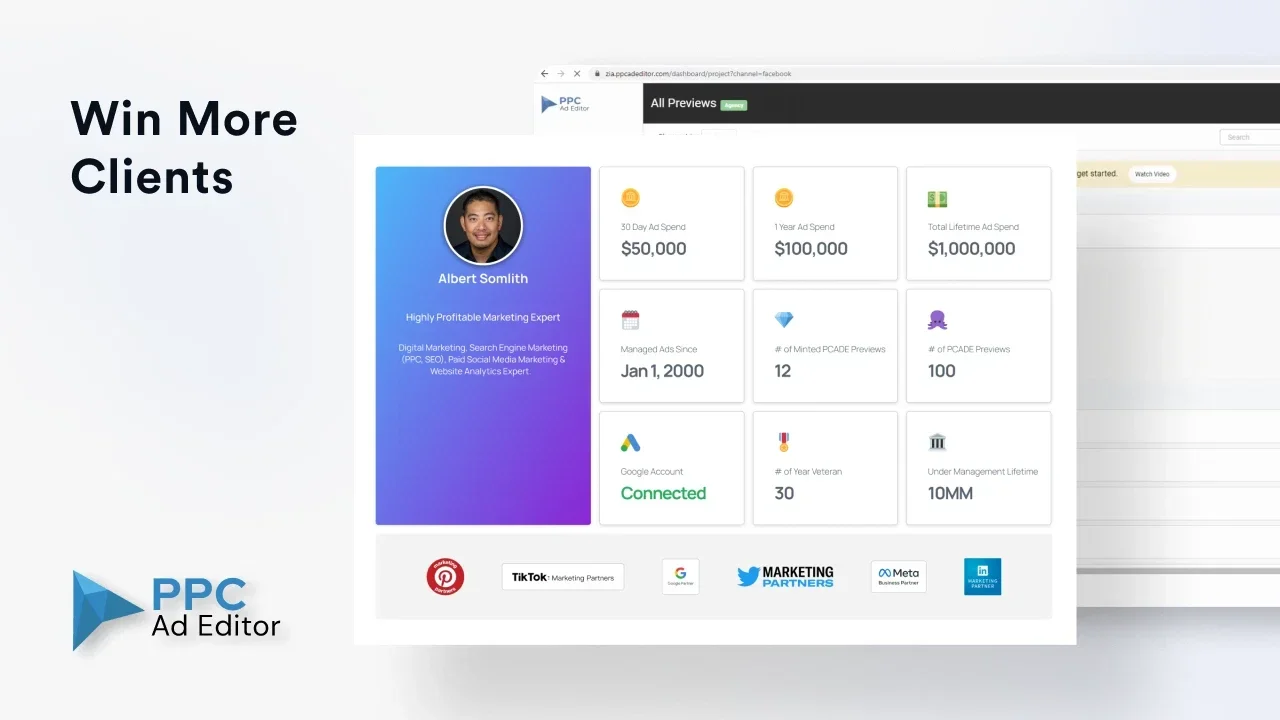
PPC Ad Editor is a platform for managing, designing, and reviewing digital ads, designed for marketing teams and agencies working on multiple ad campaigns across channels such as Google, Meta, and LinkedIn.

The platform allows you to:

  • Easily create and design digital ads.
  • Manage ad campaigns across multiple platforms.
  • Sharing ads within teams for review and feedback.
  • Streamlining the ad approval process.
  • Improved collaboration between marketing teams and agencies.
  • Preview ads before publishing.
  • Manage clients and ads within a central dashboard.

It also supports the use of artificial intelligence in:

  • Improving ad creation.
  • Supporting editing and review processes.
  • Speeding up ad content production.

What does it actually offer based on user experience? ⭐

  • Significant ease in managing ad campaigns across multiple platforms from a single location.
  • Improved collaboration between marketing teams and agencies.
  • Reduces the time spent reviewing and approving ads.
  • Better organization of approval workflows.
  • The ability to easily manage a large number of clients and campaigns.
  • Eliminates the complexity of using separate tools for each platform.

Does it include automation? 🤖

Yes, from basic to advanced.

PPC Ad Editor offers automation in:

  • Accelerating ad creation through AI tools.
  • Managing ad review and approval processes.
  • Organizing workflows within marketing teams.
  • Automated and organized comment management and collaboration.
  • Improving workflow between teams and clients.
  • Reduce manual tasks in ad creation and review.

Pricing Model: 💰

ItemDetails
Pricing PlanMonthly Subscription
Free PlanAvailable (Freemium)
BillingMonthly

🆓 Free plan details:

ItemDetails
Price$0
Card requiredNo
Number of customersLimited
Number of adsLimited
PreviewWith watermark
Share adsFor a short time
Artificial IntelligenceLimited storage
StorageBasic

Paid plan details: 💳

PlanPriceFeatures
Starter$99/monthMore customers and users, unlimited ad creation, watermark removal, better collaboration and feedback, increased AI credit, more storage space
Premium$149/monthAll Starter features, Slack integration, ad approval workflows, unlimited AI credits, more storage, support for larger teams
EnterpriseCustom pricingUnlimited customers and users, custom branded subdomain, dedicated technical support, custom solutions for large enterprises

How to access the tool: 🧭

PlatformAvailable
Web
Multi-channel ad management
Team collaboration tools
Integrations (Slack and others)

Demo link or official website: 🔗

PPC Ad Editor Pricing

Pricing Details

The tool operates on a monthly subscription model with a free plan available under a freemium model that does not require a credit card. The free plan allows you to create a limited number of clients and ads with a watermarked preview, limited AI credits, and basic storage. Paid plans start with the Starter plan at $99 per month and include unlimited ad creation, removal of the watermark, increased AI credits, and improved team collaboration. The Premium plan, priced at $149 per month, adds Slack integration, approval workflows, greater AI capabilities, and increased storage. The Enterprise plan, with custom pricing, offers an unlimited number of users and clients with a custom subdomain and advanced technical support. The tool is accessible via the web and fully supports multi-channel ad management, collaboration tools, and various integrations in a flexible manner.