Build Chatbot
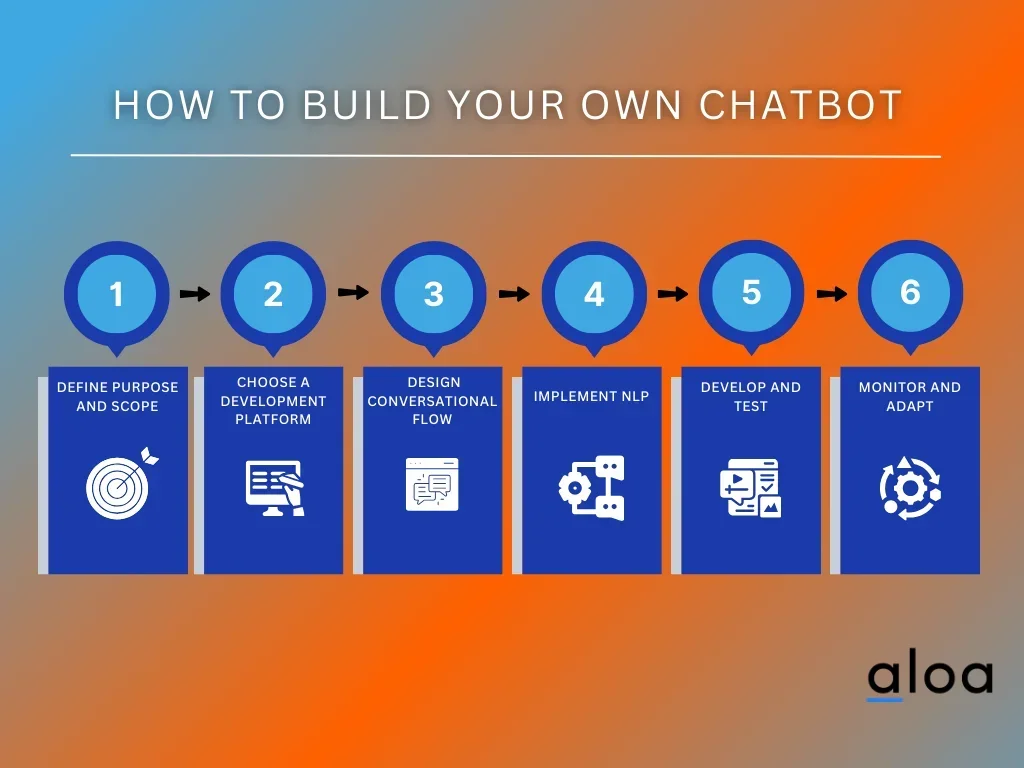
Description
🖼️ Tool Name:
Build Chatbot (BuildChatbot.ai)
🔖 Tool Category:
AI-powered no‑code chatbot builder; falls under Conversations, Smart Assistant, and Productivity & Automation.
✏️ What does this tool offer?
Build Chatbot lets you create and train website chatbots without coding. You can upload content (docs, pages, media), customize the widget, and deploy it to handle customer questions and capture leads.
⭐ What does the tool actually deliver based on user experience?
• 3‑step setup to get a site chatbot running quickly.
• No‑code builder available on web and mobile (iOS/Android apps).
• Multichannel branding controls and embeddable widget for websites.
• Free trial noted by directories (Matt Wolfe “Pick” on FutureTools).
• Social presence and updates (X/Twitter, Facebook) for announcements and support.
🤖 Does it include automation?
Yes — Build Chatbot automates:
• Ingesting site/content to power answers.
• Real‑time responses to visitors without human intervention.
• Lead capture/analytics via the embedded widget.
💰 Pricing Model:
Freemium with a free trial indicated by listings; paid tiers available (details not fully public on third‑party pages).
🆓 Free Plan Details:
A free trial is advertised on directories; exact limits vary/not fully specified publicly.
💳 Paid Plan Details:
Paid subscriptions are offered; specific tier features/prices aren’t clearly listed on public directories—check the in‑app/web upgrade flow for current pricing.
🧭 Access Method:
• Web app: create and deploy a chatbot via BuildChatbot.ai.
• Mobile: iOS and Android apps for building/configuring bots.
🔗 Experience Link:
https://buildchatbot.ai