MindOS
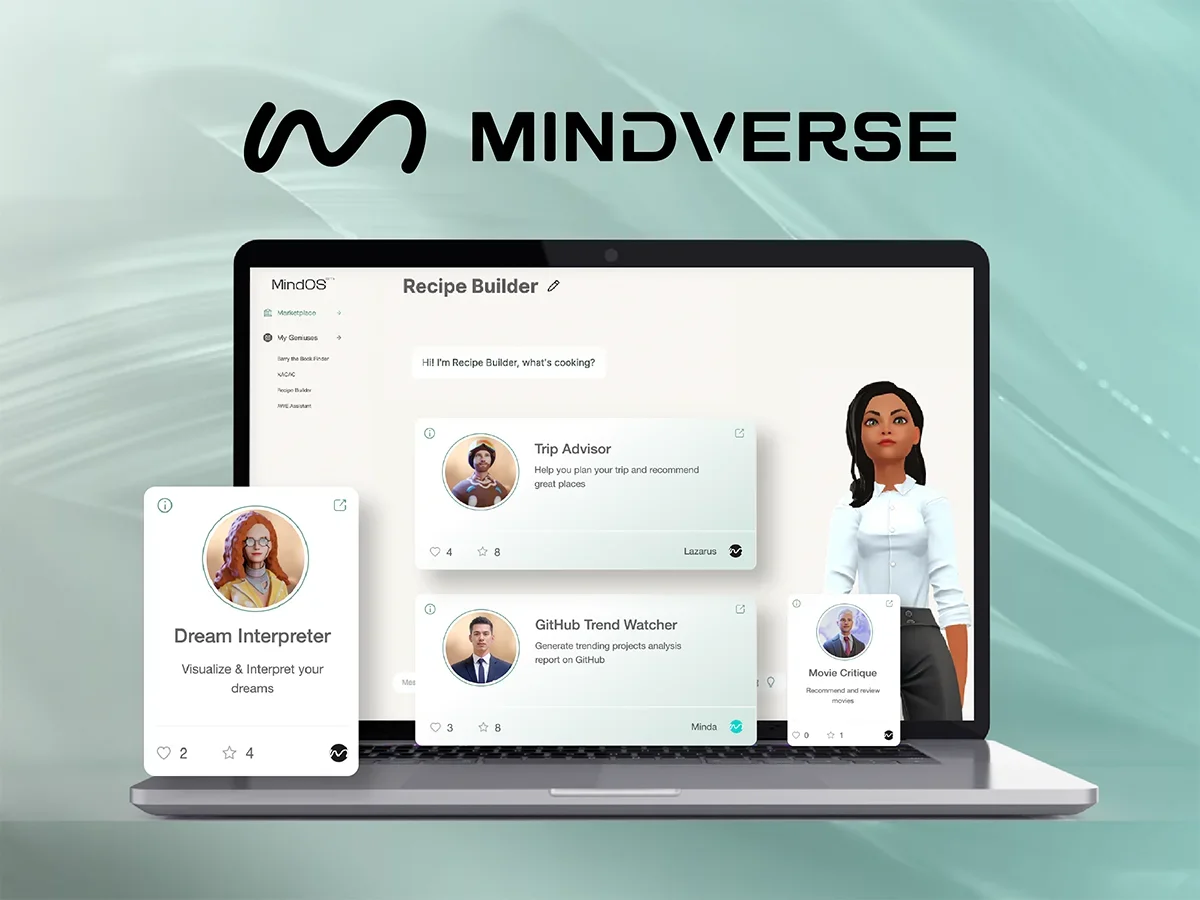
Description
🖼️ Tool Name:
MindOS
🔖 Tool Category:
AI-native agent and productivity platform; falls under Productivity & Automation, Smart Assistant, and Content Creation & Communication.
✏️ What does this tool offer?
MindOS provides a robust AI ecosystem for both personal and business use. It empowers users to construct personalized AI "beings" or agents that function as a "second brain"—helping manage tasks, assist in decision-making, and automate workflows. You can design agents via MindOS Studio, customize their personalities, memories, and workflows, and deploy them as web widgets, standalone web pages, or embed them via API.([turn0search9], [turn0search3], [turn0search10])
⭐ What does the tool actually deliver based on user experience?
Create custom AI agents: Visual avatar-like agents trained on your data, voice, and preferences.([turn0search9], [turn0search10])
“Second brain” personal assistant (Mebot): Captures and retrieves your notes, tasks, PDFs, and voice memos, unlocking ideas and insights on demand.([turn0search8])
AI-native website assistants: Agents embedded in websites to deliver personalized chat experiences and streamline user interactions.([turn0search12], [turn0search2])
Marketplace for AI beings: Explore and share agent templates created by the community.([turn0search3])
Long-term memory and thought-chain logic: Agents recall past interactions and reason like a human trainee, improving relevance over time.([turn0search10])
Multi-channel deployment: Use as a web widget, full web page, or via API integrations into your daily workflow.([turn0search10])
Broad integrations: Supports over 100 API connections to connect agents to external data and services.([turn0search5])
Productivity & decision support: Automates task execution, enhances planning, improves customer engagement, and boosts operational efficiency.([turn0search2])
🤖 Does it include automation?
Yes — MindOS is built to automate:
AI agent behavior and workflow execution seamlessly.
Memory recall and contextual response generation.
Deployment and interaction logic across platforms and tasks.
([turn0search7], [turn0search5])
💰 Pricing Model:
Freemium structure with enterprise-level paid tiers available:
Free Trial / Personal Plan available to get started.
Standard / Business Plans scale with usage and agent capacity.
Enterprise plans offer custom deployment, support, and advanced features.([turn0search2], [turn0search11])
🆓 Free Plan Details:
The platform offers a free trial or starter tier that allows you to create and deploy AI agents—no initial payment required.([turn0search2], [turn0search11])
💳 Paid Plan Details:
Paid plans unlock unlimited messaging, team access, marketplace offerings, and advanced features.
Exact pricing varies by tier and usage scope; enterprise plans are custom-scoped.([turn0search7], [turn0search11])
🧭 Access Method:
Accessible through:
MindOS Studio — web-based interface for building and managing agents.([turn0search3])
Agent deployment — via website widgets, full web pages, or API integrations.([turn0search10])
Personal assistant mobile/desktop access (e.g., Mebot).([turn0search8])
🔗 Experience Links:
https://mobile.mindos.com