AutoCut
Description
🖼️ Tool Name:
AutoCut
🔖 Tool Category:
AI-powered video editing plugin for professional software; primarily under Video Editing, with secondary relevance to Productivity & Automation and Content Creation & Communication.
✏️ What does this tool offer?
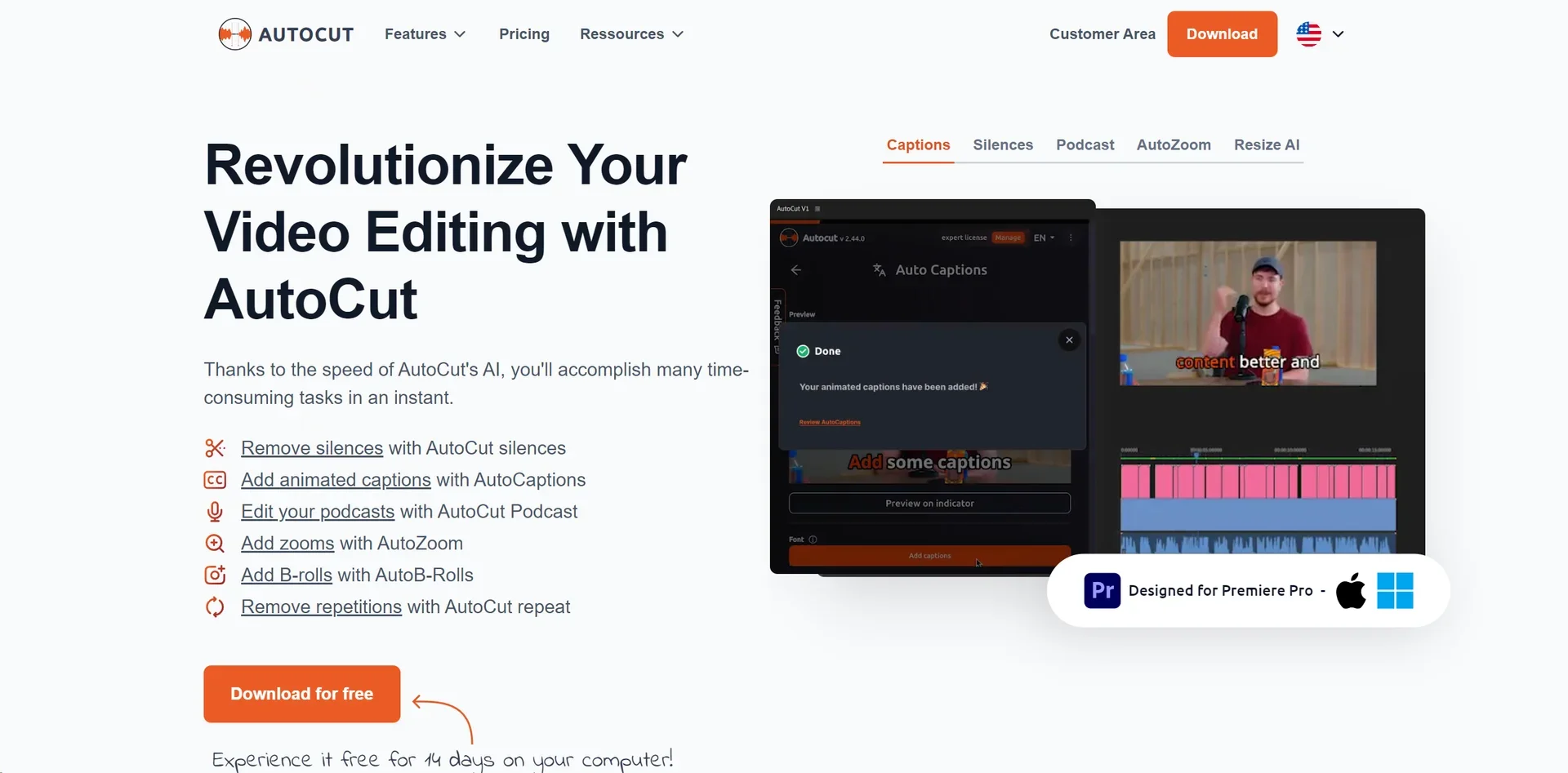
AutoCut is an AI-driven plugin compatible with Adobe Premiere Pro and DaVinci Resolve that dramatically speeds up editing workflows. Its core features include:
Auto silence removal: eliminates long pauses instantly.
Automated captions and translations: embeds animated subtitles quickly.
Auto Zoom: applies dynamic zooms at key points.
Podcast editing: recognizes speakers and automates camera switching for multicam episodes.
Auto B‑roll insertion: detects where to place supplementary footage.
AutoChapters, AutoProfanity Filter, AutoViral, AutoCut Repeat, AutoResize: features to streamline editing, from chapter generation to removing repetitive takes.
⭐ What does the tool actually deliver based on user experience?
Repetitive editing tasks that once took hours (like removing silences) can now be done in seconds — e.g., a 1-hour video edit reduced to around 30 minutes.
Extremely intuitive and time-saving — creators emphasize spending more time on creativity instead of manual editing.
🤖 Does it include automation?
Yes — AutoCut is designed for automation:
Fully automates key editing tasks like silence trimming, zooms, captioning, B‑roll, and more.
💰 Pricing Model:
Subscription-based with multiple tiers:
Basic Plan: Approx. $6.6/month — includes silence removal and basic cuts.
AI Plan: Approx. $14.9/month — enables all AI features such as captions, zooms, B‑roll, chapters, profanity filters, and viral clip generation.
Enterprise Plan: Approx. $19.9/month — includes all AI features plus team licensing, centralized billing, and priority support.
🆓 Free Plan Details:
Free 14-day trial is offered for testing the full feature set on Premiere Pro and DaVinci Resolve.
💳 Paid Plan Details:
Subscription tiers include escalating access — from basic silence removal to full AI-enabled editing with support services.
🧭 Access Method:
Works as a plugin for Premiere Pro (2023–2025) and DaVinci Resolve (18.6+), available for macOS and Windows.
🔗 Experience Link:
https://www.autocut.com