Viroll
Description
🖼️ Tool Name:
Viroll
🔖 Tool Category:
AI-powered short-form video editing tool; primarily falls under Video Editing, with secondary relevance to Content Creation & Communication, Productivity & Automation, and Visual Media Enhancement.
✏️ What does this tool offer?
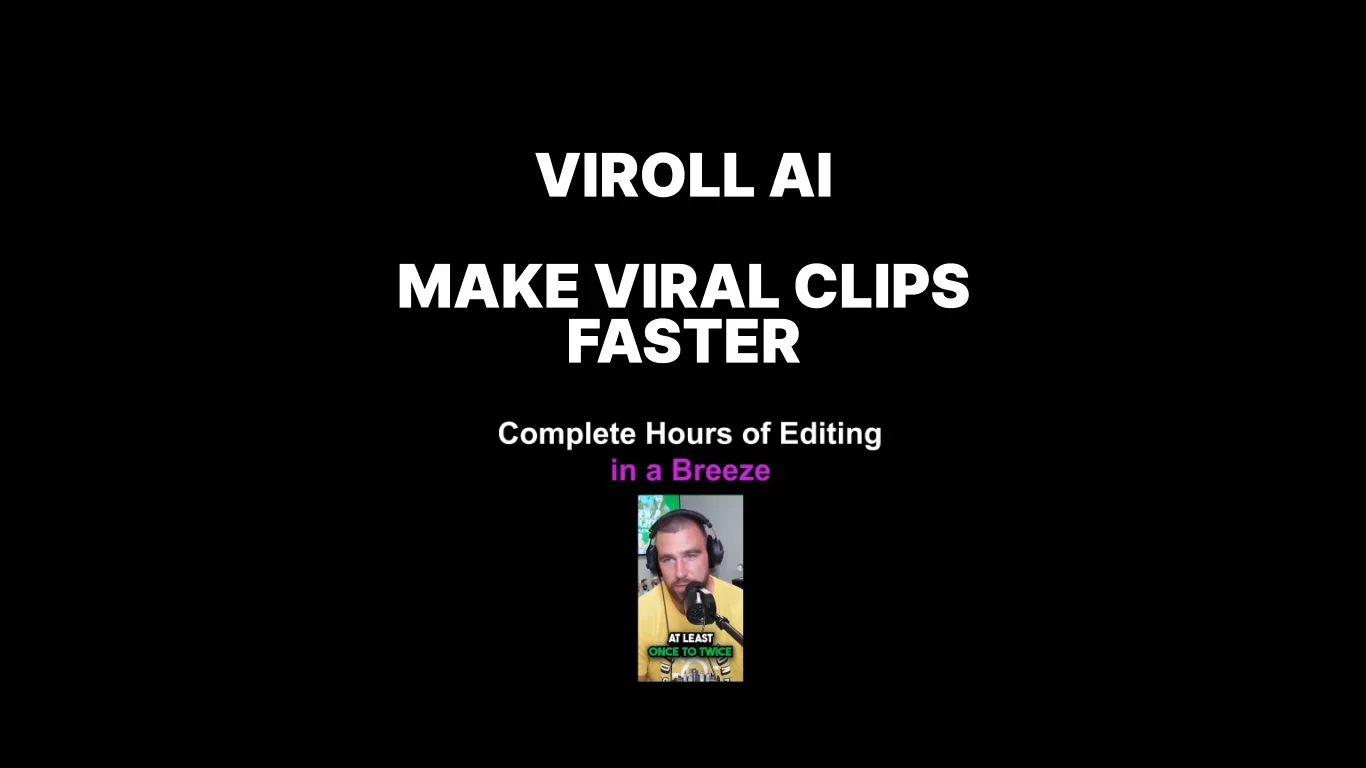
Viroll (by Cutlabs) enables creators to automatically edit and enhance videos—especially for social media and livesteam highlights. It provides:
Automated captions with customizable styles for better engagement.
AI-powered short video clipping, extracting compelling moments from long-form videos.
Auto speaker frame adjustment, ensuring the speaker’s face stays in focus during edits.
Context-relevant visual layering (e.g., overlays or B-roll) to enrich video content.
It runs via Google Colab or GitHub scripts, not as a traditional SaaS.
⭐ What does the tool actually deliver based on user experience?
Accelerates video creation workflows, especially by automating repetitive tasks and extracting engaging snippets.
Ideal for creators looking to repurpose long videos into short, attention-grabbing segments quickly.
🤖 Does it include automation?
Yes — Viroll leverages automation extensively:
Auto-generates captions and styles them contextually.
Clips key segments using AI-detected highlights.
Adjusts framing automatically to keep the speaker centered.
Adds relevant visuals and overlay graphics for enhanced storytelling.
💰 Pricing Model:
Freemium model; pricing details are not clearly disclosed. A free trial is available.
🆓 Free Plan Details:
Free access available via Google Colab or GitHub.
A free trial is offered to test features.
💳 Paid Plan Details:
Not publicly documented or clearly defined as a subscription; may require inquiry for enterprise or extended use.
🧭 Access Method:
Executed through pre-built Google Colab notebooks or via GitHub. It’s not a standalone web app. Requires basic familiarity with notebook workflows.
🔗 Experience Link:
https://virlo.ai