Description
Pricing Details
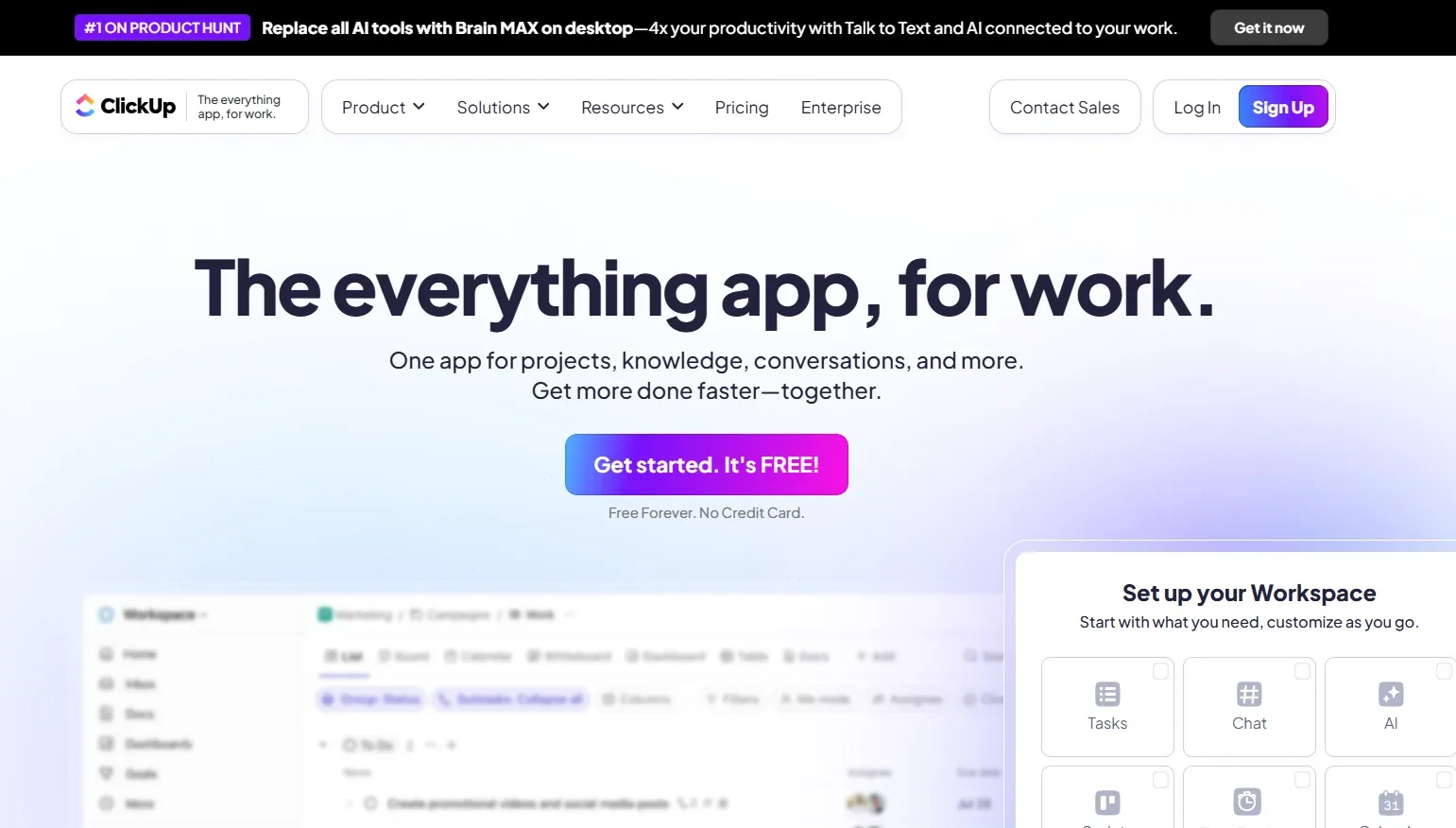
ClickUp uses a flexible pricing model that offers monthly and annual plans, with a 30% savings when you choose the annual subscription. All plans provide access to more than 25 products, as well as Super Agents and Brain/AI. The Free Forever plan offers lifetime use at $0 and includes essential features such as 60MB of storage, unlimited tasks, unlimited members on the free plan, two-factor authentication, collaborative documents, Kanban boards, Sprint management, calendar view, basic custom field manager, in-app video recording, 24/7 support, and one template. The Unlimited plan costs $7 per user per month when billed annually and includes all the features of the free plan, plus unlimited spaces, folders, and templates; unlimited Gantt charts; unlimited integrations, unlimited storage, unlimited custom fields, native time tracking, goal and portfolio management, guests with role-based access control, resource management, ClickUp Chat, in-app email, integrations with tools like Slack, HubSpot, Google Drive, and more, as well as many other features. The Business plan is available for $12 per user per month when billed annually; it is the most popular plan and includes all the features of the Unlimited plan, plus unlimited dashboards with advanced cards, unlimited message history, unlimited activity views, unlimited Timeline views, Webhooks and automation integrations, 5,000 automation actions per month worth $100, mind mapping, private whiteboards, custom exports, Sprint points and reporting, portfolio workload management, Google SSO, two-factor authentication via SMS, unlimited reviews, and many other features. The Enterprise plan requires a custom quote by contacting the sales team and includes all the features of the Business plan, plus enterprise-level permissions and governance, unlimited custom roles, SAML SSO and SCIM provisioning, an audit log, session management, the Enterprise API, 250,000 monthly automation operations for $750, custom branding, virtual personal instances, MSA and HIPAA compliance, data storage regions, enterprise-level automation and integrations, enterprise-level API usage, hands-on onboarding, a Customer Success Manager, and access to managed services, in addition to many other features.