GetInvoice
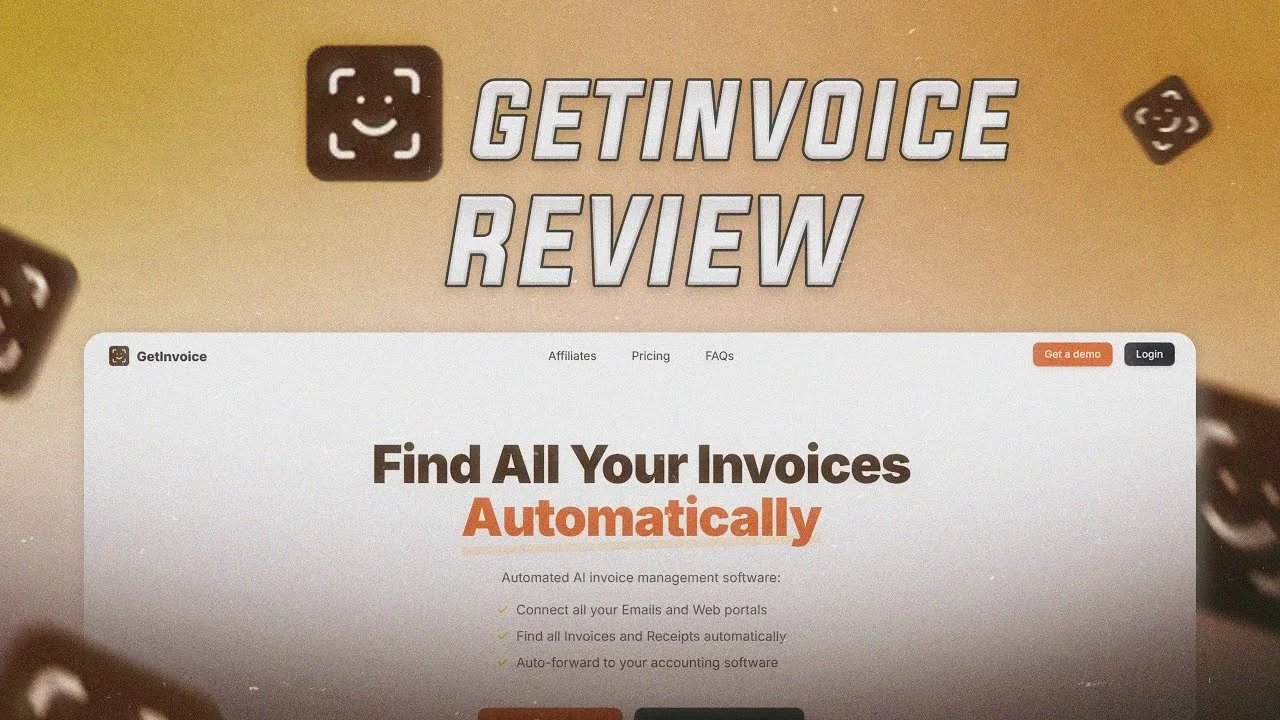
Description
️ 🖼Tool Name:
Invoice
🔖 Categories:
- Invoices, Contracts, and Proposals
- Business and Operations Management
- Integrations and APIs
- Marketing and Sales
️ ✏What does this tool offer?
Invoice is a platform specialized in creating and managing electronic invoices online, providing professional and user-friendly invoicing software designed for startups, business owners, and freelancers.
The platform helps users create professionally designed electronic invoices, send them to customers, and receive payments within minutes, while reducing the time spent tracking payments and chasing customers.
Invoice provides tools for managing payments by setting up automatic payment reminders, so that alerts are sent to customers when a payment is due, overdue, or approaching its due date, helping businesses improve cash flow and streamline collection processes.
The platform allows you to create customized invoices online as part of the #GOPAPERLESS initiative to eliminate paper invoices, then send them to customers via email or SMS, enabling customers to view the invoice and pay online from anywhere.
Invoice provides tailored solutions for various categories, including:
Small businesses:
It helps speed up payment collection through electronic invoicing; the platform reports that companies using electronic invoices receive payments up to 3X faster than those that do not.
Freelancers:
It enables quick and easy invoicing for ongoing or completed projects and allows for more organized tracking of payments.
Developers:
It provides electronic invoicing solutions that can be connected to websites or apps through available integrations.
The platform supports managing multiple businesses through a single account, with the ability to manage clients, invoices, expenses, estimates, and payments according to the selected plan.
More than 50,000+ businesses use the platform to create and send professional invoices to customers online.
⭐ What does it actually offer based on user experience?
- Quickly create professional electronic invoices.
- Send invoices to customers via email or SMS.
- Facilitate online payments.
- Reduce the need to manually follow up with customers.
- Send automatic payment reminders.
- Manage multiple businesses from a single account.
- Unlimited customer support depending on the plan.
- Provide ready-made invoice templates.
- Provide integrations for developers.
- Help with the transition from paper to electronic invoicing.
Some of the companies and users featured on the platform include:
- EZ Wash N Dry
- The Hexagon
- SheLeadsAfrica
- Cupid Tassels
- Tabik Express
- AutoGenius
- Digital Marketing Buzz
- Sheartribe
🤖 Does it include automation?
Yes.
Invoice offers some automation features, including:
- Sending automatic payment reminders to customers.
- Creating recurring invoices on the Premium plan.
- Automating integrations via API.
- Connecting payment gateways.
- Managing billing processes without the need for constant manual follow-up.
💰 Pricing model:
Freemium (Free Plan + Paid Subscription Plans)
🆓 Free Plan Details:
| Feature | Details |
|---|---|
| Price | $0 per month |
| Invoice Creation | 10 invoices per month |
| Manage Companies | Multiple Businesses |
| Clients | Unlimited Clients |
| Reminders | Email Reminders |
💳 Paid Plan Details:
| Plan | Price | Features |
|---|---|---|
| Basic | $5 per month or $50 per year | Unlimited Invoices, Multiple Businesses, Unlimited Clients, Email Reminders, API Access & Automations, Payment Gateways Integration |
| Premium | $15 per month or $150 per year | Unlimited Invoices, Unlimited Estimates, Unlimited Expenses, Unlimited Clients, Multiple Businesses, Account Users & Teams, API Access & Automations, Email & WhatsApp Reminders, Recurring Invoices & Expenses, Payment Gateways Integration |
🧭 How to access the tool:
| Method | Available |
|---|---|
| Web | ✅ |
| API | ✅ |
| Integrations | ✅ |
| Custom Apps | Not specified (unconfirmed) |
🔗 Demo link or official website: