AI Image Enlarger
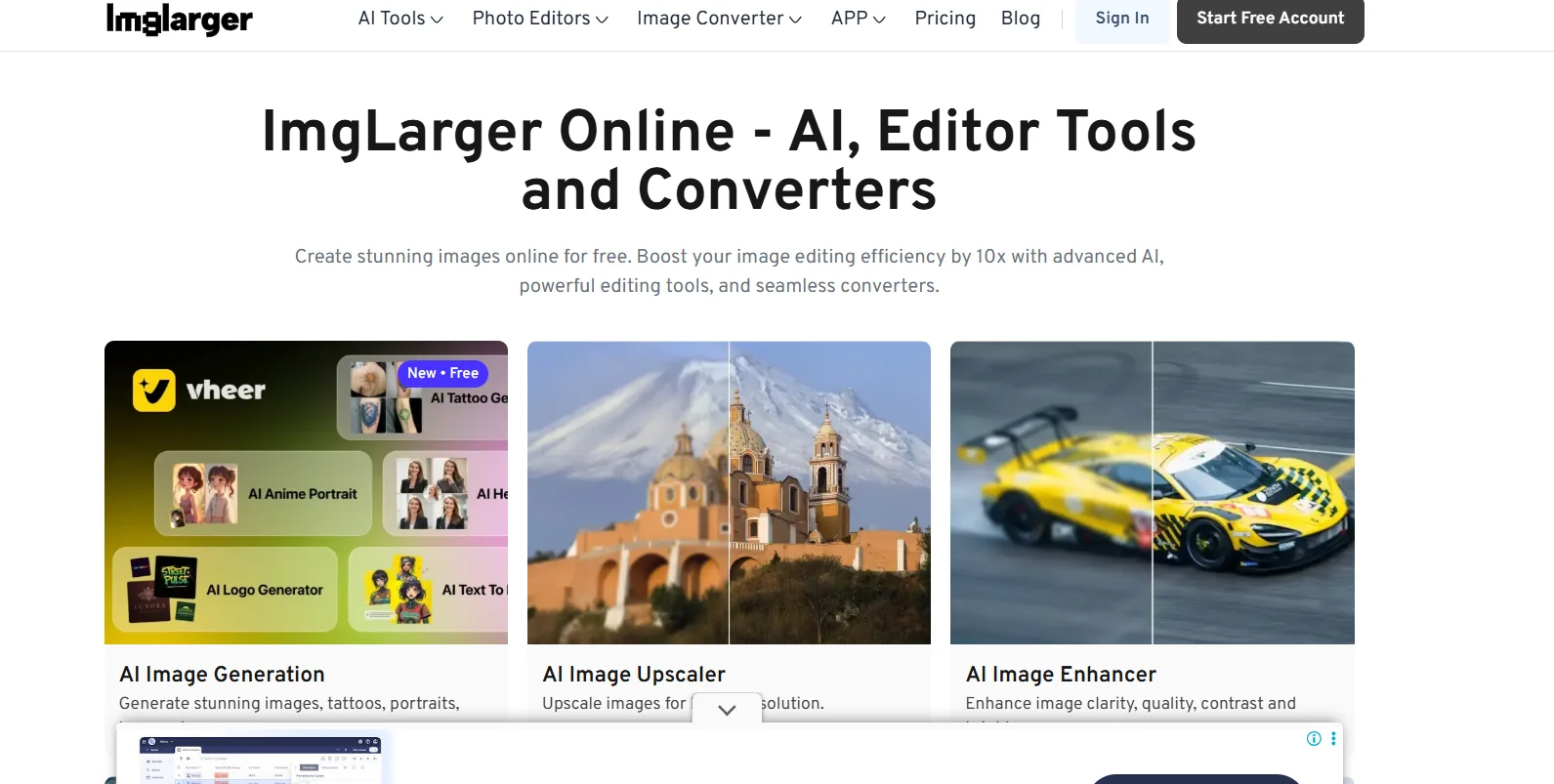
Description
️ 🖼Tool Name:
ImgLarger (AI Image Enlarger)
🔖 Tool Category:
Artificial Intelligence tool to optimize and enlarge images while maintaining quality.
️ ✏What does this tool offer?
Enlarge images up to 200%, 400%, and sometimes 800%.
Remove blur and noise and improve image clarity.
Remove noise and improve colors, contrast and lighting.
Retouch faces, fix old photos, and colorize black and white.
Basic editing tools: Crop, rotate, filters, adjust brightness and contrast.
Convert image formats between JPEG, PNG, WebP and others.
⭐ What does the tool actually deliver based on user experience?
Significant improvement of image quality when enlarged, especially if the original images are not very poor.
Good results in removing noise and haze, but sometimes there may be color oversaturation.
Simple and intuitive one-click interface.
Fast image processing and format conversion.
The free plan is sufficient for simple uses, while the paid plan offers more flexibility.
🤖 Does it include automation?
Yes - the tool automatically performs zooming, noise removal, color and lighting enhancement, and photo retouching without the need for complex manual intervention.
💰 Pricing Model:
Freemium model (free with limited features + paid plans).
🆓 Free Plan Details:
Completely free.
10 Credits per month.
Support to enlarge images up to 200% or 400% only.
Limited maximum image size and dimensions.
Basic editing tools available.
💳 Paid Plan Details:
Starts at around $4.90/month: Better quality zoom and more credits.
9.90/month (Premium): More credits, larger images, faster processing speed.
19$/month (Business/Advanced): All features, Batch Processing, priority support.
Paid features include: Ad removal, larger image uploads, all AI tools, faster results.
🧭 Access Method:
Directly through the website from any browser.
No additional software required, but registration is required to take advantage of plans.
🔗 Experience Link:
https://imglarger.com