Mindy
Description
🖼️ Tool Name:
Mindy
🔖 Tool Category:
AI-powered virtual assistant; it falls under the category of Productivity & Automation and Smart Assistant tools designed to simplify daily tasks, manage emails, and automate workflows.
✏️ What does this tool offer?
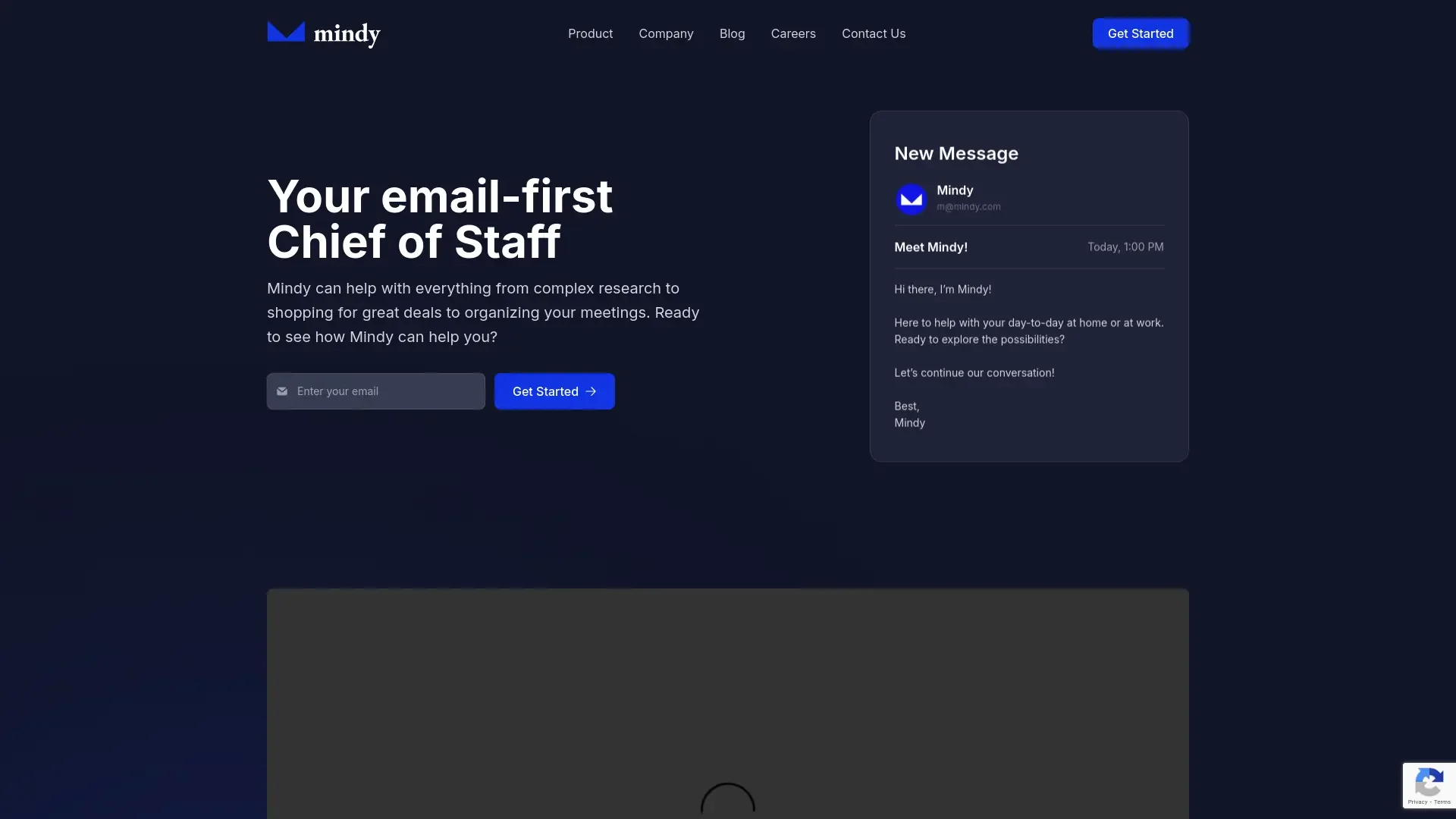
Mindy is an AI assistant that helps users manage their daily digital tasks efficiently. It can summarize emails, draft responses, schedule meetings, organize notes, and even conduct quick research — all through natural-language interaction.
⭐ What does the tool actually deliver based on user experience?
• Automates repetitive office and email tasks.
• Summarizes long email threads and generates replies automatically.
• Integrates with tools like Gmail, Outlook, Slack, and Notion.
• Provides smart reminders and meeting scheduling suggestions.
• Helps draft professional messages, memos, and reports.
• Learns from user preferences to personalize responses and tone.
🤖 Does it include automation?
Yes — Mindy relies heavily on intelligent automation:
• Automatically analyzes email content to detect tasks and priorities.
• Suggests next actions (reply, forward, schedule, or ignore).
• Syncs calendar and notes across connected apps.
• Continuously learns from interactions to optimize workflows.
💰 Pricing Model:
Freemium (free plan with premium upgrade options).
🆓 Free Plan Details:
• Access to core AI assistant features (email summarization, drafting).
• Limited daily requests or tasks.
• Integration with one email account.
💳 Paid Plan Details:
• Expanded automation limits and faster responses.
• Multi-account integrations (email + productivity apps).
• Priority AI access and advanced personalization.
• Enterprise support and team collaboration tools.
🧭 Access Method:
• Available as a web app and Chrome extension.
• Integrates with Gmail, Outlook, Slack, and Notion.
• Mobile app version under development.
🔗 Experience Link: