Clearword
Description
🖼️ Tool Name:
Clearword
🔖 Tool Category:
AI-powered meeting assistant; it falls under Productivity & Automation and Business & Marketing (especially in the domain of meeting management and collaboration).
✏️ What does this tool offer?
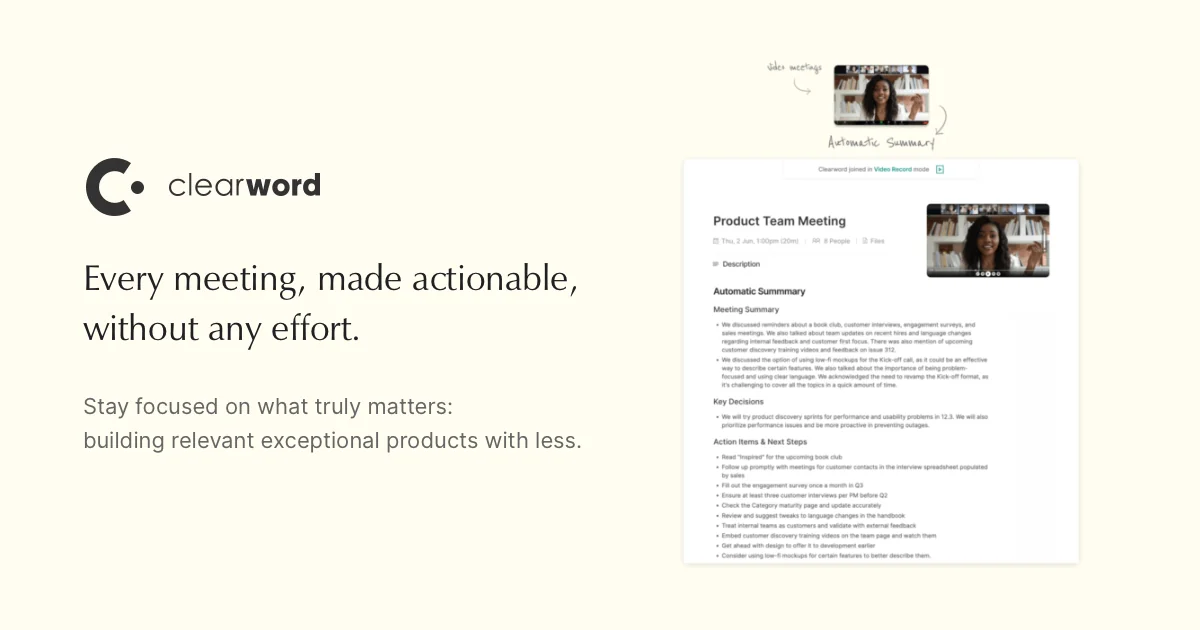
Clearword is designed to streamline and enhance the effectiveness of online meetings by automating note-taking, summarization, and task extraction. It integrates with video conferencing platforms (Zoom, Google Meet, Microsoft Teams) to join meetings, transcribe speech, identify important points, draft follow-up emails, and sync tasks to productivity tools.
⭐ What does the tool actually deliver based on user experience?
• Joins meetings automatically and transcribes conversations in real time.
• Generates meeting summaries, action items, transcripts, and follow-up drafts.
• Exports tasks to tools such as Notion, HubSpot, Jira, CRM systems.
• Organizes meetings into a searchable archive/library where users can revisit past sessions.
• Provides privacy controls over meeting content and access.
🤖 Does it include automation?
Yes — Clearword heavily automates meeting-related tasks:
• Automatically transcribes audio and extracts key points.
• Creates summaries, action items, and follow-up content without needing user input during the meeting.
• Syncs or exports tasks and notes to external project management or productivity tools.
• Maintains a structured, searchable repository of meeting records.
💰 Pricing Model:
Freemium / tiered subscription.
🆓 Free Plan Details:
• Basic functionality (joining meetings, transcription, summaries) available for free use.
💳 Paid Plan Details:
• Access to advanced integrations, higher usage limits, premium features starts at approximately $27/month as indicated in some sources.
• More robust export, CRM linking, and team/collaboration features in paid tiers.
🧭 Access Method:
• Web application that integrates with calendar (Google Calendar) to schedule and prepare meeting pages.
• Integrations with conferencing platforms (Zoom, Google Meet, Microsoft Teams).
• Desktop version (via WebCatalog) is also available to run Clearword in a standalone app window.
🔗 Experience Link
https://clearword.com