Dola AI
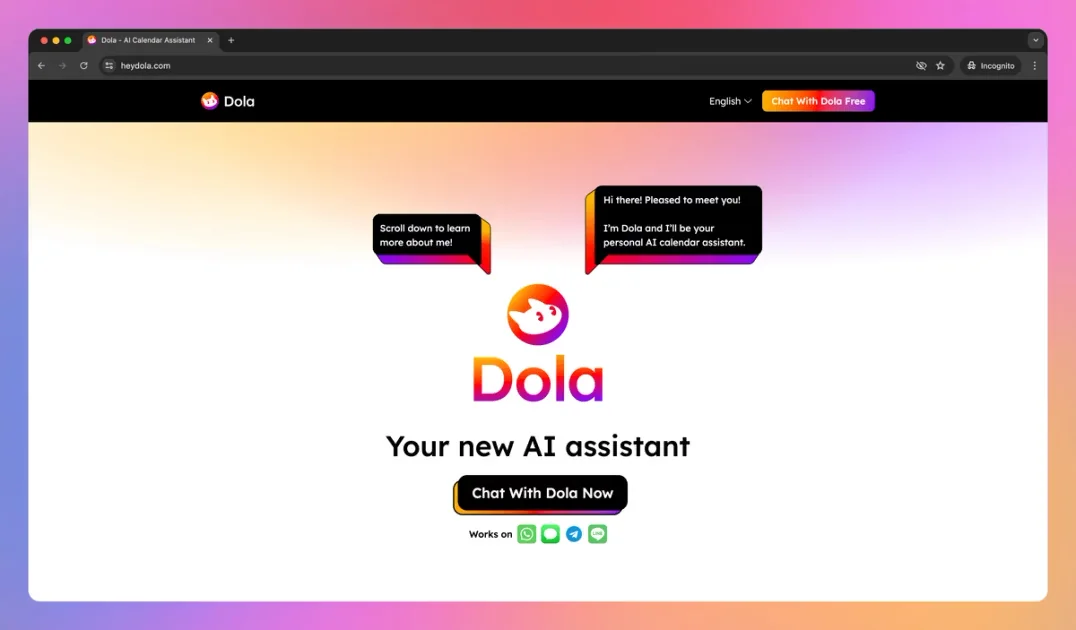
Description
🖼️ Tool Name:
Dola AI
🔖 Tool Category:
AI-powered scheduling assistant; it fits under Productivity & Automation and Smart Assistant / Virtual Assistant.
✏️ What does this tool offer?
Dola helps you manage your calendar through natural language — you can send it messages (text, voice, images) and it converts them into events, edits, or reminders. It works within your chat/messaging apps, syncing with your existing calendar for seamless scheduling.
⭐ What does the tool actually deliver based on user experience?
• Add, modify, or cancel calendar events simply by chatting (text, voice, images)
• Syncs with Google Calendar and iOS Calendar so updates reflect across devices
• Operates via messaging platforms (WhatsApp, iMessage, Telegram, Line) without needing a separate app install
• Supports group scheduling in chat groups (on Telegram / Line) to coordinate events collaboratively
• Sends reminders / alerts for upcoming events through the messaging interface
🤖 Does it include automation?
Yes — automation is core to Dola:
• It parses natural language and multimodal inputs (text, voice, image) to map them into calendar actions automatically
• It automates reminders and synchronizes events with your main calendar apps without manual action
• It can interpret complex commands involving multiple events or modifications in one message
💰 Pricing Model:
Freemium / Beta model. Dola is currently offered free during its beta phase.
🆓 Free Plan Details:
• Full access to Dola’s core scheduling features in the beta version at no charge
💳 Paid Plan Details:
Not publicly disclosed yet — advanced or enterprise features likely to be in paid tiers later.
🧭 Access Method:
• Via chat / messaging app (add Dola as a contact in WhatsApp, iMessage, Telegram, or Line) so that scheduling is done through messages.
• Link Dola with your external calendars (Google or iOS) so events sync across platforms.
🔗 Experience Link
https://yestoki.com