🖼️ Tool Name:
PDF.ai
🔖 Tool Category:
AI-powered document assistant; it falls under the category of intelligent file-interaction tools that allow users to chat with, summarize, and extract insights from PDF documents.
✏️ What does this tool offer?
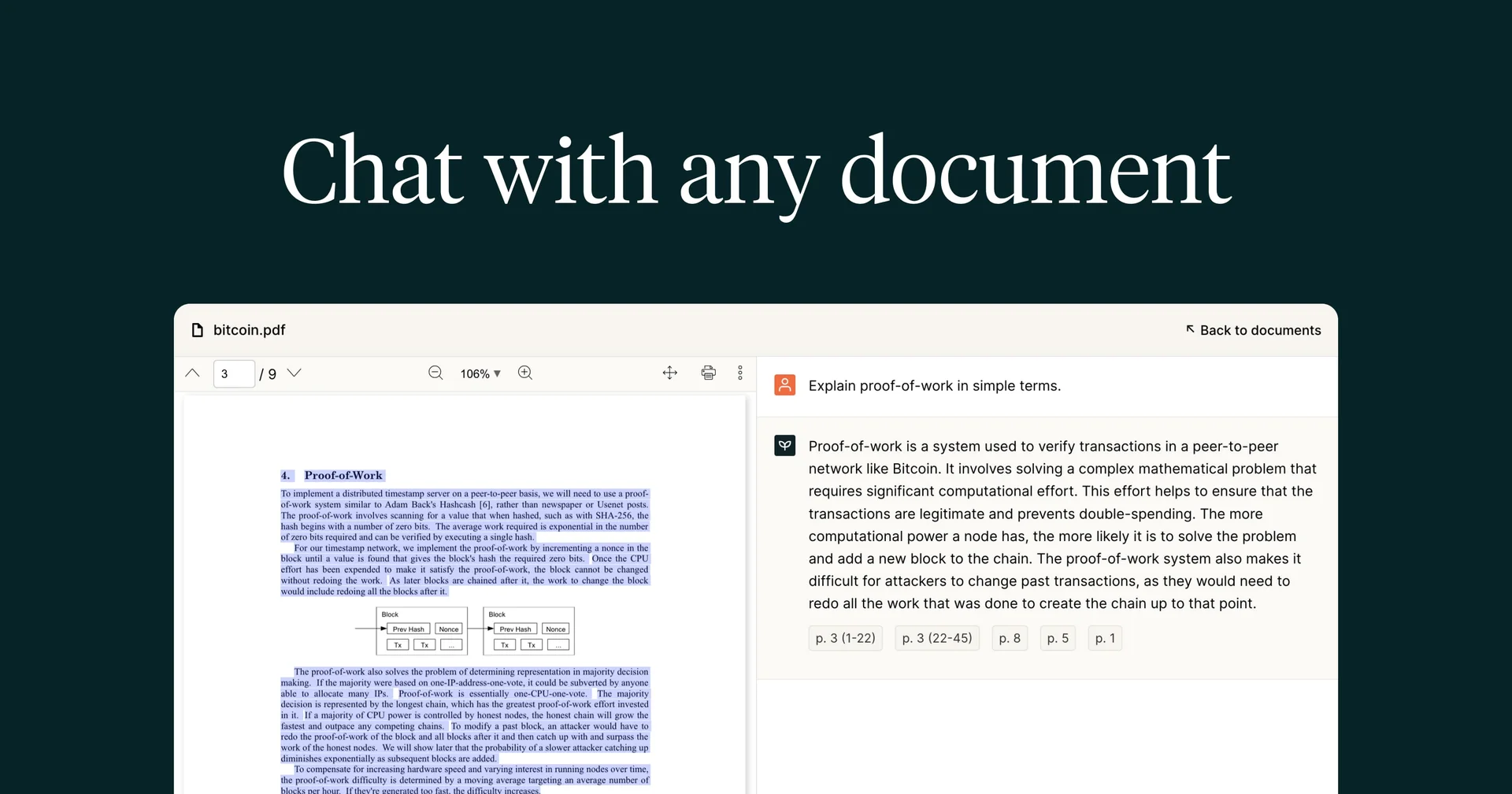
PDF.ai enables users to upload any PDF file — whether research papers, contracts, or reports — and interact with it conversationally using natural language. It reads, understands, and answers questions based on the document’s contents, making information retrieval faster and more intuitive.
⭐ What does the tool actually deliver based on user experience?
• Upload and instantly analyze large PDF files
• Ask questions and get context-based answers directly from the document
• Generate summaries, key points, or insights automatically
• Extract tables, figures, and references accurately
• Support for multiple document types (research, business, legal, etc.)
• Integrates with cloud storage like Google Drive and Dropbox
🤖 Does it include automation?
Yes — PDF.ai automates the entire document-understanding process:
• Parses PDF structure and text using AI-powered OCR and semantic search
• Detects context to generate concise answers
• Automatically summarizes long sections
• Performs continuous learning from previous queries to improve responses
💰 Pricing Model:
Freemium (with credit-based usage limits and paid tiers)
🆓 Free Plan Details:
• Upload limited number of PDFs per month
• Basic Q&A and short summaries
• File size limit (typically around 10–20 MB)
• Community support
💳 Paid Plan Details:
• Pro: ~$15/month — higher upload limits, faster processing, advanced summaries
• Team/Enterprise: Custom pricing with API access, shared workspaces, and priority support
🧭 Access Method:
• Available as a Web App
• Chrome extension and API integration available