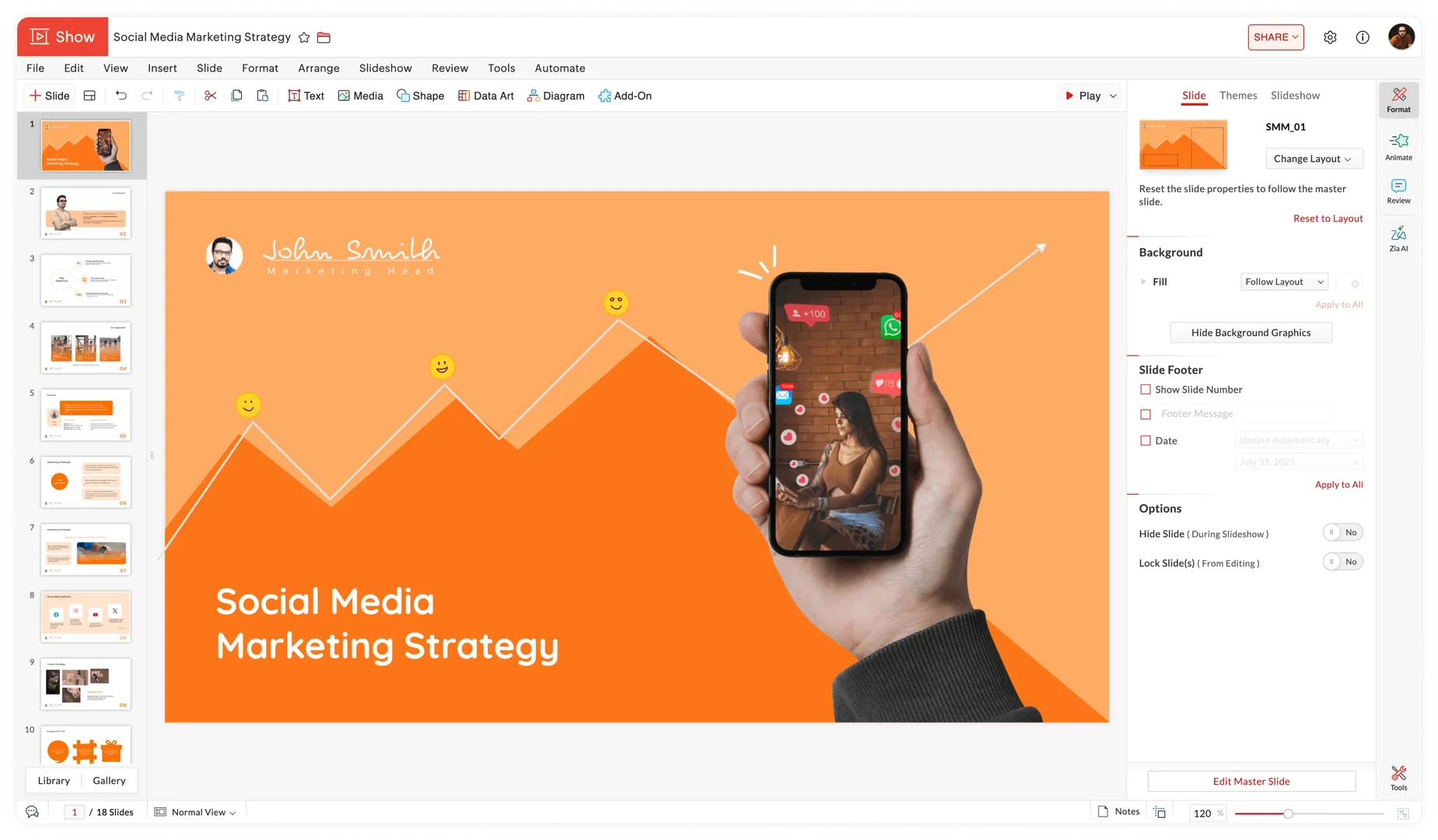
Description
Pricing Details
Zoho Show's pricing model includes a free plan for individuals and a Professional plan designed for teams and organizations, with the option to scale up as business needs grow. The free plan is available for $0 and offers more than 100 templates and slides, unlimited cloud storage, file uploads of up to 500 MB, as well as animations, integrations, mobile apps, offline mode, file import, and unlimited file version history. The free plan also includes sharing and collaboration tools such as secure sharing, role and permission management, real-time collaboration, comments, slide locking, and password protection for exported files. It also includes presentation, streaming, and embedding features, along with two-factor authentication, encryption, and HIPAA compliance. The Professional plan is designed for teams and organizations and starts at $2.50 per user per month when billed annually. It includes all the features of the free plan, plus storage starting at 1 terabyte per team, the Zoho Office Suite, team folders, advanced access permissions, comprehensive content search, file uploads starting at 1 gigabyte, a dedicated brand assets library, integration with LiveCast, user management tools, and an admin dashboard. The Professional plan offers a 15-day trial and can be subscribed to through Zoho WorkDrive or Zoho Workplace. The page also notes that local taxes such as VAT and GST are added to the listed prices. Therefore, Zoho Show’s model can be considered freemium: extensive free use for individuals, with a paid plan for teams and organizations starting at $2.50 per user per month when billed annually.