Description
️ 🖼Tool Name:
Home Planner
🔖 Categories:
Smart Interior Design; 3D and Architectural/Interior Design; 3D Modeling and Rendering; Architecture and Interior Design; Image Design and Creation; Product Display and AR/VR; Removal and Replacement of Elements and Backgrounds.
️ ✏What does this tool offer?
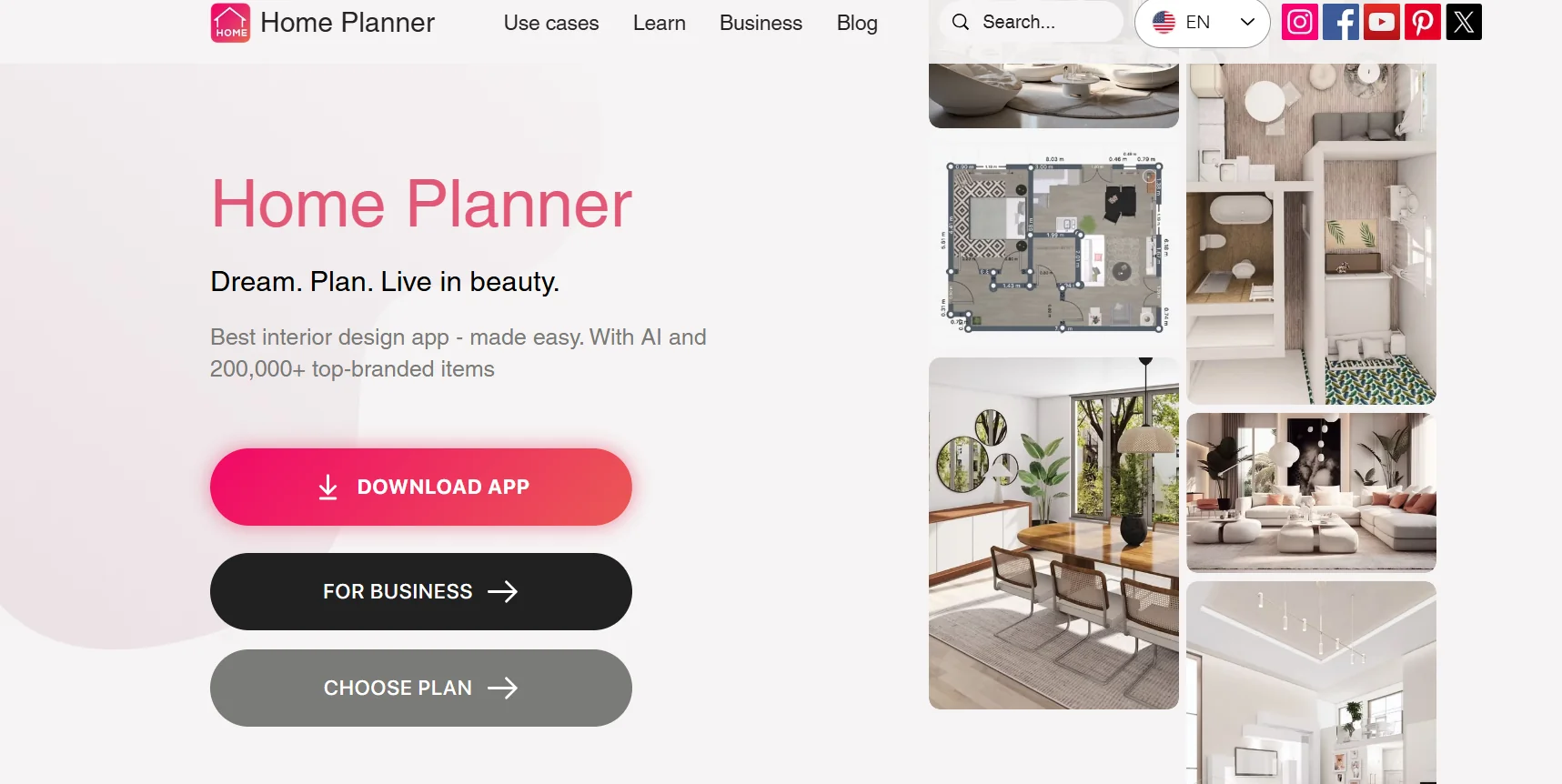
Home Planner is a platform and app for designing rooms and homes and planning 3D interior and exterior spaces, aimed at homeowners, beginners, and designers, and requires no prior design experience. It allows you to create detailed layouts, freely arrange furniture and elements, and preview the 3D design before making changes in real life. According to the official website, the platform is trusted by more than 30 million users and has high ratings across app stores.
The platform includes AI Redesign,which allows you to upload a photo of a room and receive an AI-generated redesign in various styles; it also lets you upload a photo or floor plan, analyze it, and convert it into an editable 3D floor plan. You can also use your phone to scan a room and create a floor plan that includes furniture.
Home Planner offers a catalog featuring more than 500,000 items of furniture, decor, and materials from various brands, with the ability to design many types of spaces, such as living rooms, bedrooms, kitchens, bathrooms, children’s rooms, outdoor spaces, offices, garages, stores, cafes, and more.
The platform also allows you to work on real projects within a 3D environment, where you can move and customize elements and recreate the details of the space, with the ability to design from anywhere—even without an internet connection—according to the official website.
⭐ What does it actually offer based on user experience?
- Create 3D designs for rooms and homes.
- Try out different furniture layouts before implementing them in real life.
- Creating editable floor plans.
- Converting photos or sketches into 3D models and designs.
- Redesign rooms from a photo using artificial intelligence.
- Quickly experiment with different design styles.
- Scan a room with your phone to create a floor plan.
- Use more than 500,000 furniture, decor, and material items.
- Help designers present their ideas to clients and understand 3D designs more quickly, according to user reviews posted on the website.
- Test design options before buying furniture or starting a renovation.
- Work on various types of rooms and spaces, including residential and commercial spaces.
- A published case study from Home Planner highlights the use of LiDAR to scan rooms and create accurate models, along with AI Redesign to test design ideas and redesign spaces.
🤖 Does it include automation?
Yes. Home Planner relies on artificial intelligence, scanning tools, and automated recognition to reduce manual work in the design process.
One of the most notable automated features is AI Redesign,which analyzes a photo of the room and generates a redesign in a specific style, in addition to analyzing photos and floor plans and converting them into editable 3D floor plans. Scanning a room with a phone can also generate a floor plan that includes furniture.
The platform also includes LiDAR-based capabilities on compatible devices; Home Planner’s documentation indicates the ability to create accurate 3D floor plans using the phone’s sensors.
💰 Pricing model:
Freemium / Paid subscription.
Home Planner offers a free version, along with paid PRO and PRO+ plans. The paid plans provide access to additional benefits such as high-resolution rendering, more rooms and elements, augmented reality scanning features, and cross-device synchronization, with benefits varying by plan. The official website confirms that you can try the tool for free.
🆓 Free Plan Details:
| Feature | Details |
|---|---|
| Price | $0 per year |
| Usage | Personal |
| Renders | 3 2K-resolution images |
| AI Redesign | Create one 2K-resolution image using 21 styles |
| 3D Rooms | Up to 10 rooms |
| Item Catalog | 1,000 branded items, with limited access |
| Custom items | Import up to 5 items |
| Get Started | Get started for free |
💳 Paid plan details:
| Plan | Annual Price Listed | Key Features |
|---|---|---|
| PRO | $69.99 per year | Unlimited 2K renderings, unlimited AI Redesign across 21 styles, up to 20 3D rooms, over 500,000 elements, import 100 custom elements, AR Room Scan, room and wall dimension measurement, automatic floor plan recognition, and cross-device synchronization |
| PRO+ | $199.99 per year | Unlimited 4K renderings, unlimited 4K AI Redesign across 21 styles, unlimited 3D rooms, over 500,000 items, import 500 custom items, AR Room Scan, dimensioning, automatic floor plan recognition, cross-device synchronization, offline mode, 360° photos, priority in the rendering queue, advanced lighting settings, architectural floor plans for properties, renovation cost estimates, and commercial use |
According to the information provided, annual plans offer savings of up to 61% for PRO and 66% for PRO+ compared to monthly payments.
🧭 How to access the tool:
| How to Access | Details |
|---|---|
| iOS | Home Planner app on the App Store |
| Android | Home Planner app on Google Play |
| macOS | Dedicated app for Mac |
| Windows | Windows app |
| Offline functionality | Available on the official website |
| Phone | Supports scanning rooms and creating floor plans using a phone on compatible devices |
The official website states that Home Planner is available on the App Store, Google Play, Mac, and Windows, and allows users to design rooms and homes and work on projects across supported devices.
🔗 Link to the demo or official website: