Audio.com Vocal Remover
AUDIO.com AI Vocal Remover is a free online tool that uses artificial intelligence to separate human vocals from musical elements, with the goal of creating vocal-free tracks or extracting vocals from songs. It can be used to create karaoke tracks, backing tracks, remixes, and mashups, as well as for music training and education.
Last updated
Features
- Separates vocals from music to create vocal-free tracks
- Extracts vocals for remixes and mashups
- Creates karaoke and backing tracks
- 4-stem separation into vocals, drums, bass and other
- Accepts MP3, WAV, FLAC, M4A, AAC and OGG files up to 1 GB and 20 minutes
- Processes a typical song in about 30 to 60 seconds
- Previews results before download
- Downloads tracks as MP3, WAV or FLAC
- Works in the browser without installing software
Pricing Details
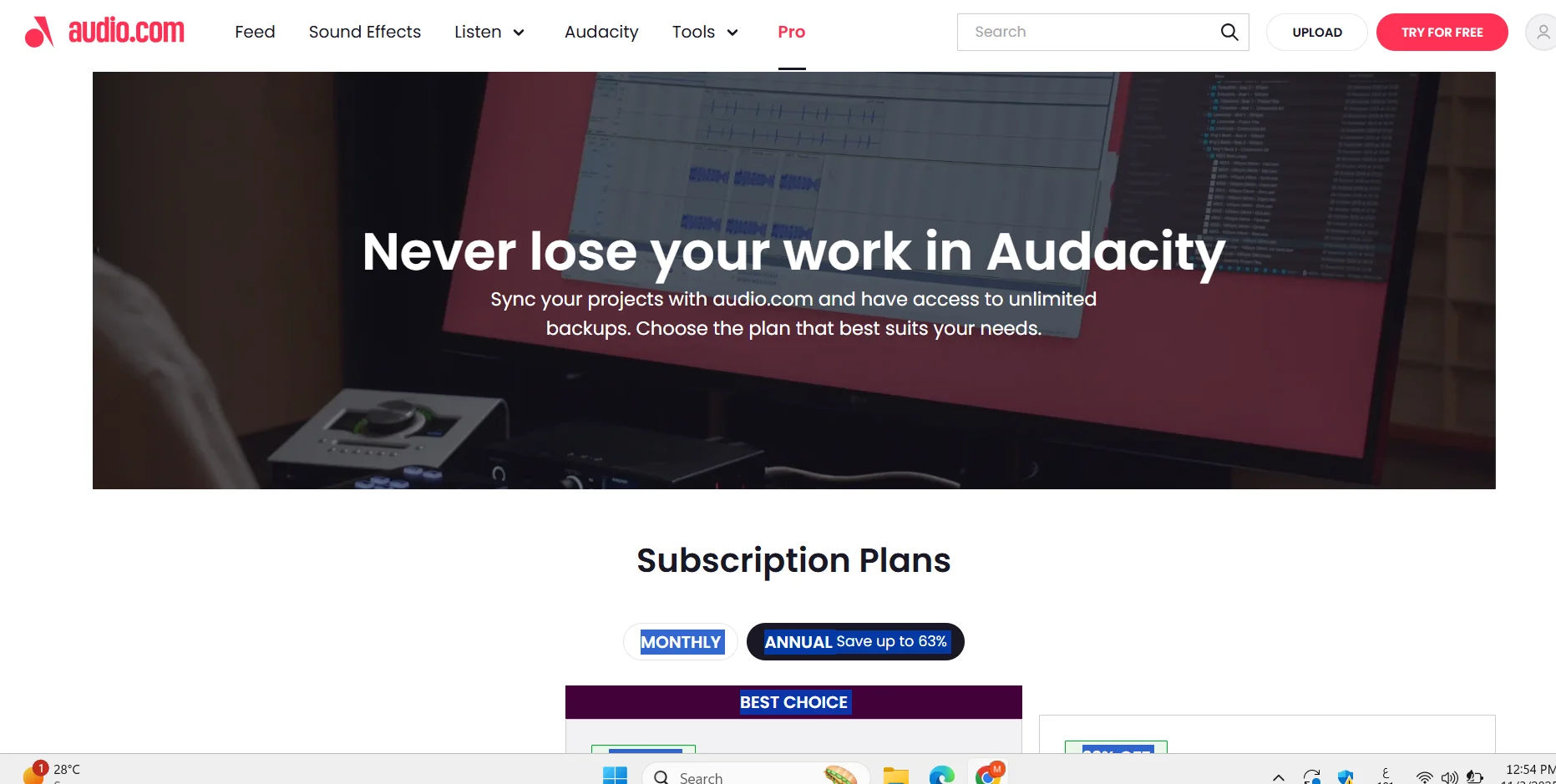
Audacity allows you to sync projects with audio.com and access unlimited backups, with the option to try the cloud sync feature for free for all audio.com users, where each user can upload up to 3 projects totaling 1GB for free. If a user needs additional storage or features, two subscription plans are available: Pro and Basic. The Pro plan offers a 61% discount and costs $69.99 per year instead of $179.88, which works out to $5.83 per month when paid annually, with the ability to cancel at any time and a free trial. Audacity Cloud includes an unlimited number of cloud projects, team collaboration, unlimited version history, and 2TB of cloud storage. The Audio Tools plan includes the AI Stem Splitter, AI Vocal Remover, AI Voice Extractor, Speech-to-Text Transcription, and Audio Converter tools, Creator Growth includes the “Earn with Audio.com” feature and unlimited promo pages, while Audio Hosting includes unlimited audio storage, an embeddable player, and unlimited downloads. Audio Streaming includes ad-free streaming and high-quality listening. The Basic plan offers a 40% discount at $49.99 per year instead of $83.88, which works out to $4.17 per month when paid annually, with the option to cancel at any time, Audacity Cloud includes an unlimited number of cloud projects, team collaboration, retention of only the latest version in the version history, and 250GB of cloud storage, Audio Tools also includes the AI Stem Splitter, AI Vocal Remover, AI Voice Extractor, Speech-to-Text Transcription, and Audio Converter.
Related Tips
- How to Create a Series of Educational Videos Using ChatGPT, PixVerse, and Nabat? · Audio & Voice, Text-to-Speech / Speech-to-Text…
- Integrating Claude and JXP Veo to Create Fun Science Videos for Kids · Video Generation & Editing, Text and Images to Video…
- A Comparison of Twistly and PageOn for Creating AI-Powered Presentations · Content Writing, Paraphrasing & Style…
- Prompt for creating worksheets to teach children how to write Arabic letters · Image Design and Creation, Text to Image Generation…
- How can you create a visual explanation of animals using NanoBanana in a way that helps students understand science and biology? · Image Design and Creation, Text to Image Generation…