Anakin.ai
Description
️ 🖼Tool Name:
Anakin
🔖 Categories:
• Automation and Smart Agents
• Chat/Voice Agents
• Code Generation and Review
• Business and Operations Management
• Integrations and APIs
• Interactive stories and characters
• Marketing and sales
• Content and copywriting
• Education and Research
• Programming and development
• No-code workflows
• Productivity and Scheduling
• Removing and replacing elements and backgrounds
• Rewriting and style improvement
• Text and images to video
• Generating images from text
• Text to speech / Speech to text
• Video ideas and scripts
️ ✏What does this tool offer?
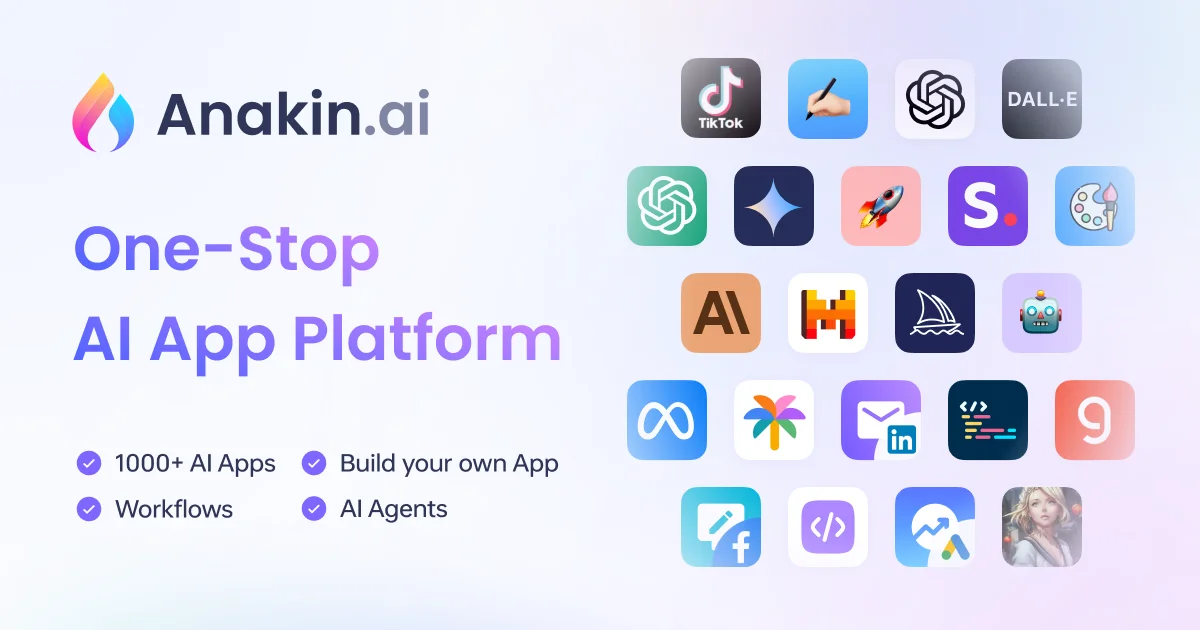
Anakin is an integrated AI platform designed to boost productivity by bringing together a wide range of AI models, tools, and applications in one place. The platform enables content creation, text writing, Q&A, and the generation of images, videos, and audio, as well as intelligent agents, automated workflows, and custom AI applications—all without requiring specialized expertise. The platform provides access to models such as OpenAI, Claude, DeepSeek, Stable Diffusion, DALL·E, Gemini, Mistral, and Meta Llama.
The platform includes tools such as Text Generator, Chatbot, Image Generator, Workflow, Batch Process, and Auto Agents, as well as more than 1,000 pre-built AI applications for various fields, including content creation, question answering, document search, process automation, and more. These applications can be used as-is or customized to meet the user’s needs.
Anakin provides a Batch Operations system that allows users to use a spreadsheet as a data source and run Anakin applications on hundreds or thousands of records to generate content, categorize data, label it, or extract information. It also enables the creation of custom AI applications using a no-code builder, including Text Generator, Image Generator, Video Generator, Workflows, Batch Processing Jobs, and Auto Agents.
The platform also allows you to create custom text applications using a visual interface, with the ability to customize the application’s appearance and the types of text it generates. It also provides a tool for creating chatbots and training them on user data so that they reflect the brand’s voice and personality; however, this feature is currently labeled “Coming Soon.” It also provides a tool for creating workflows by dragging, dropping, and connecting nodes, with the ability to modify request parameters, create sequences and agents, and deploy workflows.
It also offers Auto Agents to create custom AI assistants that automatically handle complex challenges; this feature is also marked as “Coming Soon.” It also includes a feature for connecting AI applications to other tools and services, which is listed as “Coming Soon.”
The app library includes examples such as DeepSeek, ChatGPT, Google Gemini 2.0, xAI Grok-3, Qwen, Midjourney Prompt Generator, Mixtral, AI Image Prompt Generator, Regex Generator, Inpaint-web, Social Media Script Generator, BeastGPT, PhotoGPT, Free Online Translator, Add Debug Statements, and others. These apps include features for conversation, text and image generation, document processing, translation, programming, prompt generation, image processing, and more.
⭐ What does it actually offer based on user experience?
• It provides over 1,000 pre-built AI applications for various uses.
• It allows you to use multiple AI models through a single platform.
• It enables the creation of content, emails, blog posts, images, and reports, as well as data processing, without the need to learn programming or write queries.
• It allows you to run AI applications on hundreds or thousands of records using Batch Operations.
• Provides tools for creating custom AI applications using a no-code interface.
• Offers specialized applications for programming, translation, query creation, writing, image generation, chat, and more.
🤖 Does it include automation?
Yes. Anakin includes several automation features, most notably Workflows,Batch Processing, andAuto Agents. Workflows allow you to create sequences of operations by dragging and dropping nodes and connecting them in the desired order, while Batch Operations let you automatically run applications on hundreds or thousands of records to generate content, classify data, or extract information.
Auto Agents also allow you to create custom assistants that automatically handle complex tasks, though this feature is currently listed as “Coming Soon.” The platform allows advanced users to utilize various AI models, external APIs, and write custom code to build advanced AI applications.
💰 Pricing Model:
Freemium, with a free plan and paid monthly subscription plans, as well as an on-premises option with custom pricing.
🆓 Free Plan Details:
| Feature | Details |
|---|---|
| Price | $0 per month |
| Credits | 30 free credits per day |
| Basic Features | Access to all core features |
| Batch | Limited Batch processing |
| Image Generation | Only one image per generation |
| Models | Supports only the Gemini model |
| Vector storage | 5M |
| Vector storage note | Approx. 1.2 million characters of vectorized data can be stored per 1MB (estimated using OpenAI Embeddings; this varies depending on the model). |
| Document Upload | Up to 50 documents |
| Sign Up | Sign up for free |
💳 Paid Plan Details:
| Plan | Price | Credit | Features and Limits |
|---|---|---|---|
| Basic | $9.90 per month — Save 23% | 9,000 credits/month | Everything included in the Free plan, unlimited batch processing, up to 8 images per generation, support for GPT-3.5, GPT-4, Claude Instant, Claude-3, and more, vector storage limit: 200M, upload up to 500 documents, API integration, third-party integration, dedicated customer service |
| Pro | $19.90 per month — Save 20% | 19,000 credits/month | Everything available in the Free plan, unlimited batch running, up to 8 images per generation, support for GPT-3.5, GPT-4, Claude Instant, Claude-3, and more, vector storage limit: 1G, upload up to 1,000 documents, API integration, third-party integration, dedicated client service |
| Premium | $39.90 per month — Save 13% | 39,000 credits/month | Everything available in the Free plan, unlimited batch processing, up to 8 images per generation, support for GPT-3.5, GPT-4, Claude Instant, Claude-3, and more, vector storage limit: 8G, upload up to 2,000 documents, API integration, third-party integration, dedicated client service |
| On-premises | Custom Pricing | — | Deploy and manage APIs on your own infrastructure, GDPR compliant, direct integration with model providers, dedicated API support, private LLM, source code licensing, custom integration and support |
🧭 How to access the tool:
| Access Method | Details |
|---|---|
| Web | Anakin Web and Launch App |
| Desktop app | A "Download" option is available; according to the information provided, it is available for download on Windows and macOS |
| App Store | Pre-built AI App Library |
| API | Available with paid plans |
| Third-Party Integration | Available on paid plans |
| On-premises | Available as a custom option for enterprises |
The official App Store page notes that Anakin apps are designed for desktop access and do not support mobile devices due to screen size limitations.
🔗 Demo link or official website: