Microsoft Fabric
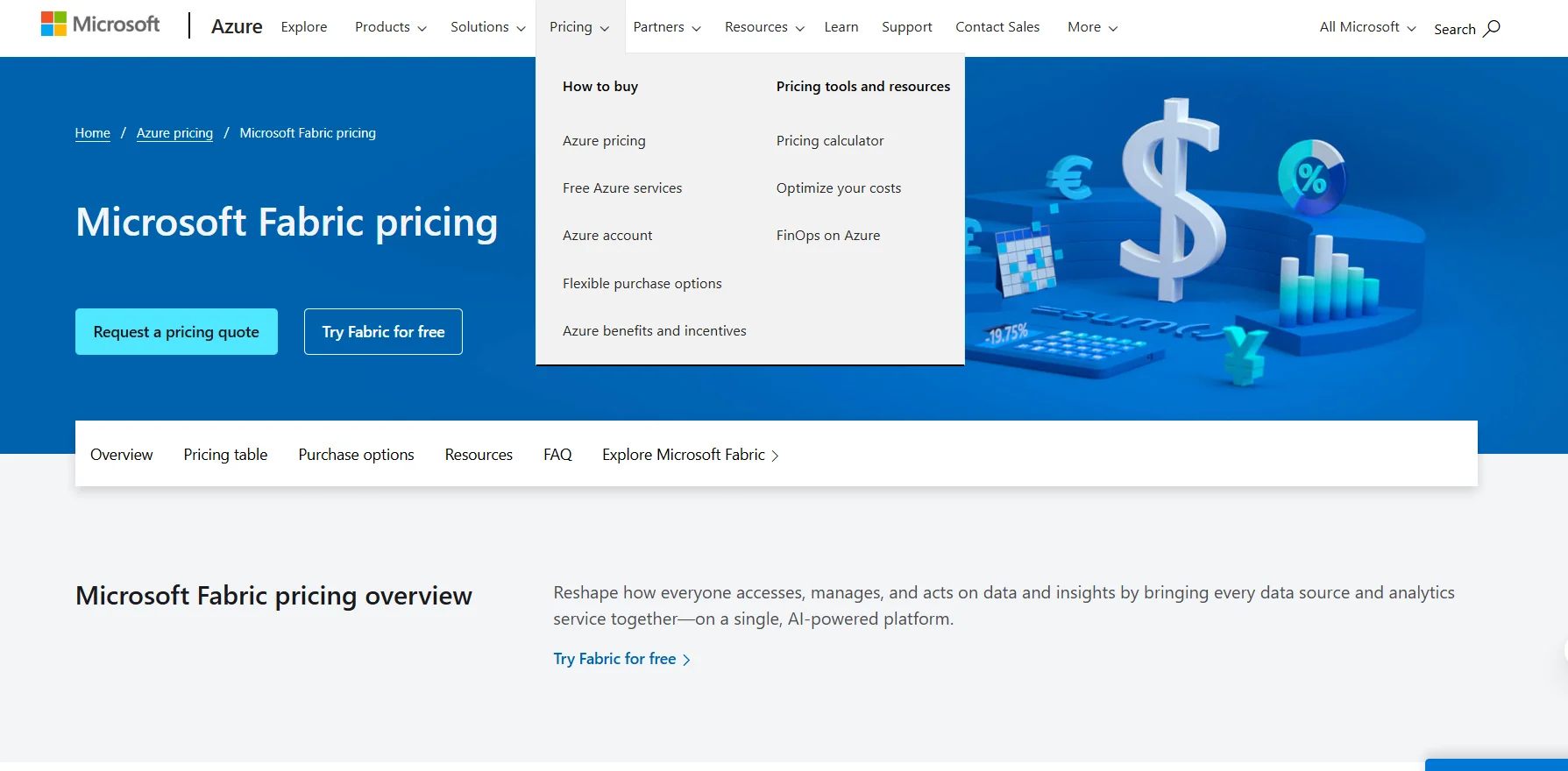
Description
️ Tool Name: 🖼
Microsoft Fabric
Categories: 🔖
Data and Analytics, Analytics and Dashboards, Predictive Analytics and Applied Machine Learning, Automation and Intelligent Agents, Business and Operations Management, Integrations and APIs.
️ What does this tool offer? ✏
Microsoft Fabric is a unified platform for data, analytics, and artificial intelligence that brings together a range of capabilities within a single shared computing capacity, from data modeling and data warehouses to business intelligence and AI experiences. The platform is based on Capacity Units (CUs) that can be used across different workloads without pre-allocating capacity, with the ability to scale up or down as needed and monitor usage and costs through a central dashboard. Fabric provides OneLake capabilities for storing data in a single location, with a single copy of the data across different analytics engines, the ability to connect third-party storage systems, and the use of open data formats. It also includes Mirroring to copy data from databases or data warehouses to OneLake and keep it continuously synchronized in near real time, Autoscale Billing for Spark enables automatic scaling of computing resources for dynamic or unexpected Spark workloads without impacting shared Fabric capacity. The platform also offers Fabric capacity overage to cover the cost of excess consumption and maintain operational continuity, as well assurge protection to limit background or workspace activity, in addition to the Smoothing feature, which evens out computing usage over time to help avoid additional costs. Microsoft also provides the Fabric capacity estimator tool to estimate capacity needs. Fabric can be purchased directly from Microsoft, through a Microsoft representative, or via an Azure partner; capacity can also be purchased from the Azure Portal after creating a free Azure account. Fabric integrates with Power BI; Fabric users who want to publish and share Power BI dashboards need individual Power BI Pro licenses, while Fabric Free users can only interact with dashboards created by others, though licensing requirements vary for certain high-capacity scenarios.
What does it actually offer based on user experience? ⭐
Microsoft Fabric focuses on bringing together various data sources and analytical workloads within a shared environment, while providing unified computing capacity and tools to monitor usage and costs and handle spikes in consumption. These use cases include data modeling, data warehouses, business intelligence, data analytics, and AI experiences, Spark workloads, data storage via OneLake, and data replication from external sources using Mirroring, as well as integration with Power BI. Microsoft also provides tools such as the Fabric Capacity Estimator and Pricing Calculator to help organizations estimate capacity needs and costs before purchasing. Microsoft also provides tools for managing consumption, such as Fabric capacity overage and surge protection, as well as the ability to pause or resize capacity in certain purchasing models as needed. These capabilities are documented on the official Microsoft Fabric pricing page.
Does it include automation? 🤖
Yes. Microsoft Fabric includes capabilities for automatic scaling and compute resource management, most notably Autoscale Billing for Spark, which enables automatic scaling of compute resources for dynamic, on-demand, or unpredictable Spark workloads. Fabric also provides tools such as Fabric Capacity Overage to handle overage consumption,surge protection to limit background activity or workspace usage, and Smoothing to even out compute usage over time.
Pricing Model: 💰
Microsoft Fabric uses a capacity-basedpricing model ,with two main options: Pay-as-you-go andReservation. Capacity provides a shared pool of computing resources for all Fabric workloads, with a minimum usage of one minute. Microsoft states that a one-year or three-year reservation can save approximately 41% compared to pay-as-you-go. Published prices are estimates, not actual quotes, and actual prices may vary depending on the type of agreement with Microsoft, the purchase date, and the currency exchange rate. Prices are calculated in U.S. dollars and then converted based on the London closing spot rates set before the end of the previous month. You can log in to the Azure Pricing Calculator to view prices associated with your specific Microsoft program or offer.
🆓 Free Plan Details:
| Item | Details |
|---|---|
| Free Trial | Try Fabric for free |
| Access Type | Free Trial |
| Capacity | Microsoft provides a fixed trial capacity of Fabric for each business user within the trial |
| Account | You can start the trial through Microsoft |
| Note | Free Mirroring capacity is not included with the Fabric Free Trial; it is available only for purchased capacities |
| Azure Free Account | You can create a free Azure account to access Azure services within the free tier limits |
Microsoft explains that you can start a free Fabric trial and receive a fixed Fabric trial capacity for each business user. The free Azure account also provides new users with more than 20 popular services free of charge for 12 months,more than 65 services that are always free,and a $200 credit to use within the first 30 days.
Paid plan details: 💳
| SKU | Capacity Units | Pay-as-you-go / month | Reservation / Month | Approximate Savings |
|---|---|---|---|---|
| F2 | 2 CU | $262.80 | $156.334 | ~41% |
| F4 | 4 CUs | $525.60 | $312.667 | ~41% |
| F8 | 8 CUs | $1,051.20 | $625.334 | ~41% |
| F16 | 16 CUs | $2,102.40 | $1,250.667 | ~41% |
| F32 | 32 CUs | $4,204.80 | $2,501.334 | ~41% |
| F64 | 64 CUs | $8,409.60 | $5,002.667 | ~41% |
| F128 | 128 CUs | $16,819.20 | $10,005.334 | ~41% |
| F256 | 256 CUs | $33,638.40 | $20,010.667 | ~41% |
| F512 | 512 CUs | $67,276.80 | $40,021.334 | ~41% |
| F1024 | 1,024 CUs | $134,553.60 | $80,042.667 | ~41% |
| F2048 | 2,048 CUs | $269,107.20 | $160,085.334 | ~41% |
| F4096 | 4,096 CUs | $538,214.40 | $320,170.667 | ~41% |
| F8192 | 8,192 CUs | $1,076,428.80 | $640,341.334 | ~41% |
How to access the tool: 🧭
| Method | Details |
|---|---|
| Free Trial | Start Try Fabric for free and get a fixed trial Fabric capacity per business user |
| Pay-as-you-go | Purchase Fabric capacity and pay for what you use |
| Reservation | Reserve capacity for one or three years and save up to ~41% compared to pay-as-you-go |
| Azure Portal | Purchase Fabric capacity from the Azure Portal after creating a free Azure account |
| Microsoft | Purchase Fabric directly from Microsoft |
| Azure Partner | Purchase and support through an Azure Partner |
| Calculate Cost | Use the Fabric capacity estimator to estimate your capacity needs |
| Pricing Calculator | Use the Azure Pricing Calculator to estimate expected costs |
| Request a Quote | Contact an Azure sales specialist or request a pricing quote |
| Monitoring Costs | Use a centralized dashboard to monitor usage and costs |
| Storage | OneLake for data storage, with Hot, Cool, Cold, and Cache options |
| Mirroring | Copy data from databases or data warehouses to OneLake and synchronize it nearly instantly |
The Azure Pricing Calculator is a separate tool from Microsoft for estimating the costs of Azure services. Estimates start at $0.00 for the initial and monthly costs when no products are added; services can then be added through the Product Selector. Product categories include Compute, Networking, Storage, Databases, Analytics, AI + machine learning, Containers, Security, and more. Users can also sign in to save estimates and access pricing tied to their specific Microsoft program or offer. Microsoft also offers a pay-as-you-go model in Azure, with more than 20 popular services available for free for 12 months to new customers and more than 65 services that are always free,plus a $200 credit for a free Azure account during the first 30 days.