Jimdo
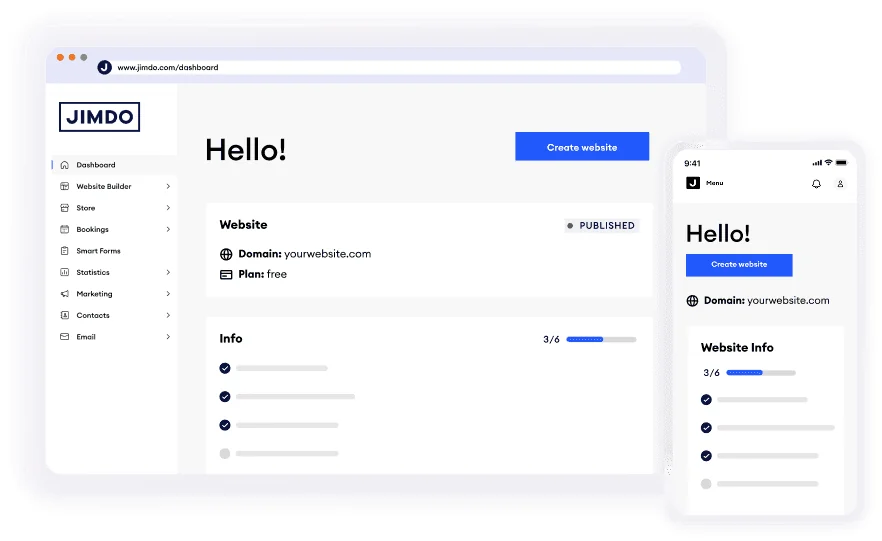
Description
🖼️ Tool Name:
Jimdo
🔖 Tool Category:
No-Code Workflows — an AI-powered website builder enabling users to create full websites without coding.
✏️ What does this tool offer?
Jimdo helps anyone (especially beginners and small businesses) build a professional website quickly by offering:
• An AI-assistant builder (called “Dolphin”) that asks questions about your business and then generates a personalized website with content and layout.
• A drag-and‐drop editor for further customization of the generated website.
• Integrated tools for e-commerce (online shop), bookings/appointments, payments, SEO and marketing.
• Hosting, domain management, and GDPR-compliance built in (European data centres) for simplicity.
⭐ What does the tool actually deliver based on user experience?
• Users report that with Jimdo’s AI builder you can go from idea → website within minutes, especially for simple business sites.
• The platform is very beginner-friendly: minimal technical skills required.
• Some trade-offs: limited design templates (~16 templates in earlier review) and fewer customization options compared to more advanced builders.
• For e-commerce: good for smaller stores (limits on product counts) rather than fully large-scale e-commerce operations.
🤖 Does it include automation?
Yes — Jimdo automates many of the website-building tasks:
• AI website generation: you answer a few questions about your business and the AI creates initial draft pages + content.
• Automatic responsive design, hosting and built-in tools (drop-in payments, bookings) so less manual setup needed.
💰 Pricing Model:
Subscription + free tier.
🆓 Free Plan Details:
• Jimdo offers a free plan (“Play” or similar) where you can build a site with a jimdosite.com subdomain and limited pages/features.
💳 Paid Plan Details:
• Paid plans start from approximately “$11/month” for basic website according to a 2021 review.
• Higher tiers include e-commerce plans, more storage/traffic, removal of branding, etc.
🧭 Access Method:
• Web-based: Visit and choose to create a site — you can either let the AI (Dolphin) build or use the editor manually.
🔗 Experience Link:
https://www.jimdo.com/