Onlook
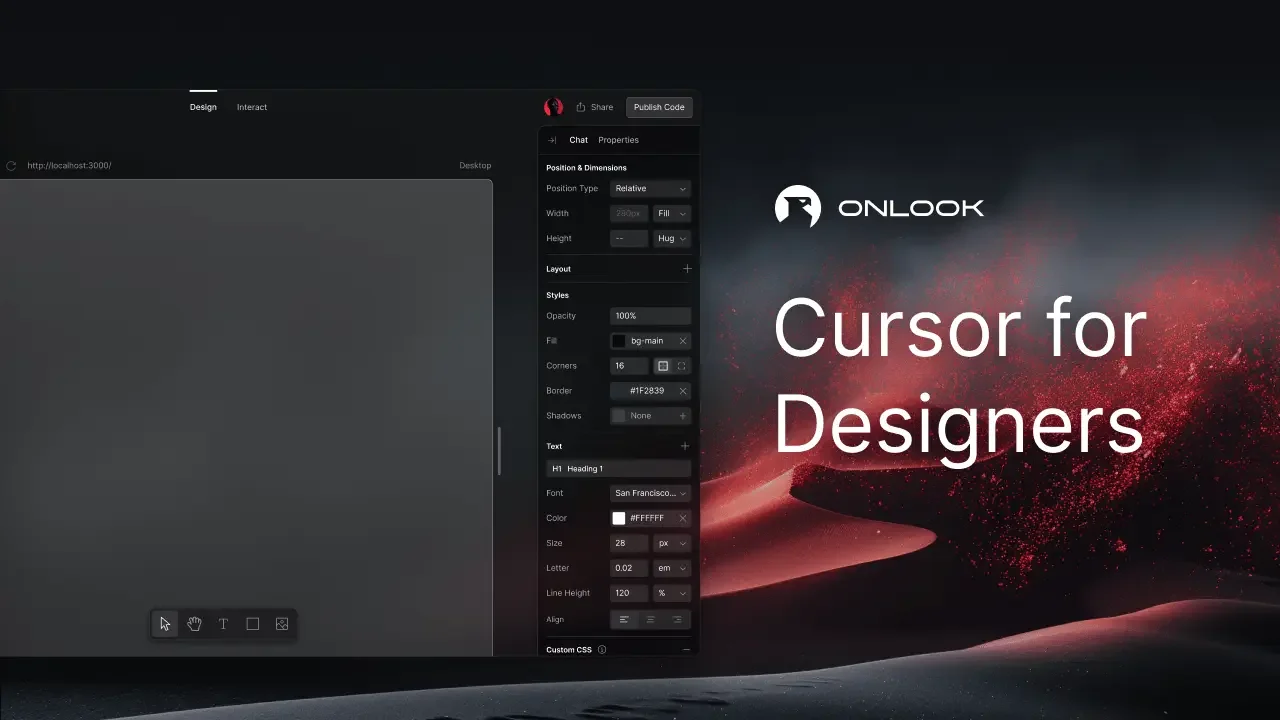
Description
🖼️ Tool Name:
Onlook
🔖 Tool Category:
No-Code / Low-Code Workflows — AI-powered visual code-editor that bridges design and development.
✏️ What does this tool offer?
Onlook allows designers, product managers, and developers to:
Visually create and edit web experiences (especially React/Next.js + TailwindCSS) with drag-and-drop elements and code-synced editing.
Use AI assistance to generate UI components from natural-language descriptions, suggest design improvements, convert designs into code, and debug issues.
Import existing projects (GitHub), integrate component libraries, export code, host or self-host, and collaborate in real time.
⭐ What does the tool actually deliver based on user experience?
Users found that Onlook can significantly speed up the process of turning design ideas into production-ready React code.
It helps reduce friction between designers and developers by keeping live code in sync with visual edits.
Some limitations include performance lag in complex edits, very constrained free tier, and still-maturing ecosystem—so ideal for teams willing to invest in setup.
🤖 Does it include automation?
Yes — Onlook automates:
Generating UI components from natural-language prompts or descriptions.
Syncing between visual interface and live code in real-time (edits in design reflect code and vice-versa).
Integrating with existing codebases, enabling push-to-deploy workflows, and aligning design with production infrastructure.
💰 Pricing Model:
Freemium + Paid tiers (details evolving).
Free / open-source core available (GitHub repo, Apache-2.0 licence).
Hosted/cloud version and enterprise/team features under paid model (demo/book a call).
🆓 Free Plan Details:
The core tool is open-source; you can self-host or use the basic version for free.
Note: free tier may have limitations (e.g., message limits, fewer features) for the hosted version.
💳 Paid Plan Details:
Paid tiers unlock more messages/AI generation, team collaboration, hosting, large-scale projects. Example reviews show paid version required for full productivity.
🧭 Access Method:
Visit to sign up or book a demo.
The GitHub repo is available for self-hosting or development.
🔗 Experience Link: