Description
🖼️ Tool Name:
InsightBase
🔖 Tool Category:
AI-powered business analytics and visualization platform; it falls under the categories of Analytics & Dashboards, Integrations & APIs, and Data Preparation & Cleaning.
✏️ What does this tool offer?
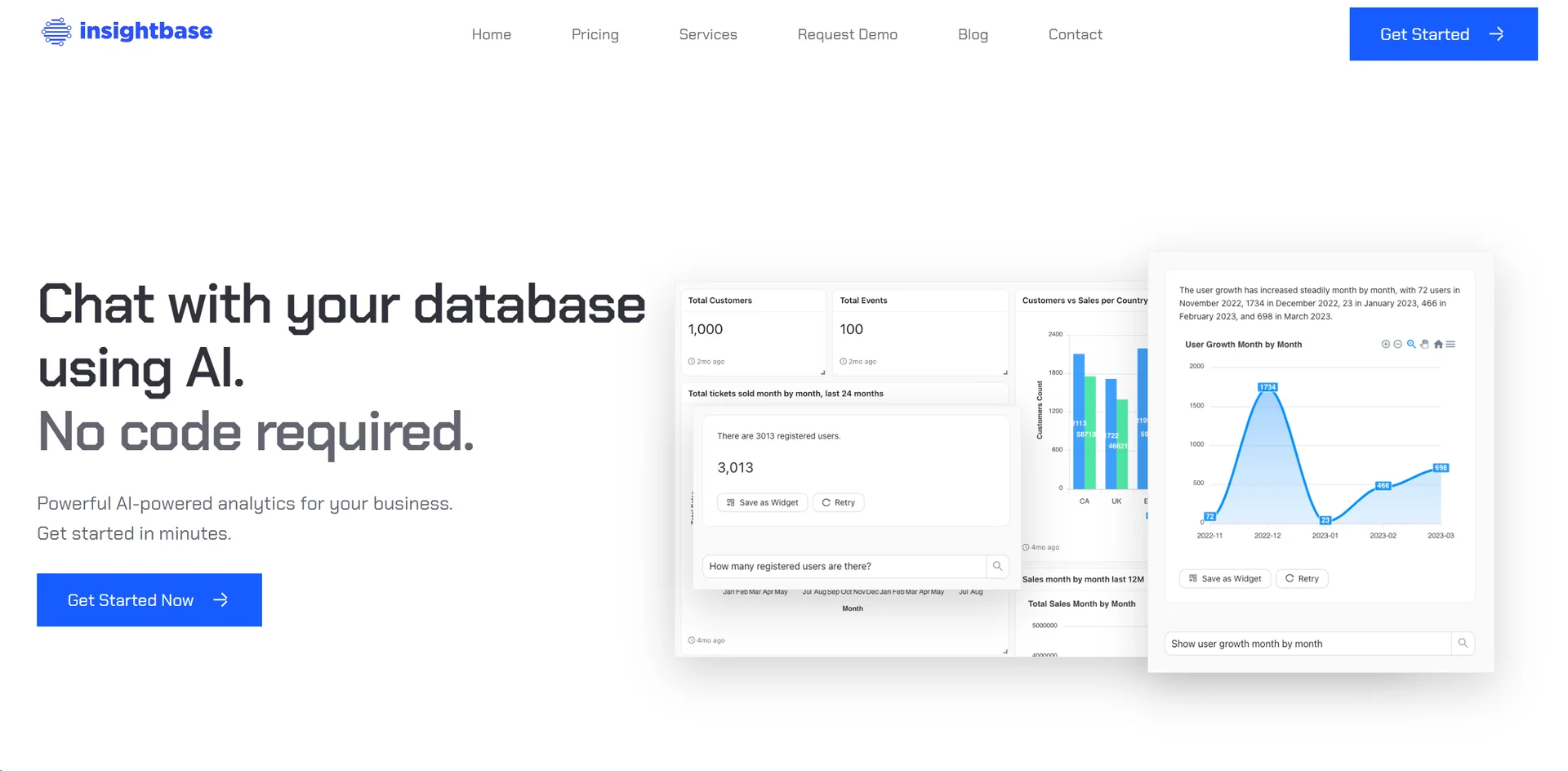
InsightBase allows users to connect to their databases and then query or explore data using natural language or visual dashboards. Key offerings include:
• Chat-with-your-data: ask questions in plain English and get tables, charts, or visualizations rather than writing SQL.
• Drag-and-drop dashboard builder: create visual reports easily without deep analytics expertise.
• Real-time monitoring & alerts: set up metric tracking and get notified on changes.
• Supports connecting to common databases (PostgreSQL, MySQL, MSSQL, etc) and bringing in multiple sources.
• Custom coding options for advanced users: ability to use SQL/JavaScript extensions if desired.
⭐ What does the tool actually deliver based on user experience?
• Enables non-technical business users to ask questions of their data without needing to learn SQL.
• Reduces time-to-insight: dashboards can be built quickly and used for decision-making.
• Provides governance of data and visualization with minimal setup – “five minute configuration” according to one source.
• Empowers teams to embed analytic panels, share insights across the organization, and monitor key metrics in real time.
🤖 Does it include automation?
Yes — InsightBase includes automation features:
• Automatic generation of queries from natural-language inputs (i.e., speaking to your database) rather than writing code.
• Dashboards are auto-refreshing and support real-time updates when connected data changes.
• Alerts and notifications: automatic monitoring of metrics and trigger notifications when thresholds are breached.
💰 Pricing Model:
Freemium + Paid subscription.
🆓 Free Plan Details:
According to sources, there is a free version or trial to get started.
Paid tiers provide more data sources, dashboard connectors, alerts, larger data capacity.
💳 Paid Plan Details:
Exact pricing is not fully publicly detailed; the tool mentions tiers based on number of users, data size, features such as embeddings and custom code.
🧭 Access Method:
• Web-based platform. You sign up → connect your database → build queries/ dashboards.
• Works with standard SQL databases and integrates via APIs.
• No installation required beyond connecting data source.
🔗 Experience Link: