SaveMyLeads
Description
🖼️ Tool Name
SaveMyLeads
🔖 Tool Category
No-code automation & integrations platform; it falls under the category of workflow automation tools that connect apps, sync leads, and automate marketing/sales tasks without writing code.
✏️ What does this tool offer?
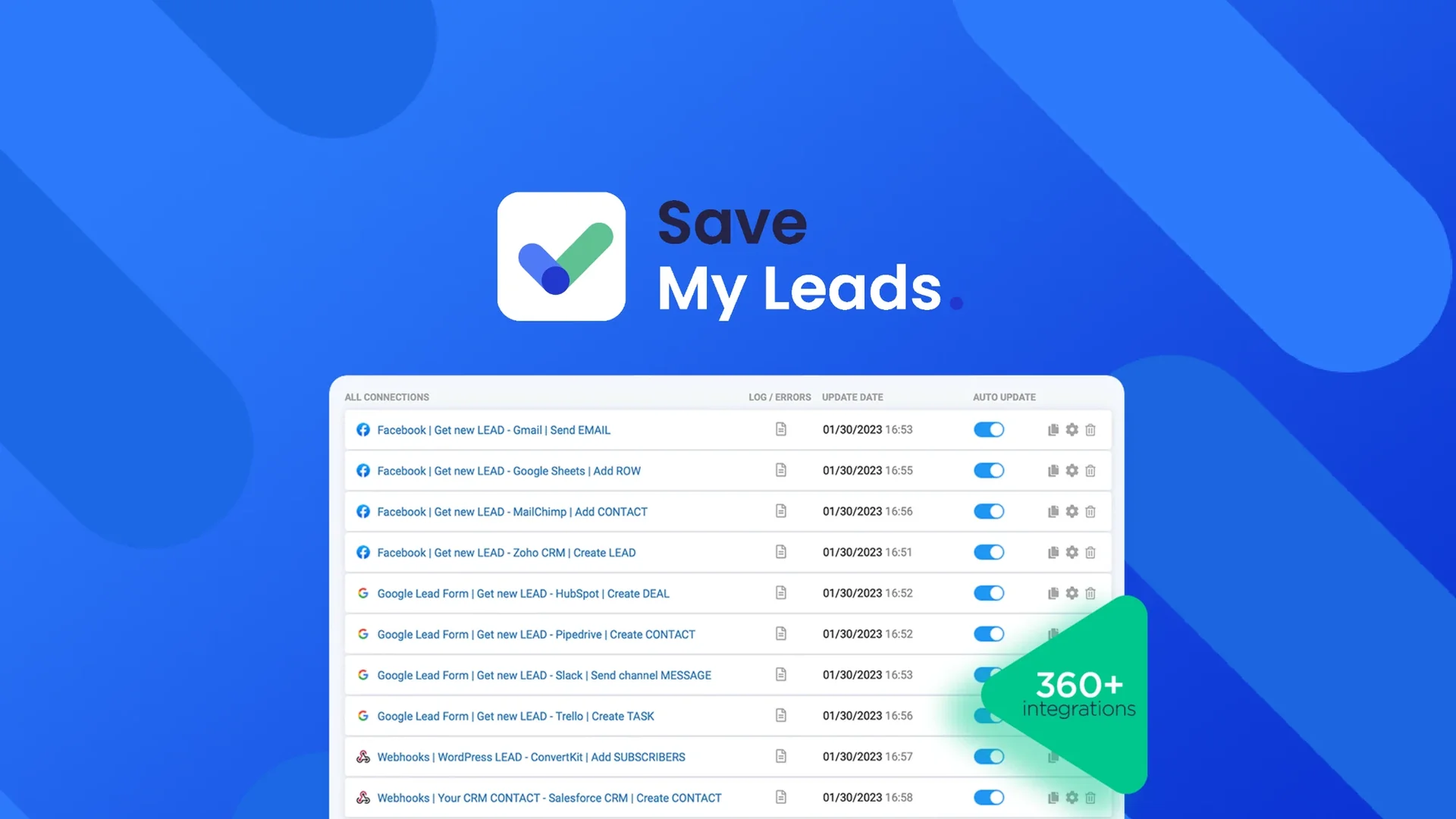
SaveMyLeads allows you to automatically transfer leads and data between platforms like Facebook Ads, Google Ads, CRM systems, email services, WhatsApp, Slack, and dozens of other tools.
It removes manual exporting and importing of leads, letting you create automated workflows (triggers and actions) to streamline marketing and sales operations.
⭐ What does the tool actually deliver based on user experience?
• Automatic transfer of leads from Facebook Lead Ads into CRM or email tools
• Instant delivery of new leads to email, SMS, WhatsApp, or Slack
• Simple visual interface — no technical skills required
• Reduces lead-loss due to late follow-up
• Supports notifications, tagging, and routing rules
• Users appreciate how fast they can connect apps without Zapier-level complexity
• Works reliably for agencies that manage multiple client accounts
🤖 Does it include automation?
Yes — automation is the main feature:
• Auto-sync new leads in real time
• Automated notifications to sales teams
• Auto-update CRM records
• Automatic triggers and workflows across marketing tools
• No-code setup with background execution 24/7
💰 Pricing Model
Subscription-based.
🆓 Free Plan Details
Typically includes:
• Trial access with limited tasks or workflows
• Ability to test integrations before paying
💳 Paid Plan Details
Paid plans usually offer:
• Unlimited or higher-volume workflows
• Faster lead syncing
• Multi-account support (agencies)
• Priority support
• More third-party integrations
Pricing depends on number of workflows and accounts.
🧭 Access Method
• Web dashboard
• No-code automation builder
• Integrates with CRM systems, ads platforms, email/SMS tools, and communication apps
🔗 Experience Link