AI Video Cut
Description
🖼️ Tool Name
AI Video Cut
🔖 Tool Category
AI-powered video repurposing & short-form clip maker; it falls under the category of tools that automatically cut long-form video into viral-ready formats (Shorts, TikToks, Reels) and social ads.
✏️ What does this tool offer?
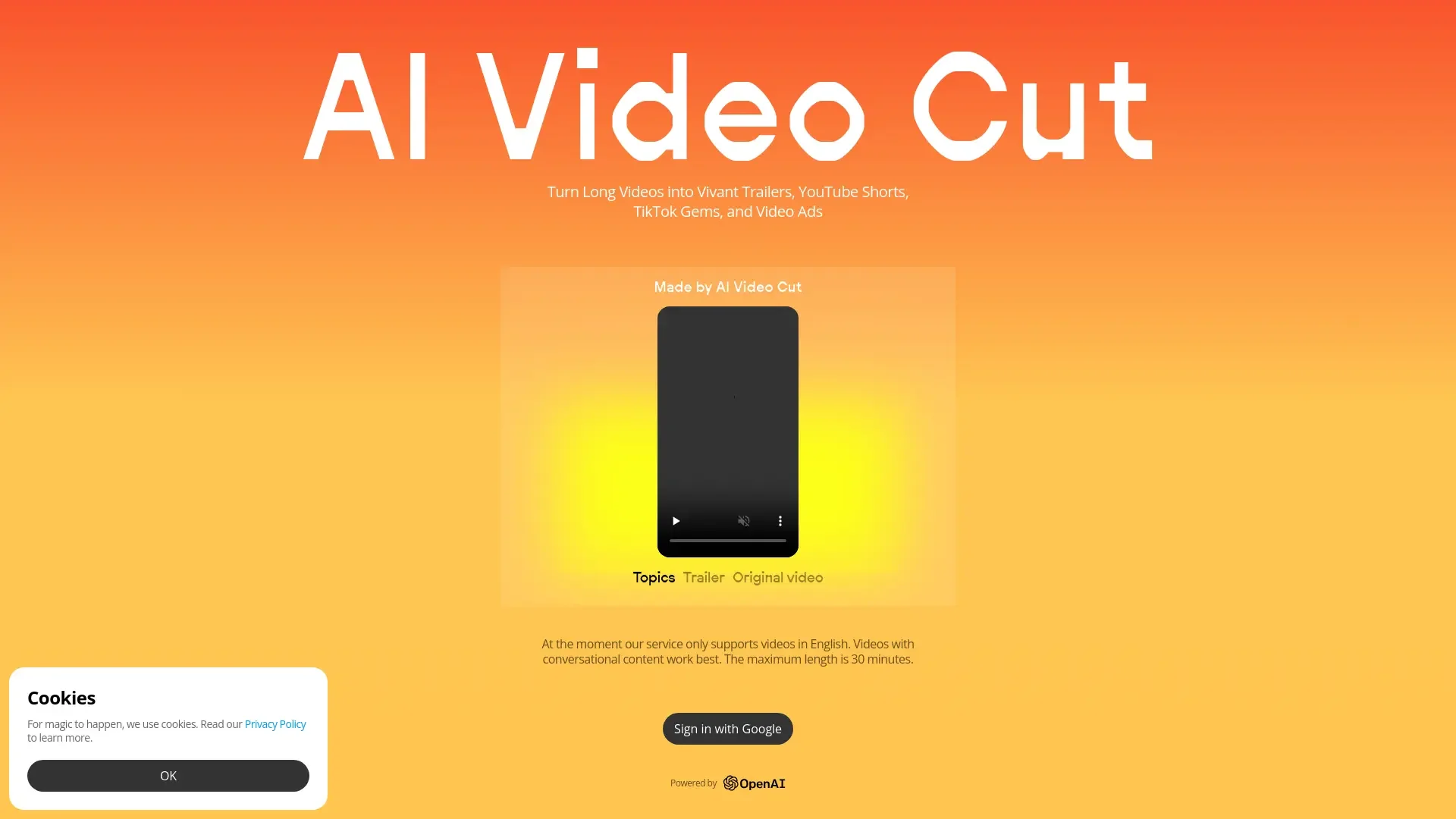
AI Video Cut enables users to upload or link a longer video (webinar, tutorial, livestream, YouTube upload) and instantly cut it into multiple viral-ready clips. According to the site:
Supports uploads (max 30 mins free) or YouTube links.
Offers prompts to generate clips with different purposes (teaser, product ad, highlight, meme).
Let users choose formats/aspect ratios (9:16 for TikTok, 1:1 for Instagram, 16:9 for YouTube).
Generates caption text, hashtags, and style suggestions.
Useful for content creators, social media managers, digital marketers, e-commerce etc.
⭐ What does the tool actually deliver based on user experience?
• Quickly generates short clips from longer videos, saving hours of manual editing.
• Helps brands and creators produce content optimized for each platform (TikTok, YouTube, Instagram).
• Provides multiple prompt options to vary the clip purpose (e.g., ad, highlight, testimonial).
• Free tier offers limited minutes (50 minutes free upload) and maximum length of 30 minutes for free uploads.
• Some users may find limitations in custom editing compared to full editors.
🤖 Does it include automation?
Yes — AI Video Cut automates multiple workflows:
Automated clip selection based on prompts.
Automatic resizing and format adaptation.
Caption / hashtag generation.
Automated download/export of ready-to-publish clip.
All of which significantly reduce manual editing effort.
💰 Pricing Model
Freemium + paid tiers. According to the website:
Free plan: one-time 50 minutes of upload time for free.
Paid plans: higher upload minutes (e.g., 1800 minutes/year or 3600/year) and longer video length up to 2–3 hours.
🆓 Free Plan Details
Free tier includes: up to 50 minutes of upload time (one-time) and video length up to 30 minutes for free uploads.
💳 Paid Plan Details
Paid tiers: e.g., “Starter” with 1800 minutes/year, “Pro” with 3600 minutes/year; upload size limit up to 4 GB, no watermark, multiple formats and regeneration of clips.
🧭 Access Method
• Web platform via upload or YouTube link.
• Choose prompt, aspect ratio, generate clips, download.
• Works for creators, brands, social teams.
🔗 Experience Link