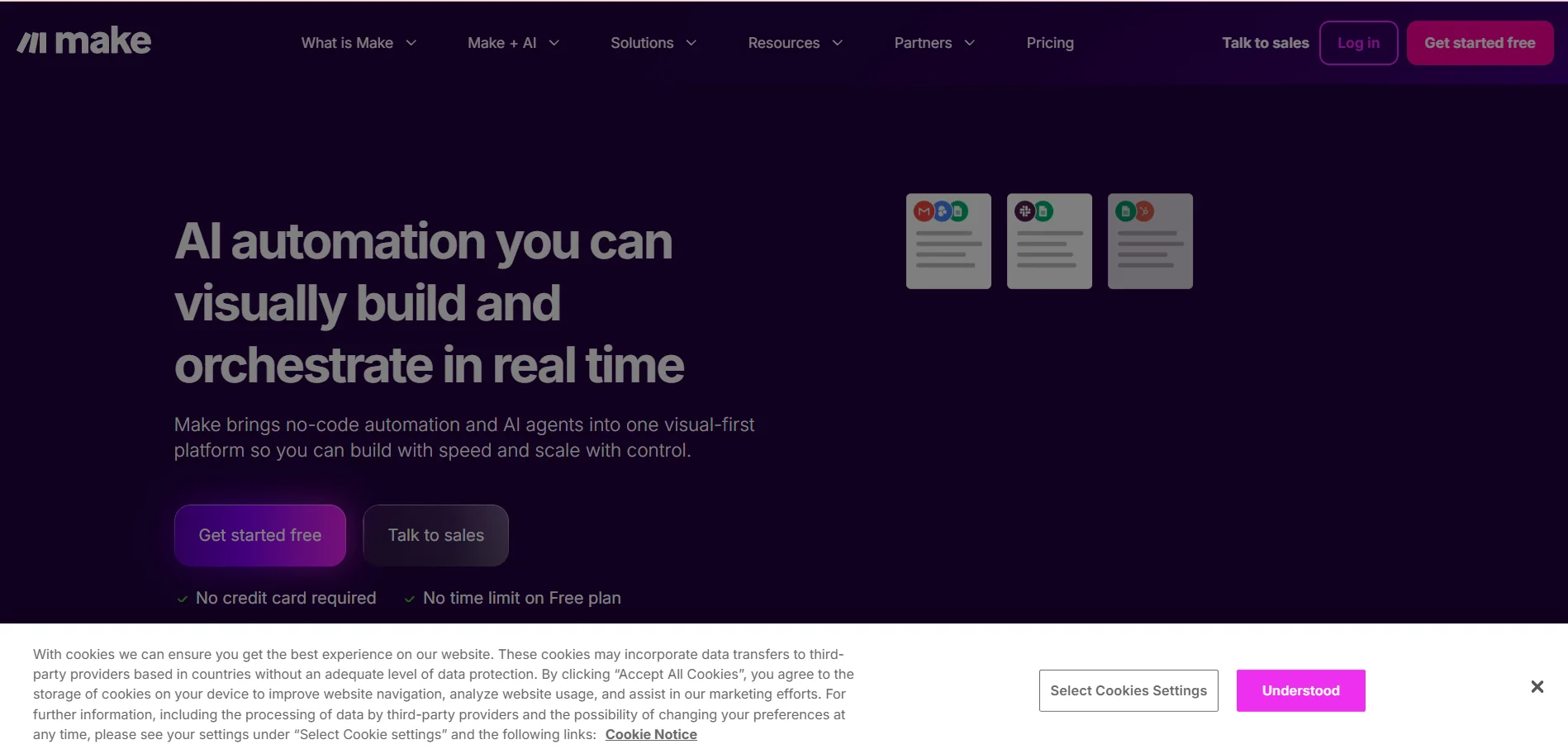
️ 🖼Tool name: Make.com
🔖 Tool categorization:
Workflow Automation / Application Integration Platform
️ ✏What does it do?
It enables you to connect multiple applications and services and build automated scenarios to automate repetitive tasks without the need to write code.
⭐ What does it actually offer based on user experience?
Intuitive drag-and-drop visual interface for automation design
Integration with thousands of apps and services
Support for complex operations: Conditions, branching, data transformation, webhooks, API integration
Suitable for individuals, small and medium-sized businesses, and even large teams depending on the plan
🤖 Does it include automation?
Yes - automation is at the core of Make.com, with the ability to create complete scenarios that run automatically when a "trigger" occurs, and includes advanced options for processing data and connecting different services.
💰 Pricing model:
Free + paid plans are available depending on the number of operations/credits, team size, and required features.
🆓 F ree plan details:
Completely free
1,000 operations/month
Create simple scenarios using the visual engine
Access to a range of integrated apps
Suitable for light use or experimentation
💳 Details of paid plans:
Core: About $9/month, includes 10,000 operations/month, unlimited scenarios, granular scheduling intervals, and access to Make's API
Pro: About $16/month, includes all Core features + priority execution of scenarios, custom variables, full execution history, better control over actions
Teams: Approximately $29/month, includes all Pro features + team collaboration functionality, role and authority management, scenario template sharing, multi-user organization
Enterprise: A plan for large enterprises with advanced security features, private integrations, technical support, advanced team management, and customized solutions based on company size
🧭 How to access the tool:
Available via browser (web) as a SaaS platform, it can be connected to cloud applications and services or use API/webhooks for proprietary systems.
🔗 Experience Link or official website - Experience Link:
make.com