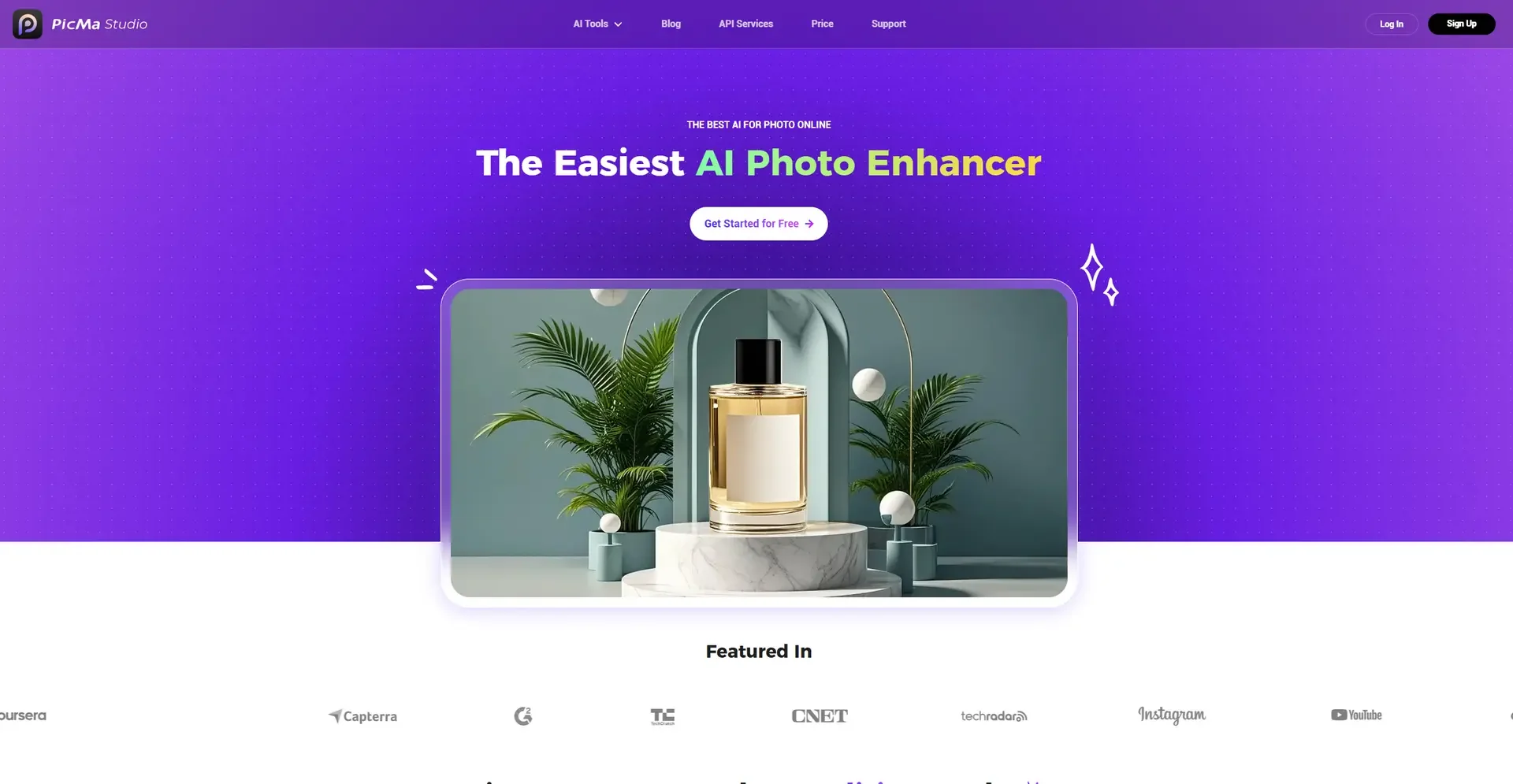
Description
🖼️ Tool Name:
PicMa Studio
🔖 Tool Category:
AI-powered Photo Editing & Portrait Enhancement Platform;
it falls under the category of Editing, Enhancement & Upscaling, Object & Background Editing, و AI Portrait Generation.
✏️ What does this tool offer?
PicMa Studio is an AI photo enhancement tool that specializes in improving portraits, restoring old photos, colorizing images, removing backgrounds, and upscaling low-quality pictures.
It helps users transform ordinary images into polished, high-quality visuals suitable for personal and professional use.
⭐ What does the tool actually deliver based on user experience?
• AI portrait enhancement (clarity, smoothing, lighting)
• Old photo restoration (fix damage, noise removal)
• AI colorization of black-and-white images
• HD and 4K upscaling
• Automatic background removal & replacement
• Object removal & cleanup
• Artistic portrait filters
• Face sharpening and detail repair
• Batch image processing
• Easy drag-and-drop interface
🤖 Does it include automation?
Yes — PicMa Studio is highly automated:
• Auto-detects faces and enhances them
• Auto repair of damaged images
• Auto color correction
• Auto-upscaling using deep learning
• AI style transfer for portraits
• One-click background removal
• Automatic detail reconstruction
💰 Pricing Model:
Freemium (Free + Paid upgrades)
🆓 Free Plan Details:
• Limited photo enhancements
• Standard resolution exports
• Watermarked results in some tools
💳 Paid Plan Details:
• HD & 4K enhancements
• Unlimited retouching
• Old photo full restoration
• Premium portrait filters
• No watermark
• Faster processing
• Batch editing
🧭 Access Method:
• Web application (browser-based)
• Upload → enhance → download
🔗 Experience Link: