TranslateImage AI
Features
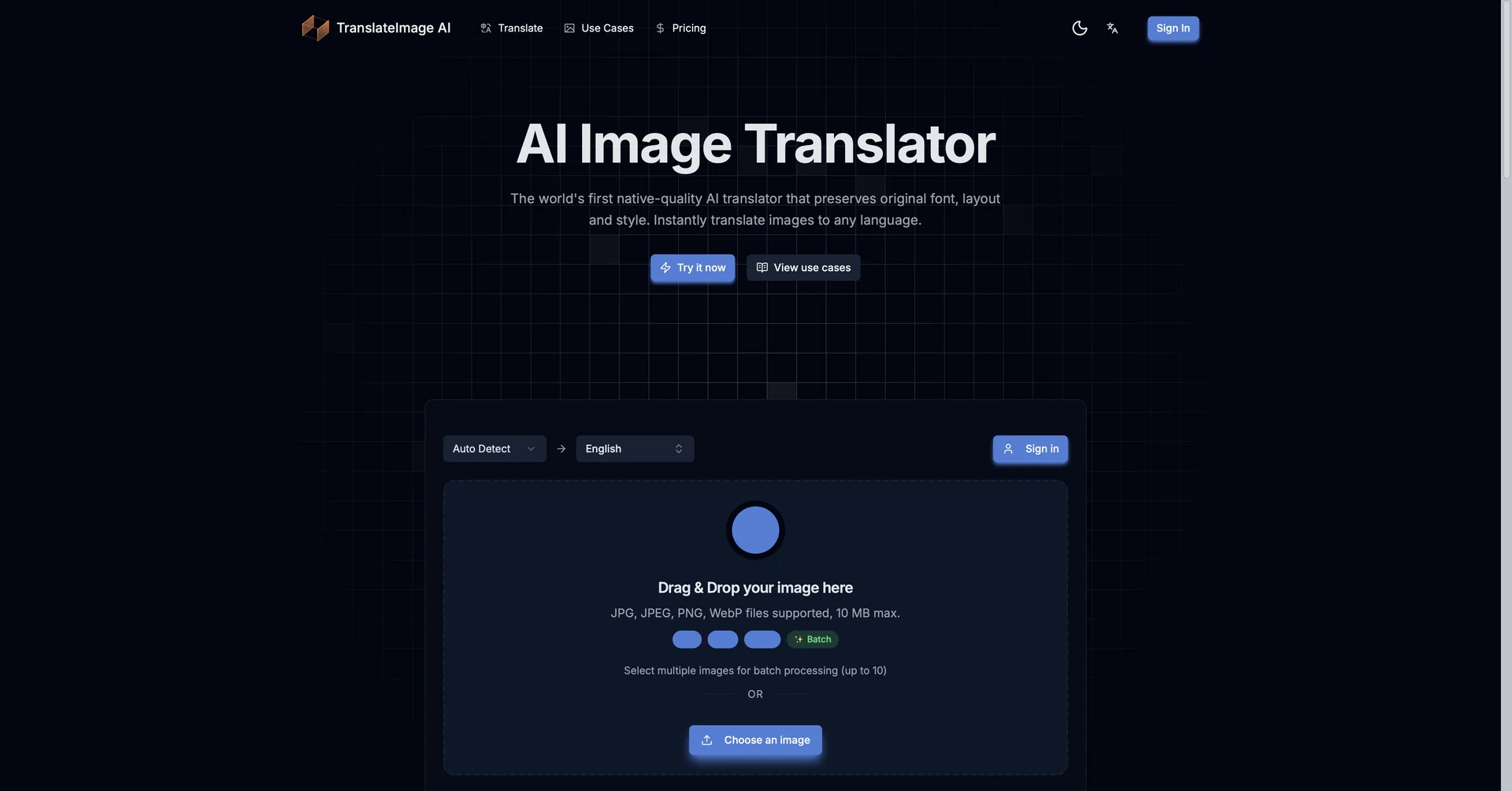
- Replaces image text with translations matching the original font, color and size
- Fills in the background after text removal so the image looks unedited
- Supports 130+ languages including Arabic, Chinese and Japanese
- Manga and comic mode for speech bubbles, vertical text and sound effects
- Batch translation of images uploaded as a ZIP file
- Editable text layers for adjusting font size, alignment and wording
- Works with JPG, PNG, WebP, BMP and scanned PDFs
- Google Workspace add-on for translating images in Drive or Slides
Pricing Details
💵 Pricing (January 2026 Status) TranslateImage AI typically operates on a "Freemium" or credit-based model. Plan Price (Approx.) Key Features Free / Basic $0 3–5 free translations daily; Limited resolution; Standard watermark. Starter ~$9.90 / mo Unlimited "Fast" credits; Support for up to 30,000 characters; No watermarks. Pro / Business ~$24.90 / mo High-res exports (4K); 1,000 Advanced LLM credits; Batch processing; Custom font uploads. Enterprise Custom Quote API access; Unlimited advanced credits; Privacy-first data handling (GDPR/CCPA compliant). 🎁 Is there a free version? Yes. Most 2026 variants (like those found on Visual Paradigm or Transmonkey) offer a Free Tier or a daily quota of free translations to help users bridge language barriers instantly.