ScreenHelp
Features
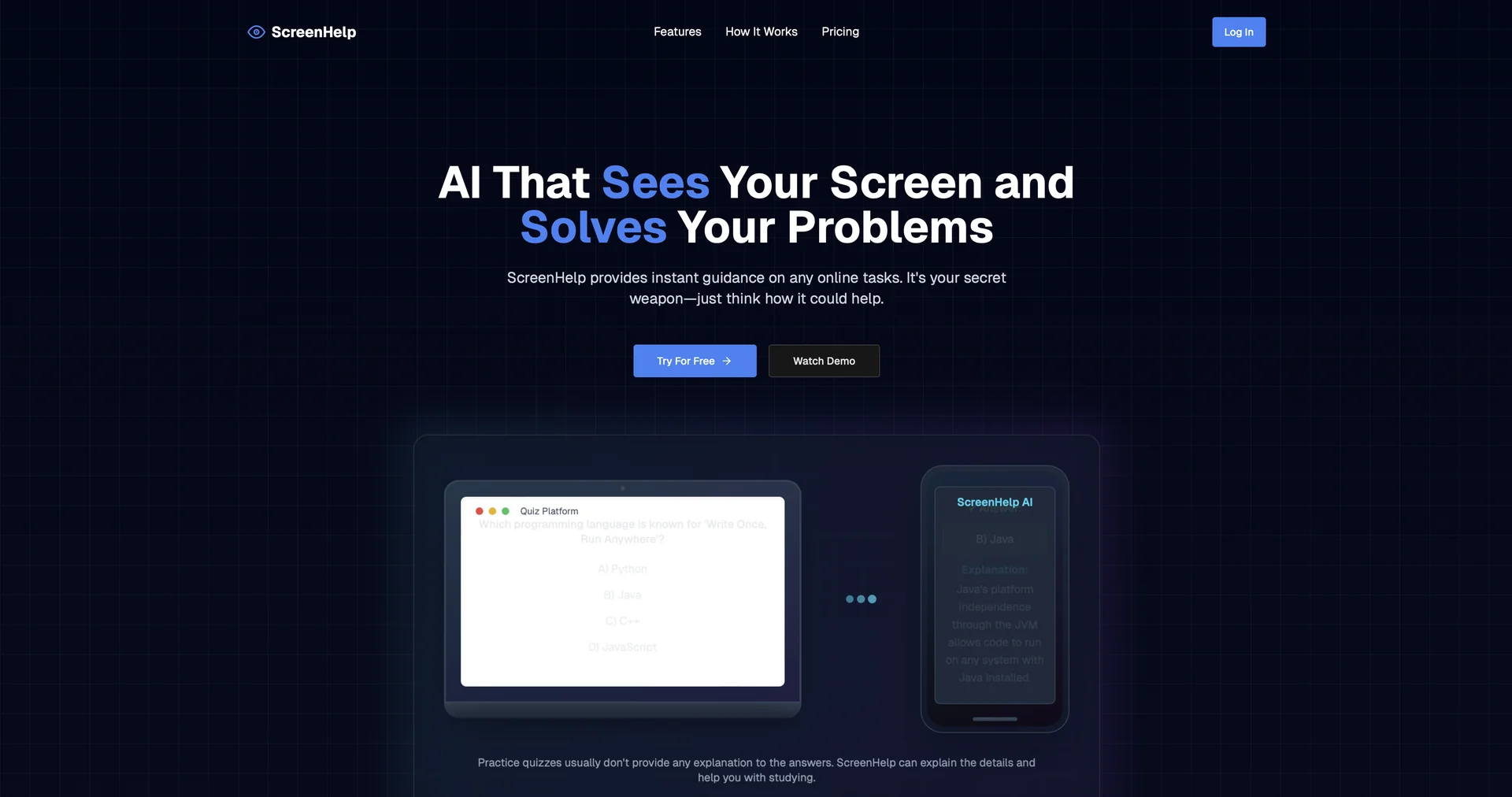
- Analyzes your shared screen or a specific tab without copying text
- Captures a screen section with custom keyboard shortcuts
- Explains quiz questions, math problems and coding errors in Study Mode
- Shows AI responses on a second monitor or mobile phone
- Runs in the browser through a Chrome extension
- Uses images, layout and text as context for answers
Pricing Details
💵 Pricing (February 2026 Status) ScreenHelp uses a request-based credit system with a very accessible entry point: Plan Price (Approx.) Key Features Free Tier $0 50 requests per month; All core screen analysis features included. Pro Monthly ~$10.00 / mo Unlimited requests; Faster AI response times; No watermarks on captures. Education / Annual ~$80.00 / yr Best value for students; Detailed step-by-step explanations; Priority support. 🎁 Free Access: ScreenHelp offers a generous Free Plan that gives you 50 requests every month. This is more than enough for casual users who need help with a few tough problems or research summaries each week.