Description
🖼️ Tool Name:
SMMAI
✏️ What makes SMMAI unique in 2026?
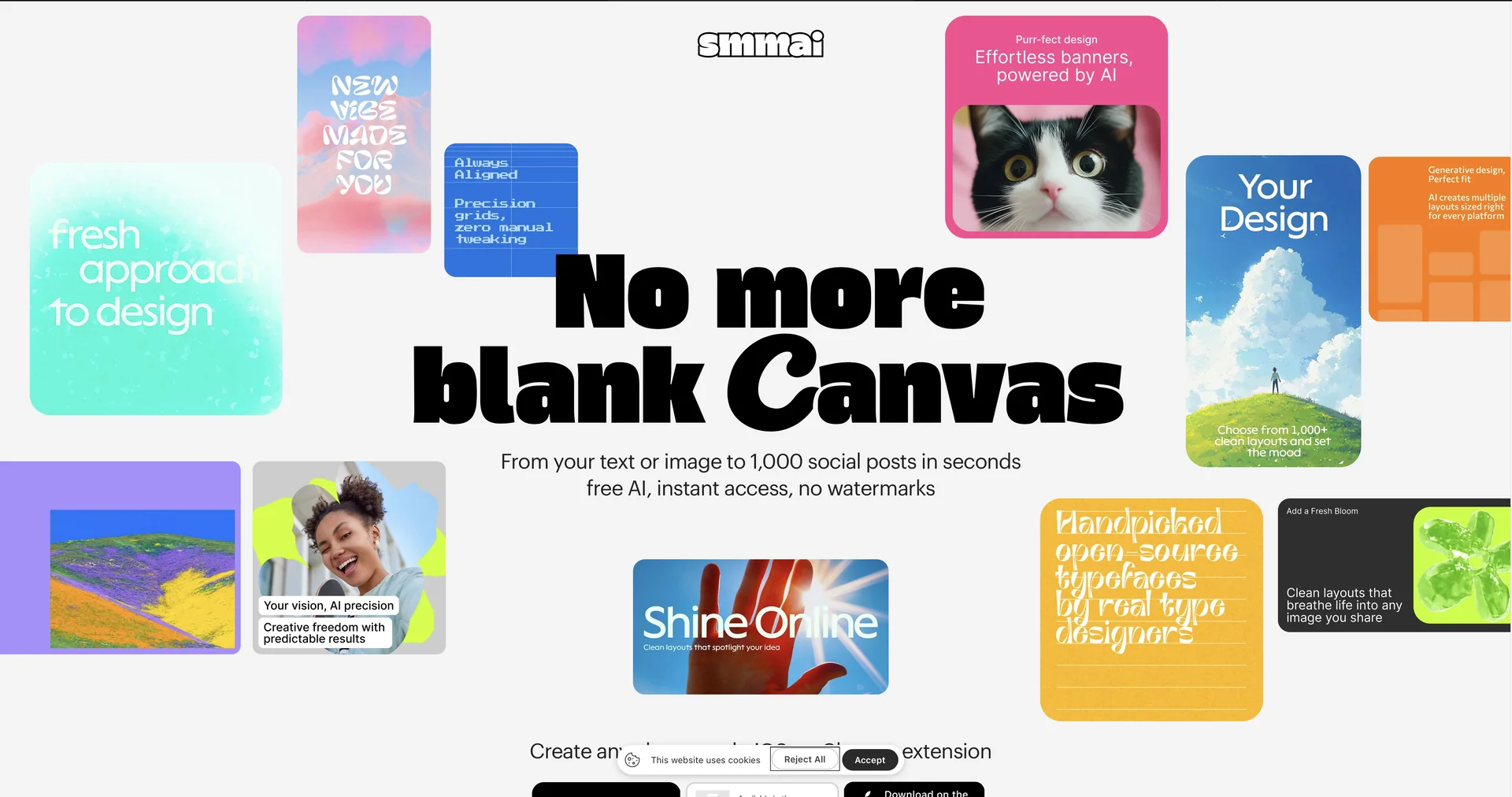
Instant Layout Grid: Unlike traditional editors where you build one design at a time, SMMAI generates a scrollable grid of 1,000+ minimalist variations for a single idea, allowing you to "choose, not build."
Core Social Sizes Out-of-the-Box: Instantly provides high-quality PNG exports in standard dimensions:
1200×1200 (Square Feed)
1080×1920 (Vertical Stories/Reels)
1200×628 (Horizontal Ads/LinkedIn)
Zero Friction (No Signup): One of its most famous features is that it requires no registration. You can start designing and download your work instantly without an account.
No Watermarks: Even on the free tier, exported designs are clean and professional, with no forced watermarks.
Minimalist Aesthetic: The AI focuses on modern, clean, and professional typography, making it ideal for brands that value a "premium" feel.
Chrome Extension Magic: The extension allows you to right-click any image you find on the web and send it directly to SMMAI to be turned into a template instantly.
⭐️ User Experience (2026):
"The Speed King": Rated 4.9/5 on the App Store. It is widely used by "Indie Founders," busy SMM managers, and students who need "good-looking posts in under 30 seconds."
💵 Pricing & Plans (February 2026 Status)
SMMAI is primarily a 100% Free tool, though some premium features may apply to specialized enterprise-level needs:
🎁 How to Get Started:
Visit smmai.app or download the app. Type your headline, upload your image (or use the AI generator), scroll through the endless variations, and hit "Download."
⚙️ Access or Source:
Official Website
Category: AI Graphic Design, Social Media Automation, Content Creation.
Primary Use Case: Rapidly creating high-end, minimalist banners, quotes, and announcement posts for Instagram, LinkedIn, X (Twitter), and Facebook.
🔗 Experience Link:
