The Logo Animation Toolkit
Features
- Compares AI logo animation apps and their key features
- Prompt-based animation that describes movement in plain language
- Pre-built 3D templates such as shattering, liquid and neon
- Converts 2D logos into 3D rotating objects with materials like gold and chrome
- Lottie (JSON) and 4K export support in most apps
- Covers professional tools like Adobe After Effects and Blender
Pricing Details
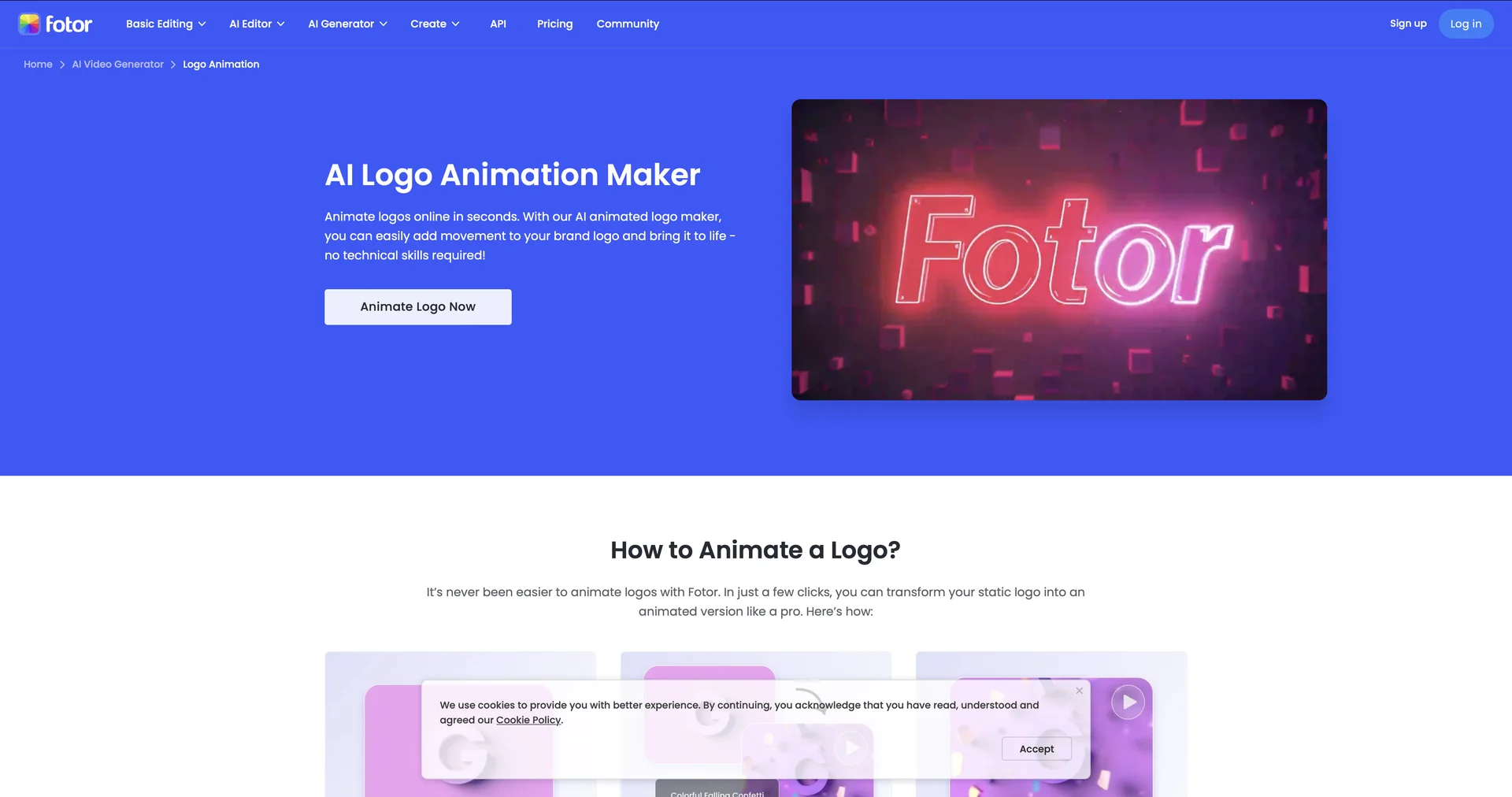
💵 Pricing & Plans (Typical 2026 Market Rates): Tier Price (Approx.) Expected Features Free / Basic $0 720p resolution; watermarked; limited to basic templates. Standard / Pro ~$10 - $25 / mo 4K exports; no watermarks; AI prompt generation; commercial license. Lifetime License ~$50 - $150 Available on tools like 3DLogoLab or Introbrand for one-time access. 🎁 How to Get Started: If you want something fast and impressive, start with Fotor or Renderforest. Simply upload your PNG logo (with a transparent background), choose a style, and let the AI render the video. For a more "branded" look, use Adobe Express to keep your colors and fonts consistent.