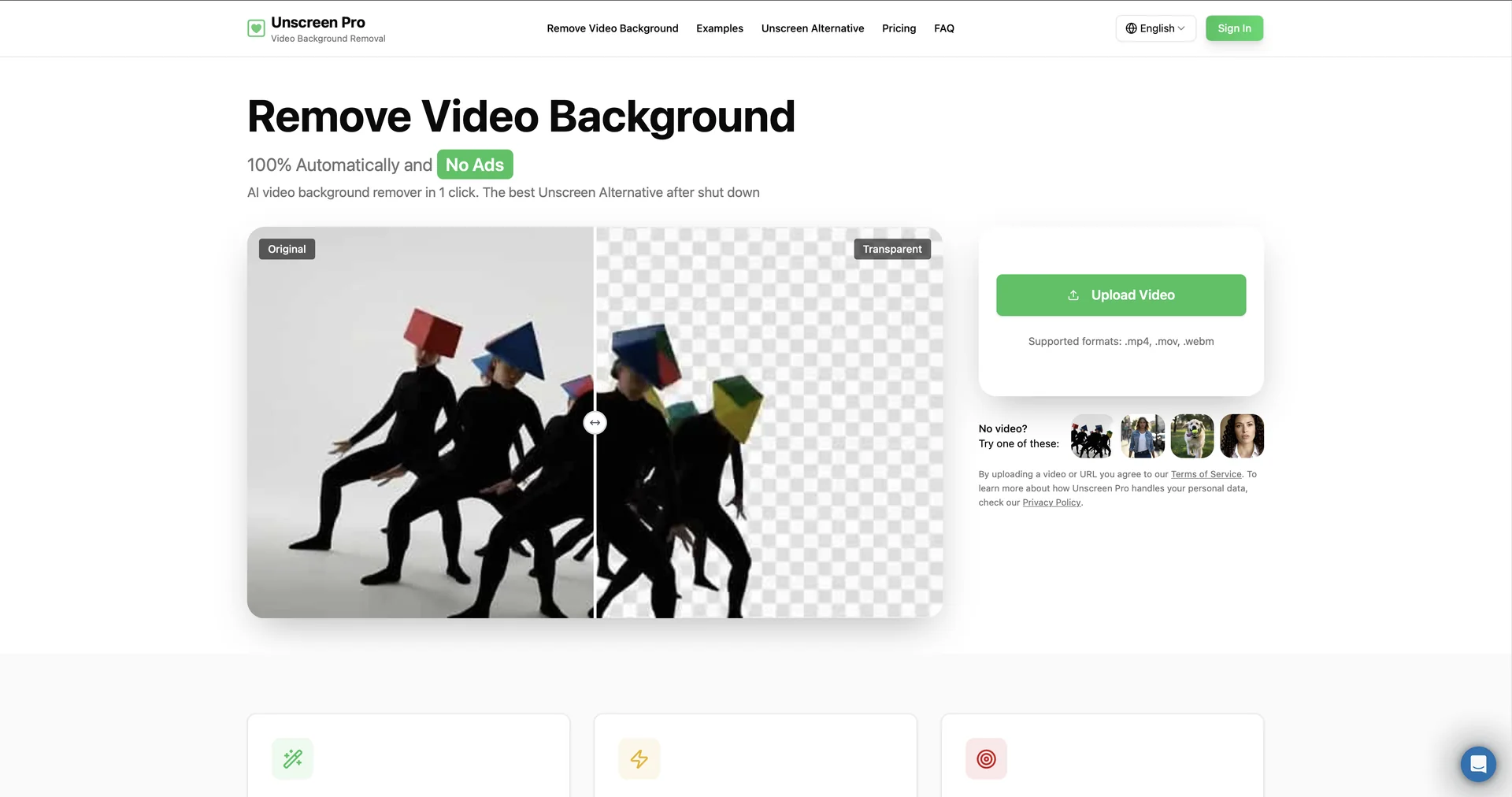
Description

🖼️ Tool Name:

Unscreen Pro

✏️ Overview & Key AI Features (2026 Edition):

  • Goodbye Green Screen: Unscreen Pro uses temporal-aware AI to distinguish between subjects (people, pets, and objects) and backgrounds in any lighting condition, eliminating the need for expensive studio setups.

  • Full HD & 4K Support: Unlike the free tier, the Pro version supports 1080p Full HD exports and introduces 4K beta exports for high-end cinematic projects.

  • The "Pro Bundle" Export: A unique output format containing a ZIP archive with an alpha matte video and a color video. This is specifically designed for seamless integration into professional NLEs (Non-Linear Editors).

  • Audio Preservation: Automatically maintains the original high-fidelity audio track of the video during the background removal process.

  • Extended Video Length: Supports processing of full-length clips (up to 2 hours or 2GB per file), making it viable for webinars, interviews, and long-form YouTube content.

  • Batch Processing API: (New for 2026) Allows enterprises to automate the background removal of thousands of clips simultaneously via a simplified webhook architecture.

⭐️ User Experience (2026):

  • "The Workflow Savior": Rated 4.8/5 by professional video editors. It is praised for reducing hours of manual rotoscoping into a "single-click, 30-second wait."

  • Platform Diversity: Users value the high compatibility with social formats, specifically TikTok and Instagram Reels, where high-quality transparent overlays are frequently used.

💵 Pricing & Plans (March 2026 Status):

Unscreen Pro utilizes a flexible credit-based system alongside a "Pay-As-You-Go" model.

PlanPrice (Approx.)Key Features
Free Preview$05-10 sec clips; Standard resolution; Watermark; Limited formats.
Pay-As-You-Go~$4.99 / minNo commitment; Full HD; No watermark; Pro Bundle access.
Subscription (Pro)~$99 / mo10,000 Credits; Priority processing; API access; 4K Beta exports.
EnterpriseCustomBespoke file size limits (2GB+); Dedicated API support; Bulk discounts.

🎁 How to Get Started:

Visit Upload a short clip (MP4, MOV, or WebM) to see the instant Live Preview. If you are a professional editor, download the Unscreen Pro Plugin for Adobe Premiere Pro to import "Pro Bundles" directly into your timeline with one click.

⚙️ Access or Source:

  • Official Website

  • Platform Hub

  • Category: AI Video Editing, Background Removal, Creative Automation.

  • Primary Use Case: Accelerating video production by automating the complex task of background removal for social media, professional marketing, and cinematic effects.

🔗 Experience Link: 

https://unscreen.pro

Pricing Details

💵 Pricing & Plans (March 2026 Status): Unscreen Pro utilizes a flexible credit-based system alongside a "Pay-As-You-Go" model. Plan Price (Approx.) Key Features Free Preview $0 5-10 sec clips; Standard resolution; Watermark; Limited formats. Pay-As-You-Go ~$4.99 / min No commitment; Full HD; No watermark; Pro Bundle access. Subscription (Pro) ~$99 / mo 10,000 Credits; Priority processing; API access; 4K Beta exports. Enterprise Custom Bespoke file size limits (2GB+); Dedicated API support; Bulk discounts. 🎁 How to Get Started: Visit Upload a short clip (MP4, MOV, or WebM) to see the instant Live Preview. If you are a professional editor, download the Unscreen Pro Plugin for Adobe Premiere Pro to import "Pro Bundles" directly into your timeline with one click.