VoiceCalc
Description
️ 🖼Tool name:
VoiceCalc
🔖 Tool category:
Automation and Smart Agents
Education and research
Habit Tracking and Focus
️ ✏What does this tool offer?
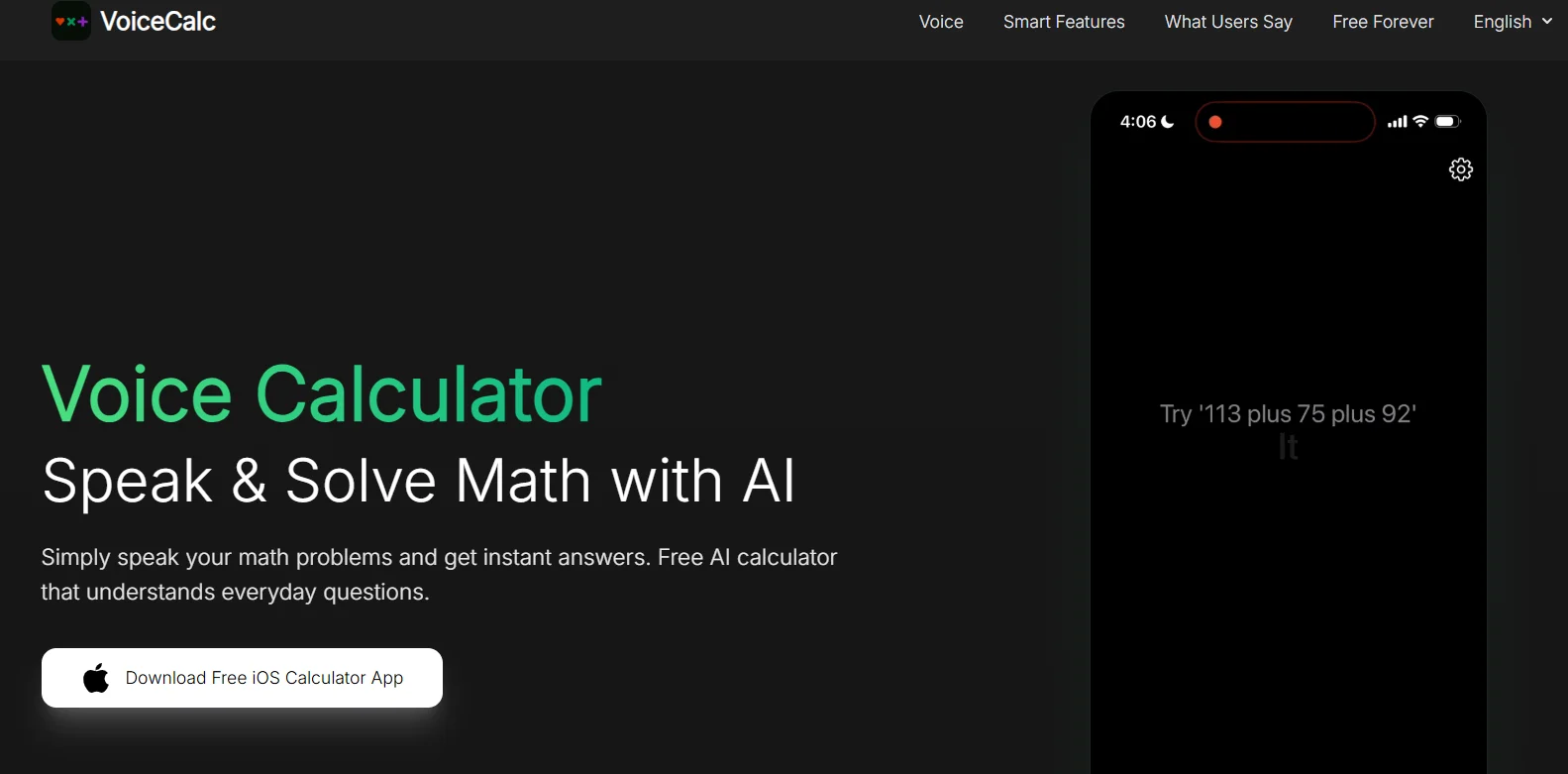
VoiceCalc allows users to speak directly into it with math problems or everyday calculation questions and get instant, accurate results without having to type. It understands natural language, not just numbers, making it suitable for everyday use in shopping, studying, work, or financial planning.
⭐ What does it actually offer based on user experience?
Calculate discounts, compare offers, split bills with tips
Calculate loans and monthly installments
Convert between units such as distances and temperatures
Time and time zone calculations
High accuracy in voice recognition and understanding complex issues
Suitable for students, teachers, and shoppers for quick and easy use
🤖 Does it include automation?
Yes, the tool uses artificial intelligence to understand natural language and convert it into automatic calculations with immediate results.
💰 Pricing model:
Completely free version with no paid plans
🆓 Free plan details:
Completely free (Free Forever)
Supports multiple languages: English, Arabic, French, Spanish, Chinese, and more
💳 Paid plan details:
Not available, the app is completely free
🧭 How to access the tool:
Download and use directly as an app on iOS devices
🔗 Trial link or official website:
https://voicecalculator.app/en