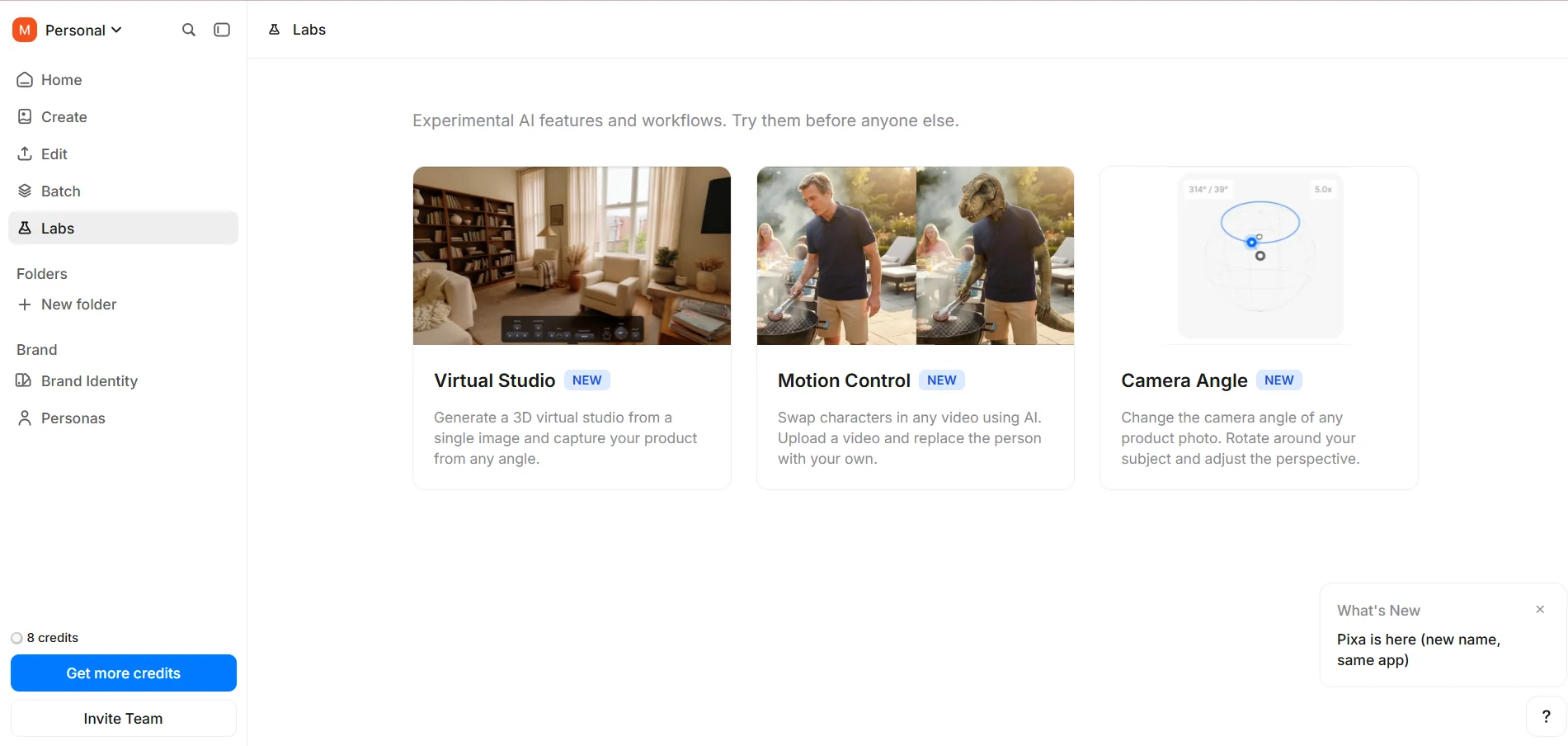
Description

️ 🖼Tool Name:
Pixa

🔖 Tool Category:
• Edit/Enhance/Upsample
• Remove and replace elements and backgrounds
• Converting styles and batches

️ ✏What does this tool offer?
A comprehensive AI-powered creative platform for generating and editing images from text.
• "Generative Fill" tools to add elements to images, remove backgrounds with a single click, and enhance the quality of low-resolution images.
• Batch processing to edit hundreds of images at once.
• A lab for future tools such as converting images into 3D models and programmatically changing lighting and camera angles.
• A seamless user experience for beginners, suitable for creating professional visual content for social media platforms or online stores.
• Extensive automation for background removal, quality enhancement, batch image formatting, and converting text into ready-to-use designs.
• A credit system for advanced operations.

What does it actually offer based on user experience?
• Easy creation of professional visual content without advanced design experience.
• The ability to edit dozens or hundreds of images at once with high efficiency.
• Innovative tools such as converting images into 3D models and adjusting lighting and angles.
• A Credits system that gives users a sense of control and fair payment for advanced operations.
• A seamless experience and simple interface make the platform suitable for beginners and professionals alike.

🤖 Does it include automation?
Yes, extensive automation includes: background removal, quality enhancement, batch image processing, and converting text to ready-made designs with a single click.

💰 Pricing model:
Based on a credit system for each advanced operation, with a “pay-as-you-go” model that gives users full control over expenses.

🆓 Free Plan Details:
• Offers a limited experience with some restrictions on advanced operations.
• Allows you to test the platform’s tools before subscribing.

💳 Paid Plan Details:
Pro: About $10 per month, suitable for individuals and content creators, includes background removal and quality enhancement with Credits consumed for advanced operations.
Business: About $30 per month, aimed at teams and businesses, with collaboration capabilities, increased output, watermark removal, and extensive batch processing.
• An annual discount is available to encourage long-term commitment and increase user Lifetime Value.

🧭 How to access the tool:
• Directly via the browser from the official website.
• Create an account and use the image creation and editing tools, with the ability to process images in bulk or use the Credits system for advanced operations.

🔗 Trial link or official website:
https://www.pixa.com/home/labs

Pricing Details

Pixa’s pricing model reflects a smart marketing philosophy based on simplifying access to creativity while maintaining a “pay-as-you-go” approach. The platform uses a Credits system directly linked to each action, giving users a sense of control and fairness in their payments. Plans start with the Pro option at a relatively low price of around $10 per month—a psychologically priced tier designed to seem accessible to everyone and encourage individual content creators to subscribe without hesitation—while the Business plan starts at around $30, targeting teams and companies that require higher output and collaborative work. What strengthens the pricing strategy here is the combination of “clear value” and “unlimited benefits”—such as background removal and unlimited quality upgrades—while only consuming Credits for more advanced operations, creating a balance between freedom and control. Offering an annual discount also encourages long-term commitment and increases the user’s Lifetime Value, while showcasing metrics like user numbers builds social proof and supports the purchase decision.