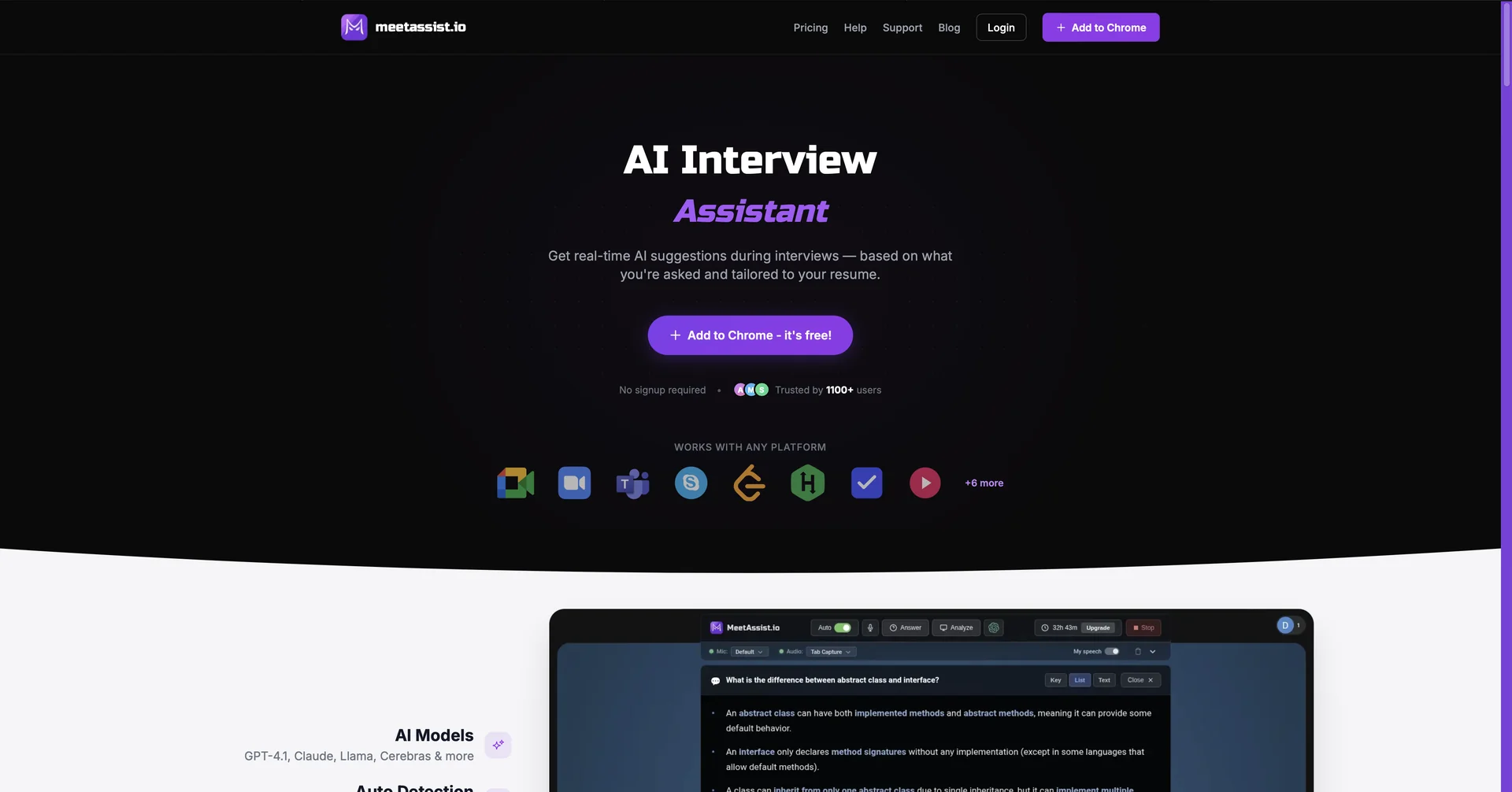
Description

🖼️ Tool Name:

MeetAssist

🔖 Assigned Classifications:

  • Meeting Notes & Summaries (Core focus: Automated transcription and recap)

  • Smart Calendars & Assistants (Calendar syncing and automated attendance)

  • Tasks & Projects (Extracting action items and assigning responsibilities)

  • Chat/Voice Agents (Interactive AI chat to query meeting history)

  • Integrations & APIs (Syncs with Slack, Notion, and major CRMs)

  • Knowledge Base & Self-Service (Searchable database of all past discussions)

  • Performance & L&D (Sentiment analysis and speaker participation tracking)

✏️ Overview & Key AI Features:

  • The "Invisible Secretary": MeetAssist is an AI-powered meeting intelligence platform designed to handle the entire lifecycle of a professional meeting—from preparation to follow-up. It acts as an autonomous participant that records, transcribes, and analyzes calls across Zoom, Microsoft Teams, and Google Meet.

  • Semantic "Quick-Search": Unlike standard transcripts, MeetAssist allows you to search for concepts rather than just words. You can ask, "What was the final decision on the supermarket logo colors?" and it will retrieve the exact snippet from the correct meeting.

  • Sentiment & Engagement Tracking: A standout 2026 feature that uses vocal tone analysis to provide a "meeting health" score. It identifies moments of high tension, agreement, or disengagement, helping managers improve team dynamics.

  • Automated Briefing: Before a meeting starts, MeetAssist sends a summary of the previous discussion to all participants, ensuring everyone is up to speed on outstanding action items.

  • Contextual Action Items: It doesn't just list tasks; it identifies the owner, deadline, and priority mentioned in the conversation and can automatically push these tasks to project management tools like Linear, Jira, or Monday.com.

  • Custom Vocabulary Training: You can upload your own industry-specific glossaries (e.g., your "Creative Suite 2.0" technical terms) to ensure the AI transcribes complex jargon with near-perfect accuracy.

  • AI Chat "Co-Pilot": During or after a meeting, you can use the integrated AI chat to generate a follow-up email draft, summarize a 60-minute call into three bullet points, or draft a LinkedIn post based on the meeting's highlights.

⭐️ User Experience:

  • "Mental Space Recovery": In April 2026, MeetAssist is highly rated (4.7/5) for its ability to "remove the stress of documentation." Users report that being able to fully focus on the conversation—knowing the AI is capturing every detail—leads to more creative and productive discussions. It is a favorite for remote-first agencies like yours that juggle multiple high-stakes projects simultaneously.

💵 Pricing & Plans (April 2026 Status):

MeetAssist uses a tiered model based on recording hours and integration depth.

PlanPrice (Approx.)Key Features
Free / Starter$05 meetings/mo; 1080p recording; Basic summaries.
Professional$19 - $29 / moUnlimited meetings; 40+ languages; CRM integrations; AI Chat.
Team / Growth$59 / moShared team workspace; Custom branding; Sentiment analytics.
EnterpriseCustom QuoteDedicated security; On-premise options; Unlimited storage; API access.

🎁 How to Get Started:

  • Visit the MeetAssist portal and connect your Google or Outlook calendar. Toggle the "Auto-Join" setting for your external client calls. After your first meeting, check the "Insights" tab to see your talk-to-listen ratio and review the AI-generated "Next Steps" email draft.

⚙️ Access or Source:

  • Official Website: (Commonly used by professionals seeking centralized meeting intelligence).

🔗 Experience Link:

https://meetassist.io/

Pricing Details

💵 Pricing & Plans (April 2026 Status): MeetAssist uses a tiered model based on recording hours and integration depth. Plan Price (Approx.) Key Features Free / Starter $0 5 meetings/mo; 1080p recording; Basic summaries. Professional $19 - $29 / mo Unlimited meetings; 40+ languages; CRM integrations; AI Chat. Team / Growth $59 / mo Shared team workspace; Custom branding; Sentiment analytics. Enterprise Custom Quote Dedicated security; On-premise options; Unlimited storage; API access. 🎁 How to Get Started: Visit the MeetAssist portal and connect your Google or Outlook calendar. Toggle the "Auto-Join" setting for your external client calls. After your first meeting, check the "Insights" tab to see your talk-to-listen ratio and review the AI-generated "Next Steps" email draft.