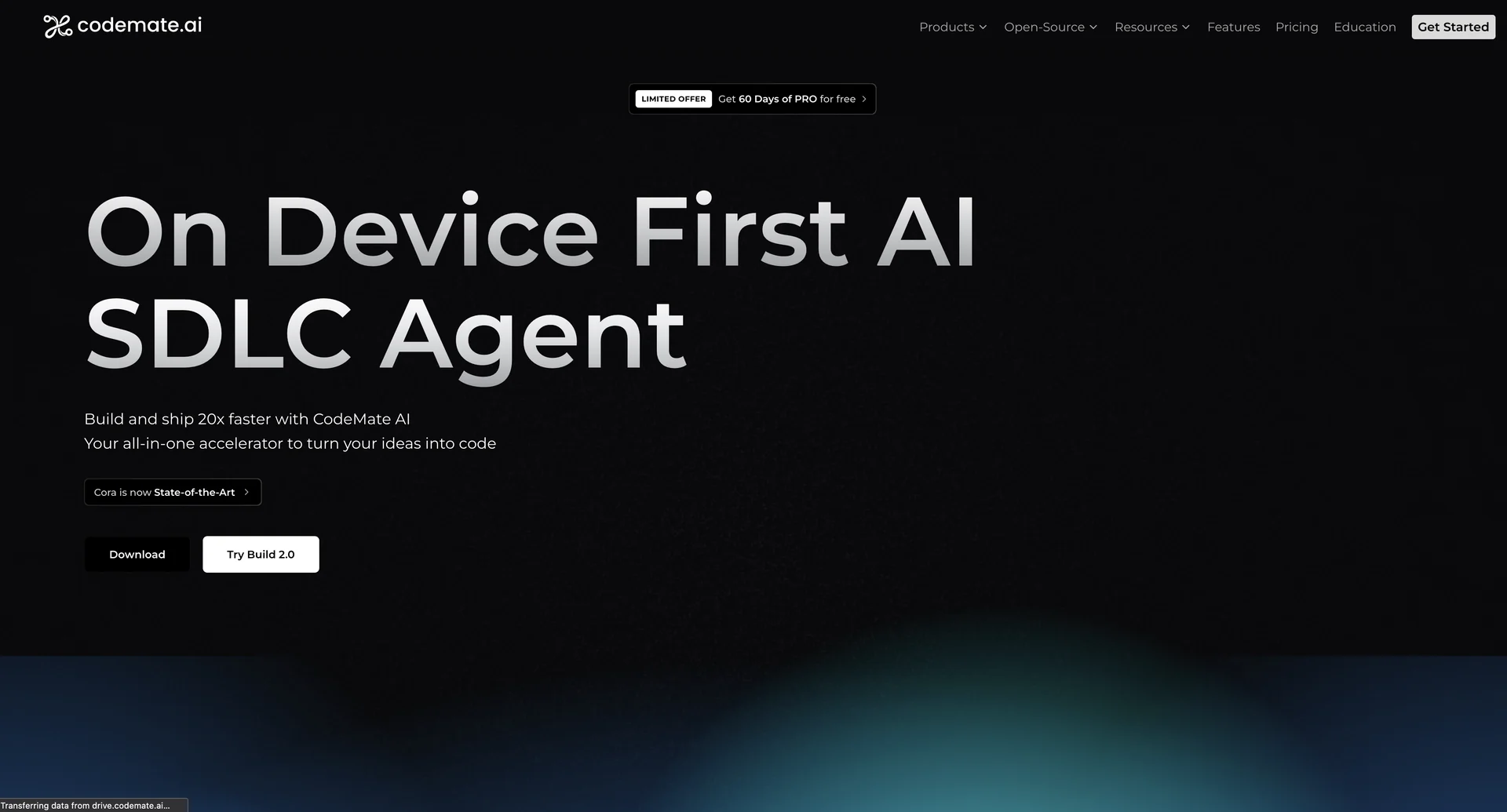
Description

🖼 Tool Name:

CodeMate

🔖 Categories:

  • Code Generation & Review

  • Testing & Quality Assurance

  • Docs & Software Development Kit

  • Support Bots & Contact Centers

  • Integrations & APIs

✏ What does this tool offer?

  • AI-Native SDLC Agent: CodeMate functions as a full Software Development Life Cycle (SDLC) agent that understands your entire codebase, not just individual files, providing persistent context across the development process.

  • Persistent Codebase Understanding: It builds a deep knowledge base of your product documentation and code, allowing it to identify complex logical, syntax, and runtime errors that generic LLMs might miss.

  • The "C0" and "CORA" Suites:

    • C0: A specialized assistant for chatting with code, debugging stack traces, and generating "Deep Wiki" documentation that remains accurate by reading the implementation directly.

    • CORA: An agentic architect designed to write production-ready code with AI guardrails, capable of handling backend scaffolding and architectural planning.

  • Swagger & API Intelligence: Includes a Swagger agent that understands your API contracts and OpenAPI specifications to ensure code generation aligns with existing contracts.

  • Multi-Platform Integration: Supports over 100+ languages and integrates directly with VS Code, JetBrains, GitHub, GitLab, and Bitbucket.

⭐ What does it actually offer based on user experience?

  • Context-Aware Debugging: Users value its "Optimize Mode," which explains why a certain change matters before applying it, making it a great tool for both junior learning and senior code quality checks.

  • Massive Manual Work Reduction: Developers report reducing hours of manual debugging and test creation into minutes, specifically citing the automated unit/functional test case generation as a major time-saver.

  • Onboarding Efficiency: The "Code Map" feature (using Mermaid diagrams) is highly praised for helping new team members visualize unfamiliar modules and architecture quickly.

  • Privacy-First Design: Unlike many cloud-based assistants, CodeMate emphasizes that it does not use your code for training its models, which is critical for enterprise security.

🤖 Does it include automation?

Yes, CodeMate is designed to automate the most repetitive parts of the engineering workflow:

  • Automated PR Reviews: C0 can automatically review pull requests for bugs and security vulnerabilities before a human reviewer even sees them.

  • Agentic Scaffolding: CORA automates the creation of full-stack application skeletons and backend structures from simple prompts.

  • Dynamic Documentation: Automates the generation and maintenance of internal wikis; when you change your code, the "Deep Wiki" updates itself.

  • Jira-to-Code Automation: Integrates with Jira tickets to automate the planning and initial scaffolding of features based directly on ticket descriptions.

💰 Pricing Model

  • Item Details: Tiered Subscription (Daily, Weekly, Monthly, or Annual) and One-time licenses.

  • General Concept: CodeMate offers highly flexible billing cycles, including short-term "Daily" and "Weekly" plans for CORA, which is rare in the AI coding tool market.

🆓 Free Plan Details

  • Feature: Forever Free Plan.

  • Cost: Free ($0/mo). Includes core CORA features and basic assistant access to get started.

💳 Paid Plans (2026 Estimates)

🔹 CORA Pro

  • Item: Price / Details: $1/day, $5/week, or $20/month.

  • Item: Features / Details: Advanced capabilities, beta feature access, and priority Discord support.

🔹 C0 Pro

  • Item: Price / Details: $10/month.

  • Item: Features / Details: Full codebase chat, advanced debugging, and "Deep Wiki" generation.

🔹 Teams Plan

  • Item: Price / Details: Approx. $15 - $37/user/month (depending on suite).

  • Item: Features / Details: Collaborative knowledge sharing, automated PR reviews, and team-wide seat management.

🔹 CodeMate Max (Ultimate Bundle)

  • Item: Price / Details: $250/month or $2,500/year.

  • Item: Inclusions / Details: Unrestricted access to CORA, BUILD, and C0 with unmetered requests and top-tier model access.

🧭 How to access the tool:

Accessible via the VS Code Marketplace, JetBrains Plugins, or as a cloud-based studio at codemate.ai.

🔗 Experience link or official website:

https://codemate.ai

Pricing Details

💰 Pricing Model Item Details: Tiered Subscription (Daily, Weekly, Monthly, or Annual) and One-time licenses. General Concept: CodeMate offers highly flexible billing cycles, including short-term "Daily" and "Weekly" plans for CORA, which is rare in the AI coding tool market. 🆓 Free Plan Details Feature: Forever Free Plan. Cost: Free ($0/mo). Includes core CORA features and basic assistant access to get started. 💳 Paid Plans (2026 Estimates) 🔹 CORA Pro Item: Price / Details: $1/day, $5/week, or $20/month. Item: Features / Details: Advanced capabilities, beta feature access, and priority Discord support. 🔹 C0 Pro Item: Price / Details: $10/month. Item: Features / Details: Full codebase chat, advanced debugging, and "Deep Wiki" generation. 🔹 Teams Plan Item: Price / Details: Approx. $15 - $37/user/month (depending on suite). Item: Features / Details: Collaborative knowledge sharing, automated PR reviews, and team-wide seat management. 🔹 CodeMate Max (Ultimate Bundle) Item: Price / Details: $250/month or $2,500/year. Item: Inclusions / Details: Unrestricted access to CORA, BUILD, and C0 with unmetered requests and top-tier model access.