️ 🖼Tool name:
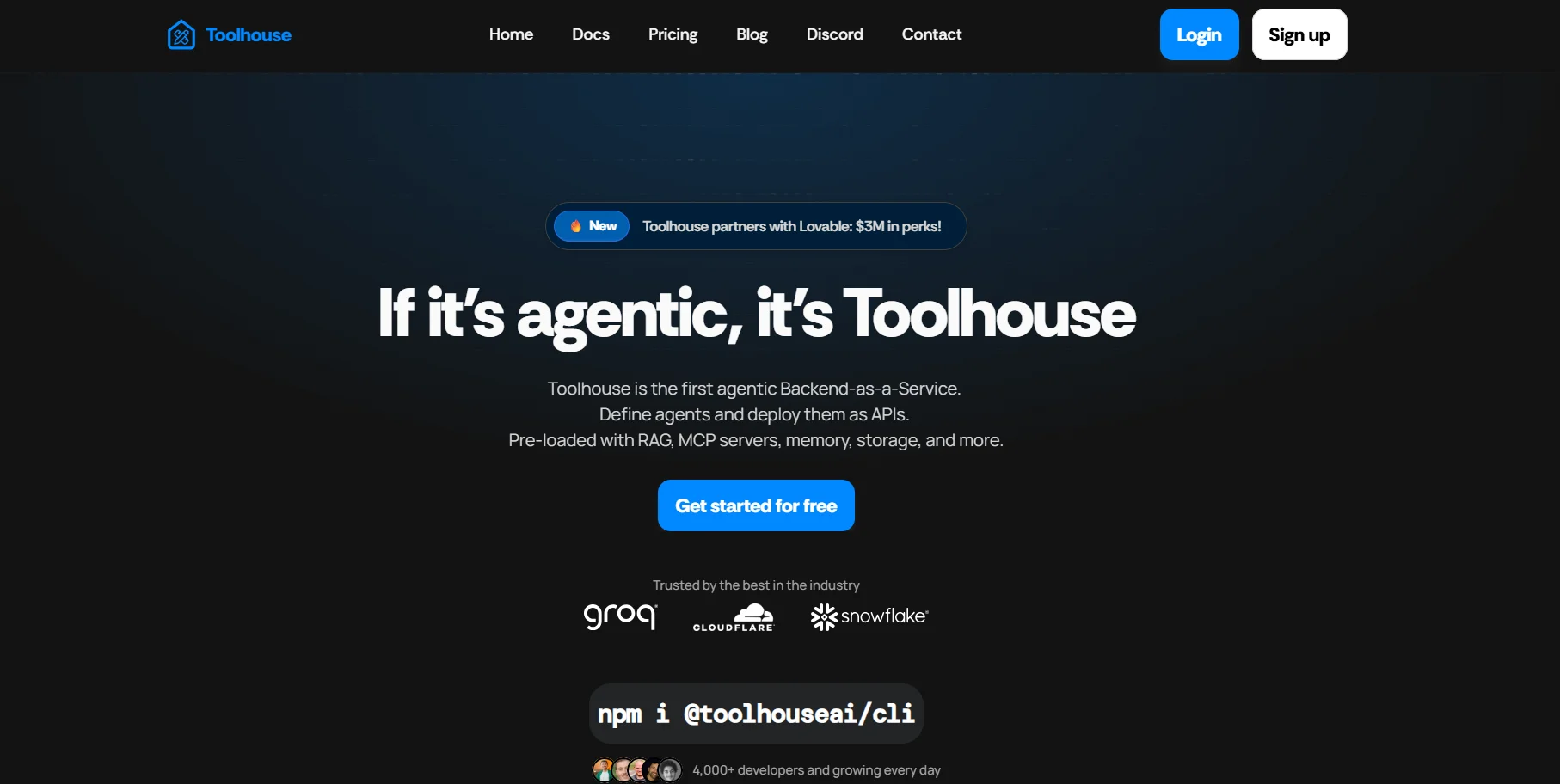
Toolhouse
🔖 Tool category:
• Automation and Smart Agents
• Business and Operations Management
• Marketing and sales
• DevOps, CI/CD, and monitoring
️ ✏What does this tool offer?
Toolhouse is a platform that allows users to build AI agents that automatically perform tasks using simple commands or ready-made templates, with a focus on improving e-commerce and automating repetitive processes such as contract renewals or customer data management. The platform supports integration with tools such as Salesforce and provides an easy interface for building and running agents without the need for advanced programming experience.
⭐ What does it actually offer based on user experience?
Create and operate AI agents quickly and without complexity
Fully automate e-commerce tasks
Integrate with services and tools such as groq, NVIDIA, and Snowflake
Seamless user experience with active community support via Discord
Easy transition from a free trial to advanced paid plans
🤖 Does it include automation?
Yes, automation is at the core of the platform ✅
AI agents automatically perform specific tasks
Support for running agents via ready-made templates or text commands
Manage repetitive tasks in e-commerce without human intervention
💰 Pricing model:
🆓 Free plan details (Sandbox):
Price: $0 per month
Public projects
Unlimited agents
Suitable for trying out the platform or small projects
💳 Paid plan details:
🔹 Pro Plan (Most popular)
Price: $20 per month
All Sandbox features
Up to 2,500 agents per month
Up to 2,500 credits per month
Verified badge
Private and Public agents
Unlimited MCP usage
50% discount when joining Discord
Targets startups and vibe coders
🔹 Enterprise Plan
Price: Custom
Dedicated support
Custom setup
On-prem and private data hosting
Compliance with regulatory policies
Complete solution for large enterprises
🧭 How to access the tool:
Visit the official website
Register an account or start a free trial
Build agents using an interactive interface
Use templates or create custom agents
🔗 Trial link or official website:
https://toolhouse.ai/