Ping AI Tasklist
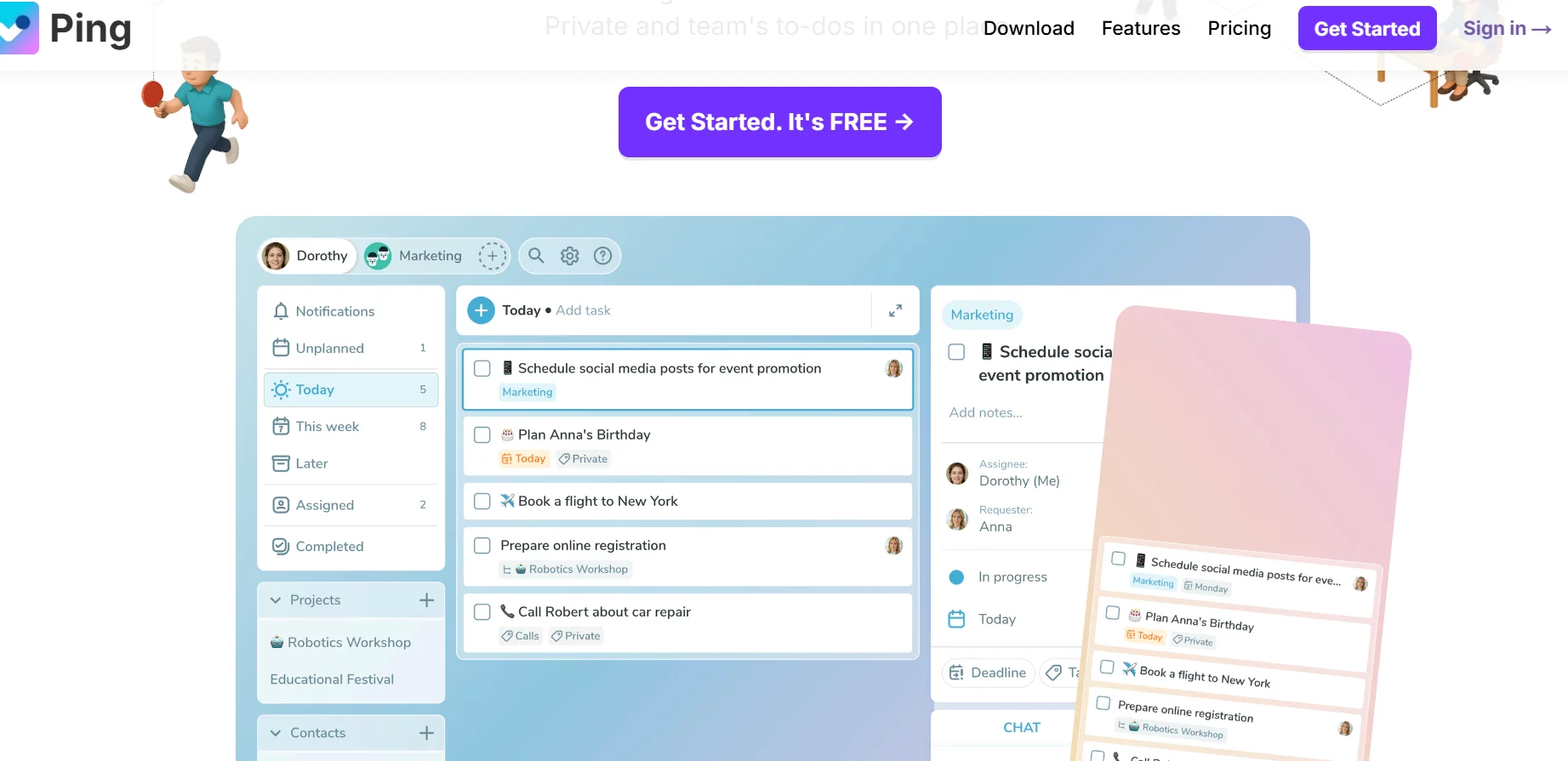
Description
️ Tool name: 🖼
Ping
Tool category: 🔖
Task and productivity management, AI personal assistant, team organization
️ What does this tool offer? ✏
Ping is a smart task management tool that aims to simplify the lives of individuals and small teams by converting any daily input into organized and actionable tasks. The tool allows you to create tasks using voice, photos, emails, or even text chat commands. The system relies on artificial intelligence to automatically determine titles, due dates, reminders, and summaries, reducing the manual effort involved in planning and organizing. It also offers Kanban-style task boards, smart notifications, recurring tasks, task dependencies, and direct integration with popular work tools for efficient workflow management.
What does it actually offer based on user experience? ⭐
In practice, Ping helps users transform daily chaos into a clear work system. Voice commands can be converted into ready-made tasks with titles and deadlines, and images and screenshots can be converted into tasks by automatically extracting details from them. The tool also allows important emails to be converted into summarized tasks with specific due dates. In addition, it provides an intelligent assistant that helps rephrase and organize tasks, supports collaboration between teams across joint projects and status tracking, with features such as colored tags, postponement, and flexible organization boards.
Does it include automation? 🤖
Yes, Ping includes an advanced level of smart automation, automatically creating tasks from voice, images, or email, scheduling deadlines, setting reminders, managing recurring tasks, and intelligently rescheduling. It also syncs tasks with your calendar, sends follow-up notifications, and creates tasks directly from apps like Slack, making it a fully integrated, automated task manager.
Pricing model: 💰
The tool uses a freemium model that combines a free plan with affordable paid plans for individuals and teams.
🆓 Free plan details:
The free plan offers unlimited task creation, management of up to 3 projects, with support for basic reminders, recurring tasks, and color tags. It also provides access to basic integrations such as Slack and ChatGPT, making it suitable for personal use or initial experimentation.
Paid plan details: 💳
The Pro plan is available for approximately $3.66 per month when paid annually and allows for voice, image, and email task creation, unlimited projects, advanced Kanban boards, full calendar synchronization, and Gmail integration. The Team plan is geared toward teams and costs approximately $14.99 per month when paid annually for up to 15 users. It includes all the features of the Pro plan with advanced collaboration tools, shared boards, and centralized billing management.
How to access the tool: 🧭
Ping can be used via desktop applications for Windows and Mac, and mobile applications on iOS and Android, with instant cloud synchronization between all devices. It also supports integration with external tools such as Gmail, Google Calendar, Slack, and ChatGPT.
Trial link or official website: 🔗
https://ping.tm/?ref