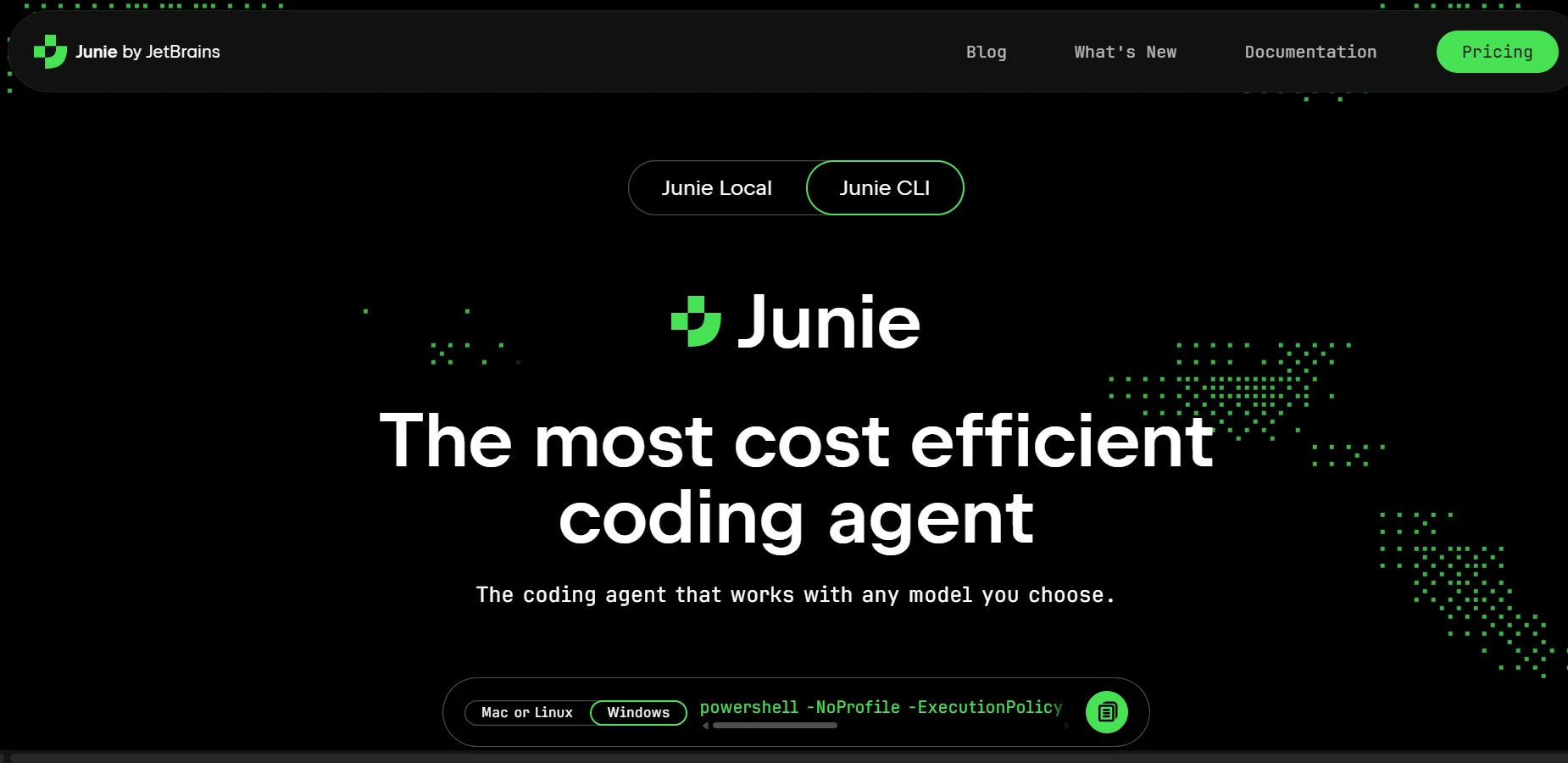
Description
️ Tool Name: 🖼
Junie
Categories: 🔖
Programming and Development; Automation and Smart Agents; Testing and Quality Assurance; DevOps, CI/CD, and Monitoring; Integrations and APIs; Documentation and Software Development Toolkits; Code Generation and Review.
️ What does this tool offer? ✏
Junie is an AI-powered software agent from JetBrains, designed to help developers read, write, and modify code, as well as perform software engineering tasks interactively. Junie runs from the terminal, is available within JetBrains IDEs and Android Studio, and can also be used with GitHub and GitLab to perform tasks related to issues and pull requests.
Junie supports more than 10 AI models via the BYOKsystem, including models from OpenAI, Anthropic, Google, and xAI, and it can be connected to custom or self-hosted models via LiteLLM, Ollama, and LM Studio. This allows users to choose the appropriate model based on the task and desired cost.
Junie includes Plan Mode, which analyzes the codebase and generates a structured plan for the task before modifying the code, as well as Live Prompting to guide the agent while it performs the task,and Human in the Loop to review and approve actions. It also provides a system for custom guidelines and skills, so that coding standards, team rules, and review processes can be defined and maintained across sessions.
Junie also supports Headless Mode,a non-interactive operation mode, allowing it to be used programmatically within CI/CD environments and build pipelines—such as for running test-fixing tasks or reviewing the latest commit. It also offers Remote Control for monitoring tasks running asynchronously via the web interface.
JetBrains also offers Junie Local, which runs entirely on the user’s device using a local model, with no subscription, credits, or usage fees. According to the official website, requests, code, and diffs never leave the device after the model is downloaded, and inference is performed locally.
What does it actually offer based on user experience? ⭐
- It acts as a software agent capable of analyzing the project and performing development tasks, rather than merely suggesting lines of code.
- It can create a plan for the task before starting to modify files, allowing the developer to review and guide the plan.
- It allows you to guide the agent while the task is in progress, without having to stop the task and start over.
- It provides a review of the code and changes, including diff reviews in Git projects.
- It can be used in CI/CD tasks without an interactive interface through Headless Mode.
- It can be linked to the user’s API keys for model providers, so usage is billed directly by the model provider when using BYOK.
- It supports local and custom models, including Ollama, LM Studio, and LiteLLM.
- Junie Local allows you to run the agent locally without usage or subscription charges.
Does it include automation? 🤖
Yes. Junie includes robust automation capabilities; it can execute multi-step scripted tasks, run commands, modify files, perform tests, and review changes, with the ability to run tasks in a non-interactive manner within CI/CD pipelines.
Remote Control also allows you to start a long-running task—such as upgrading a project or performing a migration—and then monitor its progress remotely, while Headless Mode enables you to integrate Junie into your build and continuous integration pipelines. The “Human in the Loop” system gives users the ability to control sensitive procedures rather than letting the agent operate without full supervision.
Pricing Model: 💰
Freemium / Paid Subscription / Pay-as-you-go.
Junie offers a “Free to Start” option with 5 AI credits, requiring no credit card or subscription, and supports BYOK (Bring Your Own Cloud), where usage is billed according to the service provider’s rates with no additional markup from JetBrains. JetBrains also offers the AI Proand AI Ultimateplans,as well as the completely free Junie Local option when running the model locally.
🆓 Free Plan Details:
| Item | Details |
|---|---|
| Price | Free |
| Credits | 5 AI Credits |
| Credit Card | Not required to get started |
| Subscription | Not required to get started |
| BYOK | Available; usage is billed at the template provider's rate with no additional markup |
| Models | Various models can be used, including local models |
| Junie Local | Completely free, with no subscription, credits, or usage fees when running locally |
Paid plan details: 💳
| Plan | Price | Features |
|---|---|---|
| AI Pro | $8.33 per user/month | 10 AI Credits every 30 days + the ability to purchase additional credits at any time + access to JetBrains AI tools with a trial of Junie |
| AI Ultimate | $25 per user/month | 35 AI Credits every 30 days + the ability to purchase additional credits at any time + a higher cloud credit limit; this is the recommended plan for regular use of Junie |
| BYOK | Depends on the model provider | Uses the user’s API key; requests are billed directly by the model provider |
| Junie Local | Free | Run Junie locally on the user’s device, with no subscription, credits, or usage fees |
How to access the tool: 🧭
| How to access | Details |
|---|---|
| Terminal / CLI | Run Junie directly from the terminal on Linux, macOS, and Windows |
| JetBrains IDE | Available within JetBrains IDE environments with IDE-specific code understanding tools |
| Android Studio | Available within Android Studio |
| GitHub | Junie can be run from GitHub Issues and Pull Requests via GitHub Actions |
| GitLab | AI tasks can be triggered from GitLab Issues and Merge Requests via CI/CD |
| CI/CD | Supports Headless Mode for running tasks programmatically within build pipelines |
| BYOK | Supports OpenAI, Anthropic, Google, xAI, OpenRouter, GitHub Copilot, and other APIs |
| Local and custom models | Can connect to Ollama, LM Studio, LiteLLM, and custom or self-hosted endpoints |
| Junie Local | Run the agent entirely on-device using a local model |
Demo link or official website: 🔗
Junie Official Website
Junie CLI Documentation
Junie Local