Since.dev
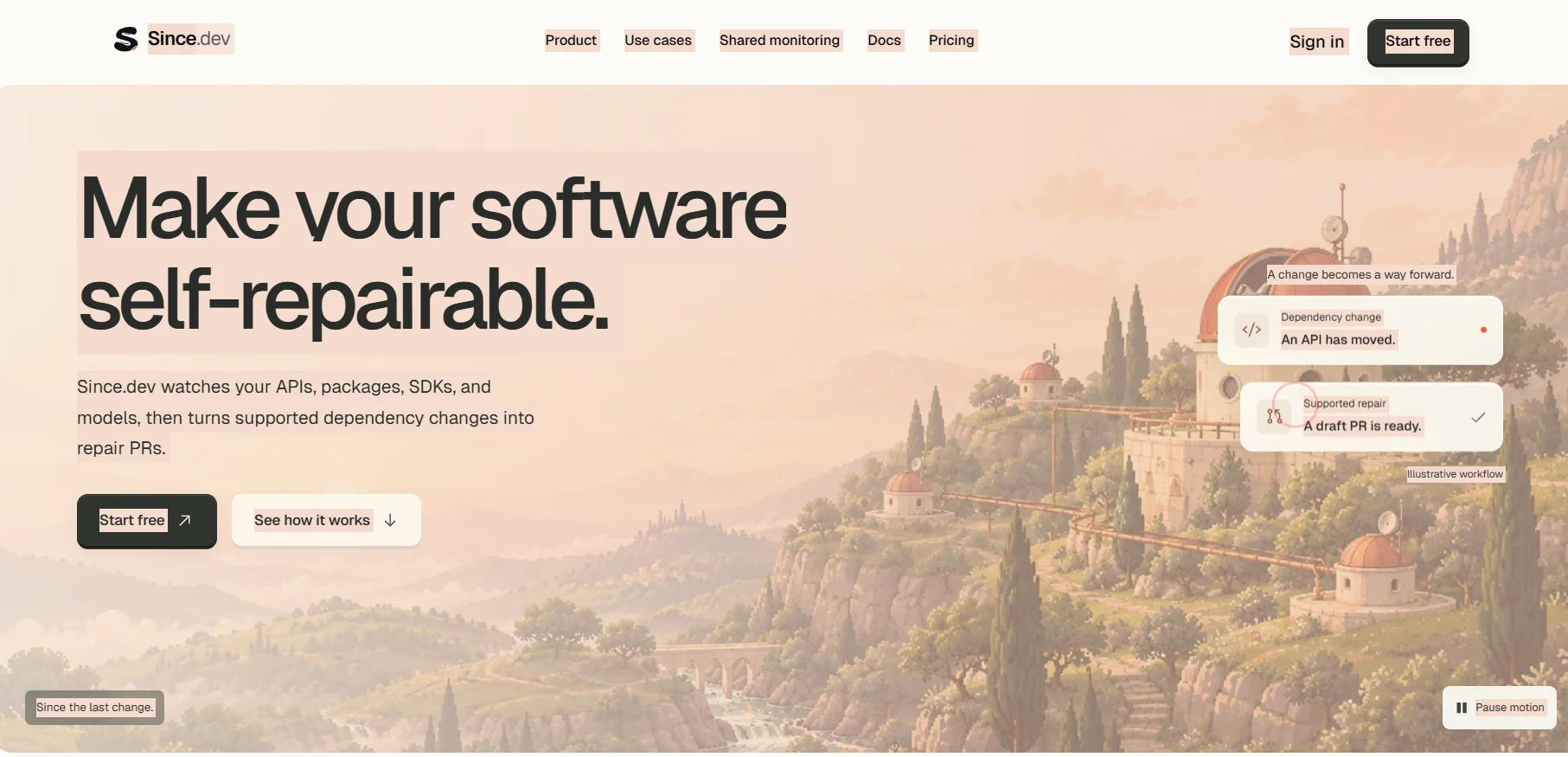
Since.dev is a platform for monitoring software and making it self-healing; it monitors APIs, packages, SDKs, and models, then converts changes to supported dependencies into pull requests (PRs) for fixes. The platform allows you to connect a GitHub repository to see what has changed, find the affected code, and review a supported fix. The workflow includes detecting external changes, determining their impact on the code, preparing a small supported fix, and then reviewing it through the user’s CI. Sources that can be monitored include npm, GitHub, PyPI, Rust, OpenAPI, and RubyGems. It also supports monitoring API changes, SDK updates, deprecations, and provider changes. The API Contract feature links a documented API change to the calls that use it, with the ability to review a supported fix for an endpoint, parameter, or version, An example of this is changing the endpoint from /v1/messages to /v2/messages within src/integrations/messages.ts. The platform provides supported fixes and draft PRs, while testing is conducted within the user’s repository and the user chooses what to ship; nothing is automatically merged or deployed; Draft PRs use the user’s existing CI system, with the ability to request modifications and review the updated patch within the PR itself. Since.dev also offers the World State feature, which allows agents to verify their assumptions against the latest recorded observation before performing any action; the external state includes facts, versions, and service provider conditions. The Verification feature allows you to check whether recorded information remains valid without performing a new fetch, noting that an “Unknown” status does not necessarily mean the information has not changed; For example, if `example-sdk.version = 19.0.0` has changed to `20.0.0`, the agent receives evidence for review when the observation differs, and must verify the observation timestamp and source status. The platform also offers Shared Evidence, where the public source is checked once for everyone, while each Watch retains its own instructions and notifications; users can specify the changes that matter to them, such as API changes, security fixes, and new releases. Since.dev allows agents to submit the changes they need via MCP, HTTP API, or Signed Webhooks, and uses Durable Cursor to preserve the user’s position, so that a read operation does not move the cursor, while Acknowledge is executed after processing and then the work is resumed from the remaining position. It also supports issue tracking, fact-checking, coverage analysis, and change tracking through the tools used by the agent. The MCP setup includes the URL https://api.since.dev/mcp with an Authorization header, It also provides Integration Guides, which offer context for each change, including the statuses “breaking,” “deprecated,” “behavioral,” “additive,” and “advisory.” The official page explains that monitoring sources are checked on a scheduled basis rather than as a real-time feed, and that coverage includes packages, repositories, specifications, public pages, and supported status sources, while it does not include private sources, those protected by login, or those closed to automated reading.
- Automation & Agents
- Integrations & APIs
- Programming & Development
- Warehouses & Modeling
- Testing & Quality Assurance
- DevOps, CI/CD & Monitoring
Last updated
Features
- Monitors APIs, packages, SDKs and models for external changes
- Connects to GitHub repositories to find code affected by changes
- Prepares supported fixes as draft pull requests reviewed through your own CI
- Never merges or deploys automatically
- Supports sources such as npm, GitHub, PyPI, Rust, OpenAPI and RubyGems
- API Contract links documented API changes to the calls that use them
- World State lets agents verify assumptions against the latest recorded observation
- Delivers changes to agents via MCP, HTTP API and Signed Webhooks
- Durable Cursor lets agents resume from where they left off
- Classifies changes as breaking, deprecated, behavioral, additive or advisory
Pricing Details
Since.dev offers a Free plan for $0/month with no credit card required. It is designed for developers who want to try out World State and repository effects, and includes 25 hosted AI credits per month, one connected repository, monitoring of 50 repository dependencies, 10 World State watches with monitoring of every aspect of each Watch, manual impact previews without repair PRs, 100 verification calls per month, and one workspace member. The Pro plan with fixes is available for $49/month or $490/year (a 17% savings) and is designed for developers and small teams maintaining their own software. It includes the ability to use the user’s own Anthropic or OpenAI key, 5 connected repositories, no limit on the number of repository dependencies, 150 World State watches with monitoring of every aspect of each Watch, automatic fixes and draft PRs, 500 verification calls per month, and 3 members in the workspace. It also offers the Studio plan for $149/month or $1,490/year (a 17% savings), which is designed for agencies and teams maintaining multiple applications. It includes the ability to use Anthropic, OpenAI, or AWS Bedrock, 15 connected repositories, an unlimited number of repository dependencies, 500 World State watches with monitoring of every aspect of each Watch, automatic fixes and draft PRs, 2,000 verification calls per month, and 10 workspace members, while Enterprise requirements are available by contacting Since.dev. The platform also provides a FAQ section covering the meaning of “self-repairable software,” the number of source checks, the meaning of “Unknown,” what can be monitored, what happens when the agent is offline, what is included in the plan, how the “bring your own model” feature works, whether each repository dependency must be added manually, whether the platform automatically fixes the code, and the option to request a different fix. Since.dev concludes by presenting “World state and self-repair for software,” along with sections for Product, Docs, Privacy, Terms, and Contact, and the copyright notice © 2026 Since.dev, and a “Say hello” option.
Related Tips
- Head-to-head comparison: Amazon SageMaker or IBM Watson Studio? · Business Operations, Programming & Development…
- Head-to-head comparison: Afforai or Recall? · Audio & Voice, Video Generation & Editing…
- You want to create a website for your business... but you don't know anything about coding? 😩 · Editing, Enhancement & Upscaling, Programming & Development
- Head-to-head comparison: Hermes 3 or LongLLaMA? · Programming & Development
- Wasting your time among dozens of AI tools... and not knowing where to start? 🤯 · Content Management, Audio & Voice…