SuperHumanizer
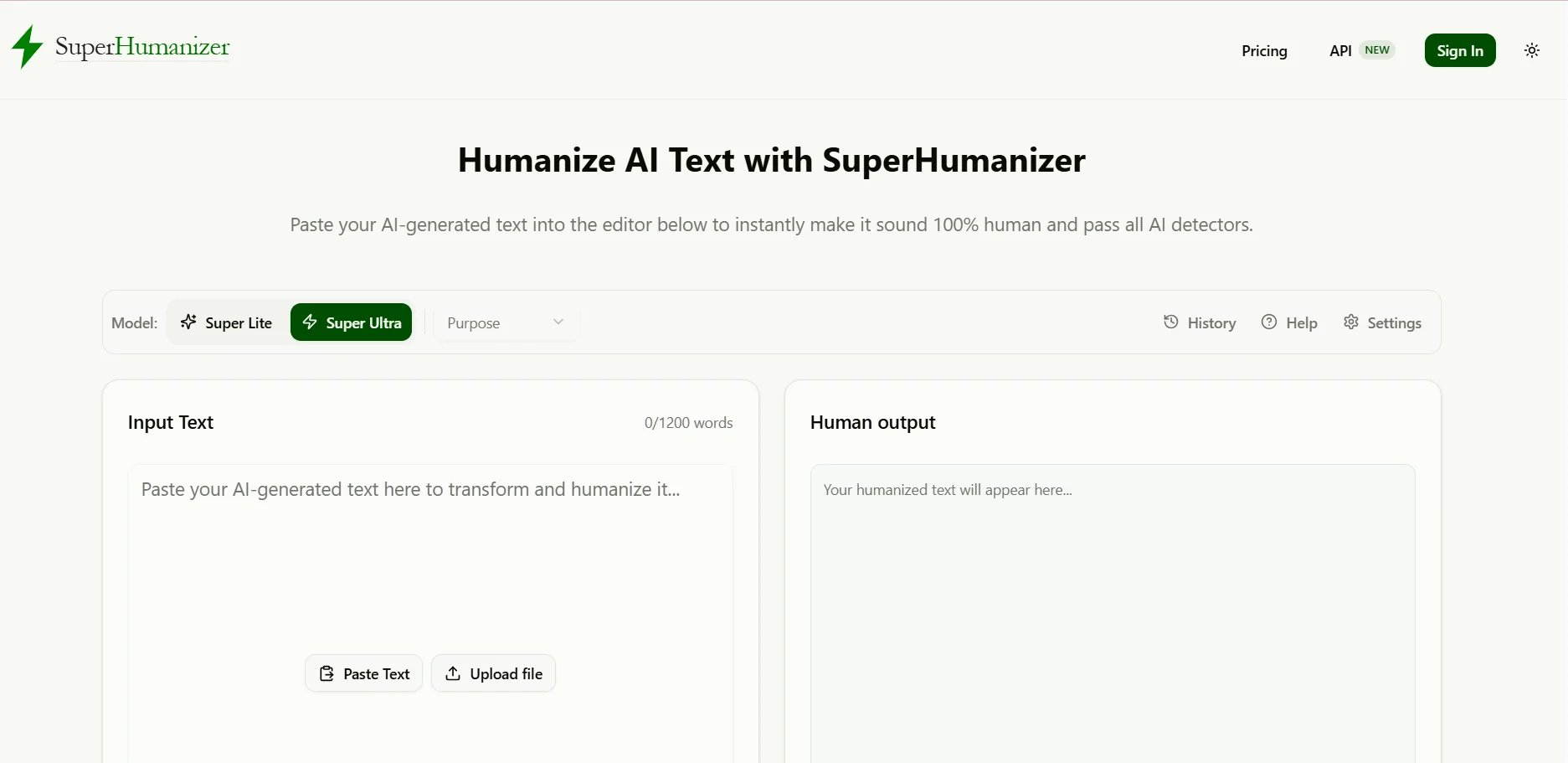
SuperHumanizer is an AI-powered tool that rewrites and refines text to make it sound more natural and fluid, while preserving the original meaning, context, and formatting as much as possible. It offers two editing modes and allows you to refine AI-generated text, perform proofreading, and suggest alternative phrasing for sentences, in addition to uploading files and using a browser extension to make it easier to edit text as you type.
Last updated
Features
- Text Rewriting: Converting text into a more natural and fluid style.
- Two editing modes: Super Lite mode for quick edits, and Super Ultra mode for more in-depth rewriting.
- Proofreading: Comparing the translated text with the original text and correcting grammatical and spelling errors, as well as changes in meaning.
- Sentence Alternatives: Suggest alternative sentence structures with the option to edit them manually.
- Determining Writing Style: Selecting from a variety of styles, including academic, formal, informal, friendly, and marketing-oriented.
- Uploading Files: Supports Word, PDF, ODT, RTF, TXT, and Markdown files.
- Maintain consistency: Keep headings, lists, numbers, and names in their original places as much as possible.
- Chrome Extension: Edit text directly within websites, including email and social media platforms.
- 1. Detection of AI-generated content: Providing a tool to detect AI-generated content within the Premium engine, according to the website's description.
Pricing Details
SuperHumanizer offers a free version that allows users to process up to 1,200 words per session without needing to register, with a history saved locally in the browser, according to the website's description. It offers three paid plans: Basic for $12 per month, with a maximum of 15,000 words per month and 1,500 words per entry; Pro for $19 per month, with a maximum of 50,000 words per month and 3,000 words per entry, using the Premium engine; and Advanced for $39 per month, with a maximum of 200,000 words per month and 5,000 words per entry, with the Premium engine. The paid plans include Super Ultra mode and access to various AI models, depending on the plan details. The website also offers an annual subscription option with an advertised discount of up to 60%, but the final annual prices are not specified in the provided text. It should be noted that the claims on the website regarding bypassing AI detection tools are marketing claims and do not guarantee results in all cases.
Related Tips
- How to Use the Pokecut Tool to Easily Extract Images · Image Design and Creation, Editing, Enhancement & Upscaling…
- How to Create a Series of Educational Videos Using ChatGPT, PixVerse, and Nabat? · Audio & Voice, Text-to-Speech / Speech-to-Text…
- AI Room Designer Explained: How to Redesign Rooms in Your Home Using a Single Photo? · Image Design and Creation, Editing, Enhancement & Upscaling…
- AI Room Designer Explained: How to Redesign Rooms in Your Home from a Single Photo? · Image Design and Creation, Editing, Enhancement & Upscaling…
- Revid AI vs. Fliki: Which is better for creating ready-to-go Reels from a single idea? · Video Generation & Editing, Text and Images to Video…