Inbox Zero
Description
🖼️ Tool Name:
Inbox Zero
🔖 Tool Category:
AI-powered assistant for cleaning and organizing email inboxes, especially for Gmail and Google Workspace users.
✏️ What does this tool offer?
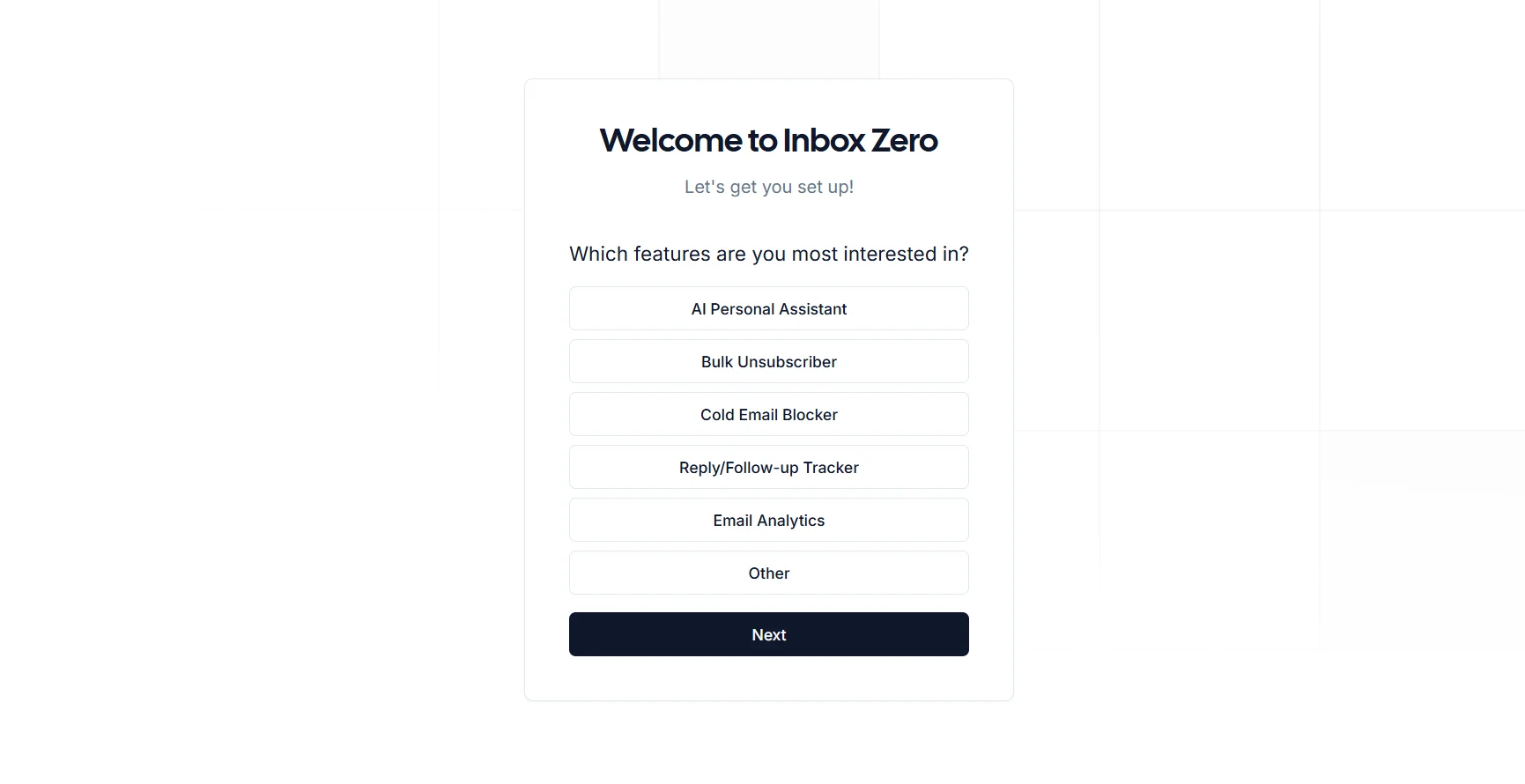
The tool helps you take full control of your inbox. It organizes your emails, writes replies, reminds you to follow up, and keeps your inbox clean and clutter-free. It also lets you mass-unsubscribe from newsletters and provides insights about your email habits.
⭐ What does the tool actually deliver based on user experience?
Identifies emails that need replies and writes responses automatically.
Filters out ads and newsletters, and lets you bulk delete or archive them.
Detects and separates cold emails or unwanted outreach.
Provides analytics like who emails you the most, types of emails, and how much time you spend on email.
Fully integrates with Gmail as if it’s part of the native interface.
🤖 Does it include automation?
Yes, it includes lots of automation:
Automatically drafts replies based on your preferences.
Filters and processes emails without manual effort.
Sends reminders for emails that need follow-up.
Detects ignored newsletters and suggests unsubscribing or auto-archiving.
💰 Pricing Model:
Freemium — free plan with optional paid upgrades.
🆓 Free Plan Details:
The free plan includes:
Basic organizing and filtering tools
AI-assisted email replies for select messages
Newsletter and ad categorization
Access to part of the analytics dashboard
No credit card required
🧭 Access Method:
Sign in using your Gmail account
Connect the tool from their website
No installation required — works directly in your browser
🔗 Experience Link:
Inbox Zero Official Website: https://www.getinboxzero.com/welcome