MidJourney Prompt Tool
Description
🖼️ Tool Name:
MidJourney Prompt Tool
🔖 Tool Category:
Text to Visual Media; also fits under Design & Creativity and Productivity & Automation.
✏️ What does this tool offer?
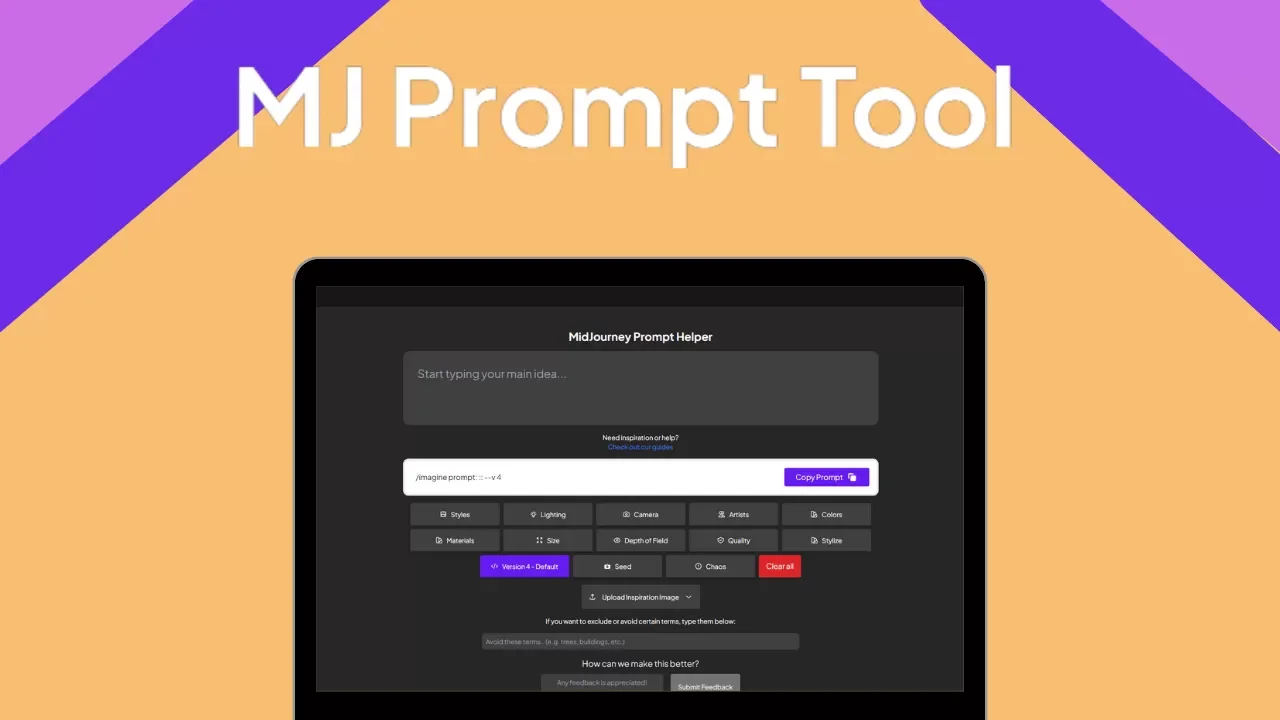
MidJourney Prompt Tool is a web-based utility designed to help users generate, customize, and optimize prompts for the MidJourney image generation model. It provides structured input fields, style presets, keyword recommendations, and parameter controls to help artists and creators produce detailed, high-quality prompts that yield better visual outputs.
⭐ What does the tool actually deliver based on user experience?
• Guided interface to create MidJourney-compatible prompts
• Presets for common themes (e.g., cyberpunk, watercolor, isometric, cinematic)
• Style modifiers for lighting, color tone, composition, and resolution
• Aspect ratio, version, and quality settings for advanced control
• Instant copy-to-clipboard feature for Discord use
• Clean, no-login interface — perfect for beginners and pros
🤖 Does it include automation?
Yes — the tool includes:
• Dynamic prompt building based on selected visual styles and modifiers
• Smart recommendations for art styles and rendering techniques
• Auto-formatting of parameters for MidJourney syntax
• Optional randomization for creative exploration
• Real-time preview of final prompt before copying
💰 Pricing Model:
Free
🆓 Free Plan Details:
• Full access to all features
• Unlimited prompt generations
• No account or login required
💳 Paid Plan Details:
Not applicable – the tool is currently free to use
🧭 Access Method:
• Web-based tool
• Designed for use with MidJourney’s Discord bot
• No installation or extensions required
🔗 Experience Link: