AI Bosala

العربية

AI Tools in Audio & Voice

673 results

Open the Audio & Voice category page

  1. Kaiber

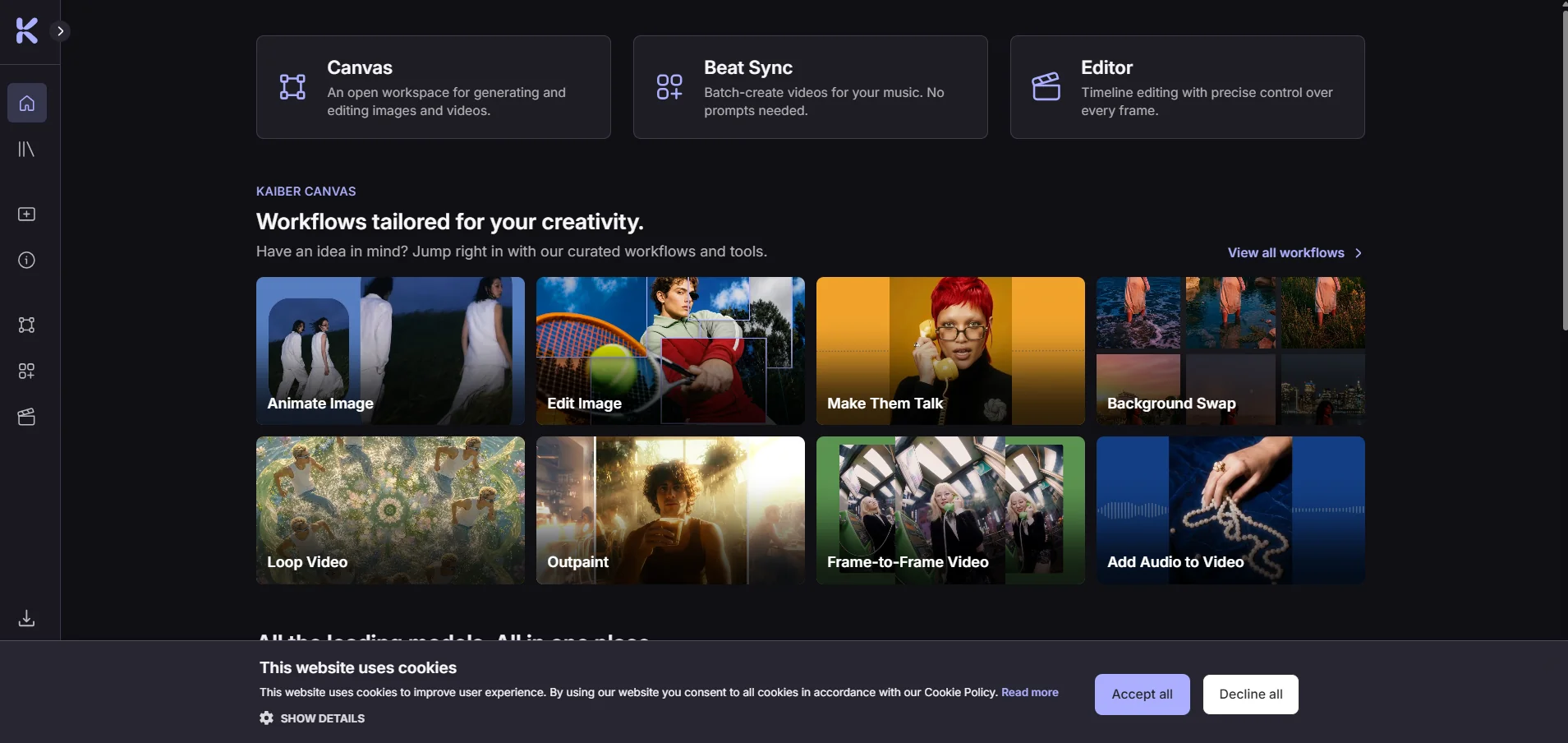
    Kaiber is a creative platform that uses artificial intelligence to generate videos, images, and audio; sync visual content with music; and edit videos—all within a single workspace. The platform consists of three interconnected tools—Canvas, Beat Sync, and Editor—all of which are accessible from the control panel, along with a media library that stores files that are created or uploaded.

  2. APIMart

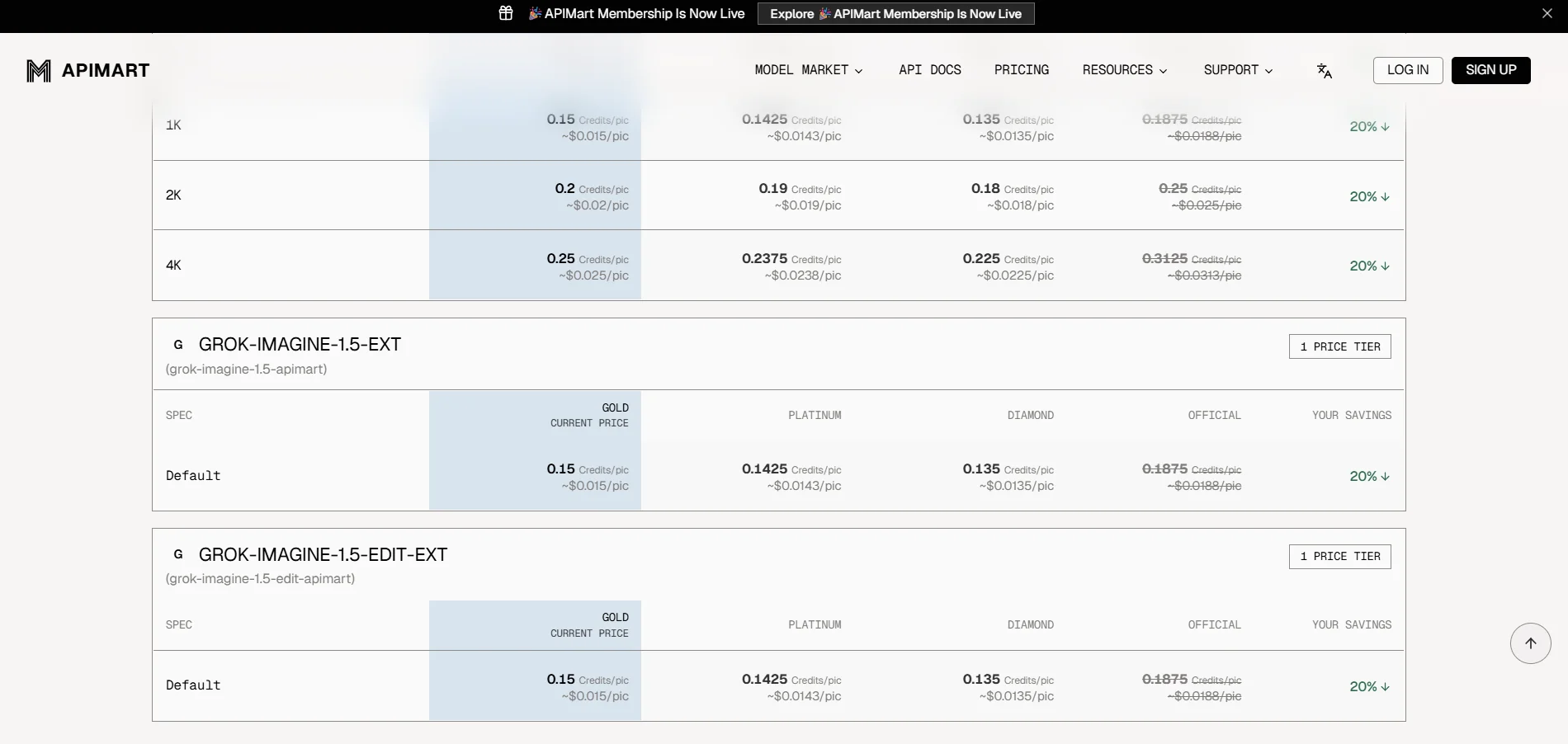
    APIMart is a unified platform that provides access to more than 500 AI models through a single OpenAI-compatible API interface, including models for conversation, language, images, video, audio, and music. The platform allows developers to use multiple models from different providers without having to manage separate API keys and accounts for each provider, with the ability to use models such as GPT, Gemini, Claude, Flux, GPT Image, Sora, Veo, Kling, Seedance, Seedream, Suno, Wan, Vidu, and others. It also provides a unified dashboard for managing keys, quotas, usage, billing, and logs, as well as documentation and examples for software integration. APIMart explains that its system is based on pay-per-successful-request and actual usage, with no monthly minimum, and offers volume-based discounts.

  3. NarraCut

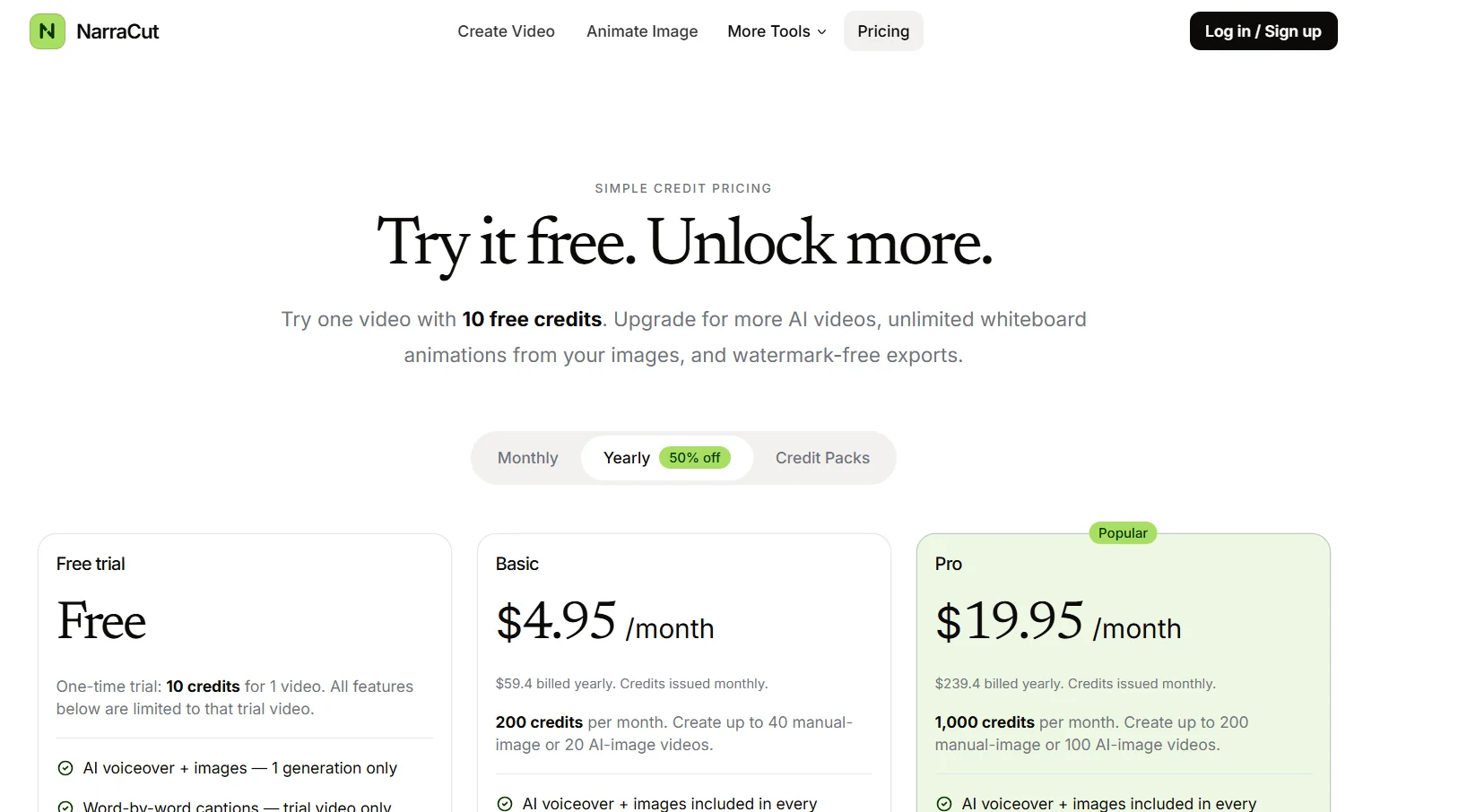
    NarraCut is a platform for converting text and visuals into ready-to-use narrated videos, where users can add their own narration and images or let artificial intelligence handle the creation of the visuals, The platform then generates voice-over and word-by-word captions, automatically synchronizes the audio, captions, and visuals, matches each image to the appropriate part of the narration, and exports the video in MP4 format. Users can paste the full script or create a rough draft of a topic using AI Polish, choose a Landscape, Vertical, or Square aspect ratio, select the audio, then upload their own images or generate images using AI, and finally select “Generate a video” to create the video. The platform relies on a unified timing system that uses the generated voiceover as the timing source, so that captions follow the spoken words, and images change according to the meaning of each section of the script rather than cycling through them on a fixed timer. NarraCut allows you to review the entire video, change the aspect ratio and motion settings, replace images associated with specific parts of the text, and export the current result in H.264 MP4 format. You can also start a new project by selecting “Create new video.” The platform supports the use of your own images, including product photos, screenshots, diagrams, and drawings, or create a cohesive set of visuals using artificial intelligence by specifying the number of images and the style, where the platform divides the text into consecutive sections and generates a visual concept for each section. It also offers tools such as AI Explainer Video Maker, Script to Video, Script to Video with Your Images, Whiteboard Animation, Add Voiceover to Video, Add Text to Video, and Photo Slideshow Maker. Uses include creating faceless videos for Shorts, Reels, and TikTok; converting news articles and comments into videos; creating videos for product updates, repurposing articles, news reports, and approved scripts into video format, publishing the same content in Landscape, Vertical, and Square formats, and creating recurring videos for clients within a standardized workflow. It also provides Whiteboard Animation tools to convert a single image into an animated line drawing with gradual color reveal, add AI-generated voiceovers and independently timed subtitles to an existing video, create MP4-format photo slideshows with individual durations, captions, and optional dissolve transitions, and add titles, labels, lower thirds, and text watermarks to existing videos.
  4. Thremark

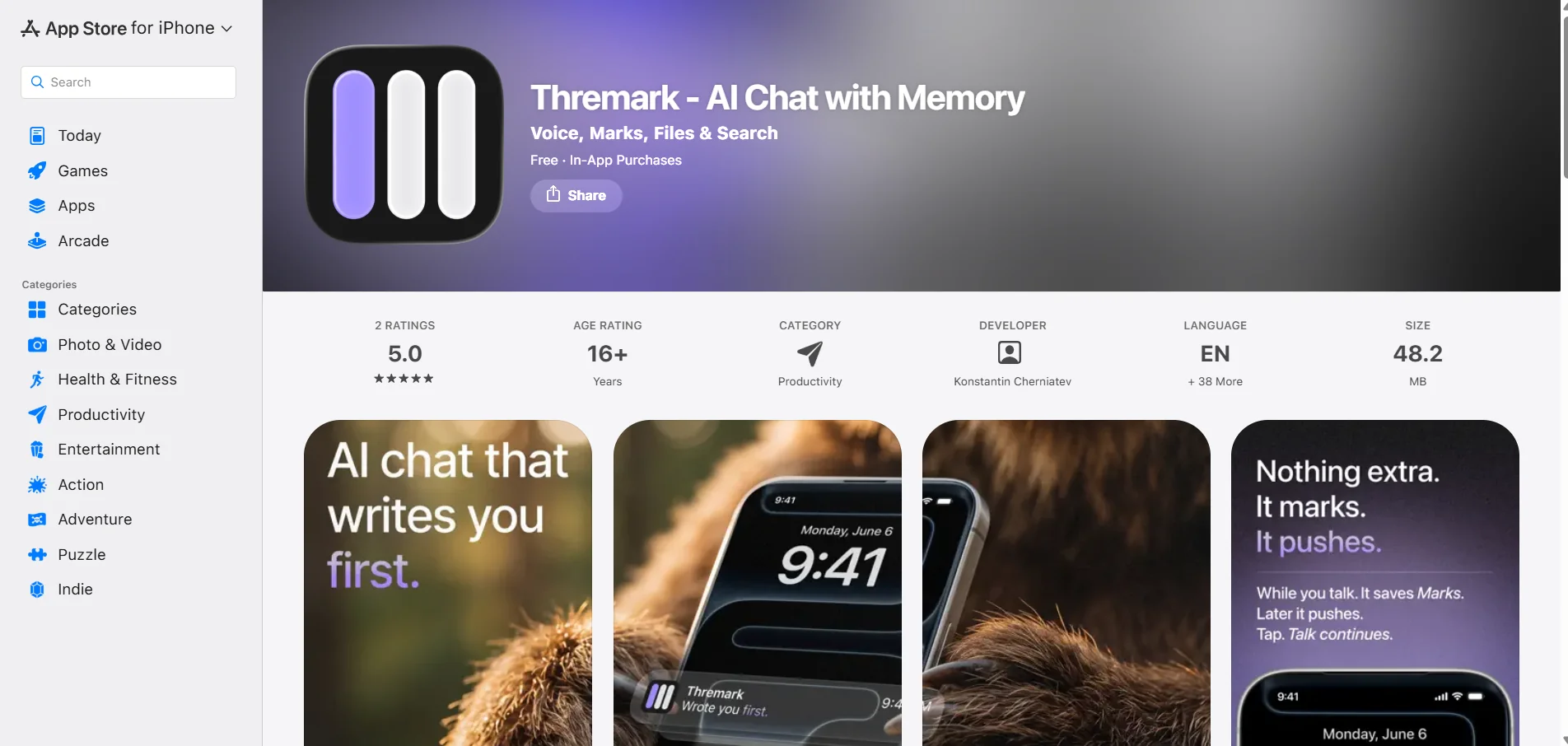
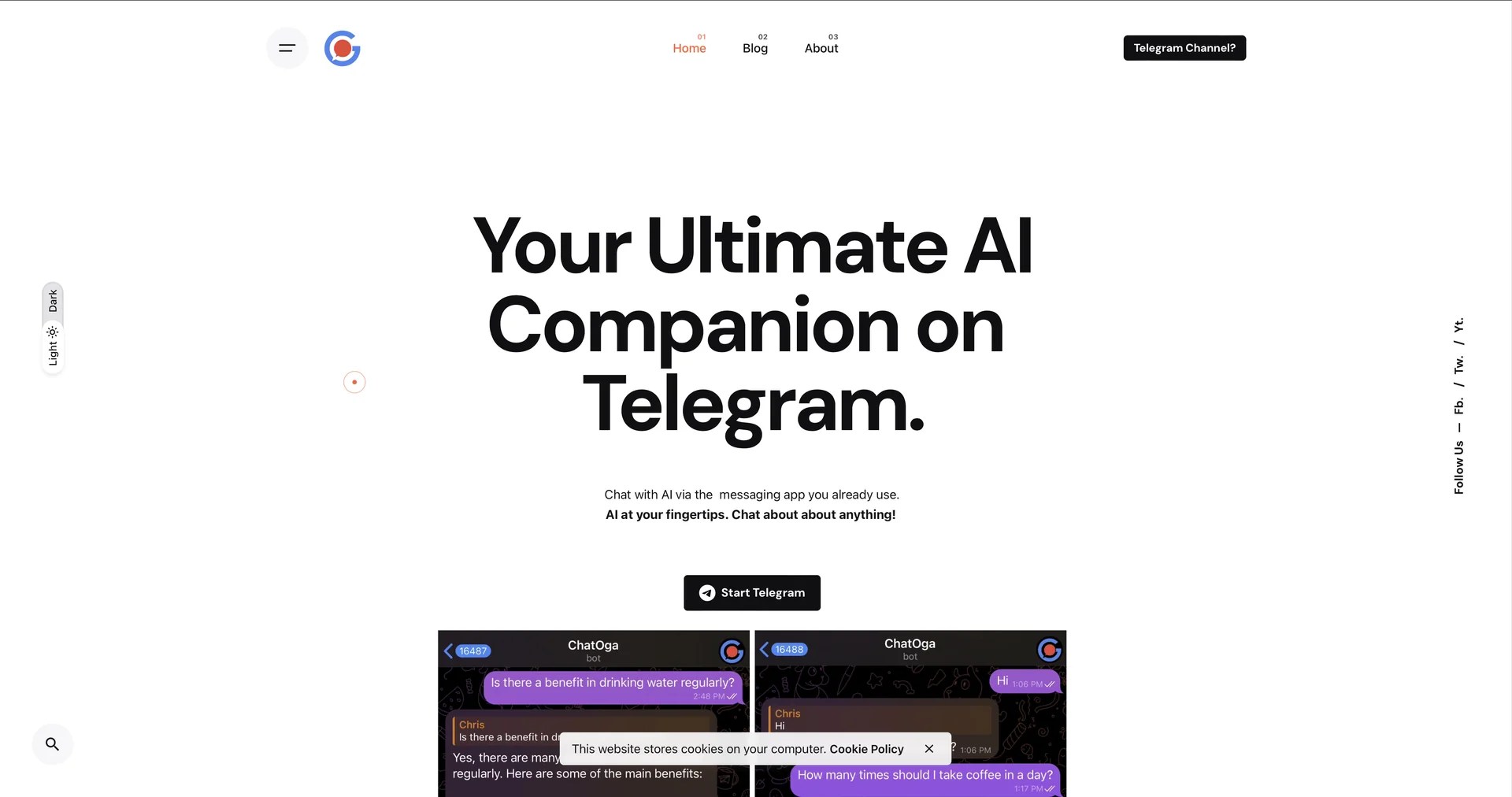
    Thremark is an AI-powered chat app focused on memory and personal context, allowing users to interact with models such as GPT, Claude, and Gemini through a single interface, with the ability to use voice, image generation, web search, and file handling. The app works without the need to manually select a model; the app description explains that the appropriate model is automatically activated based on the task.

  5. Studley AI

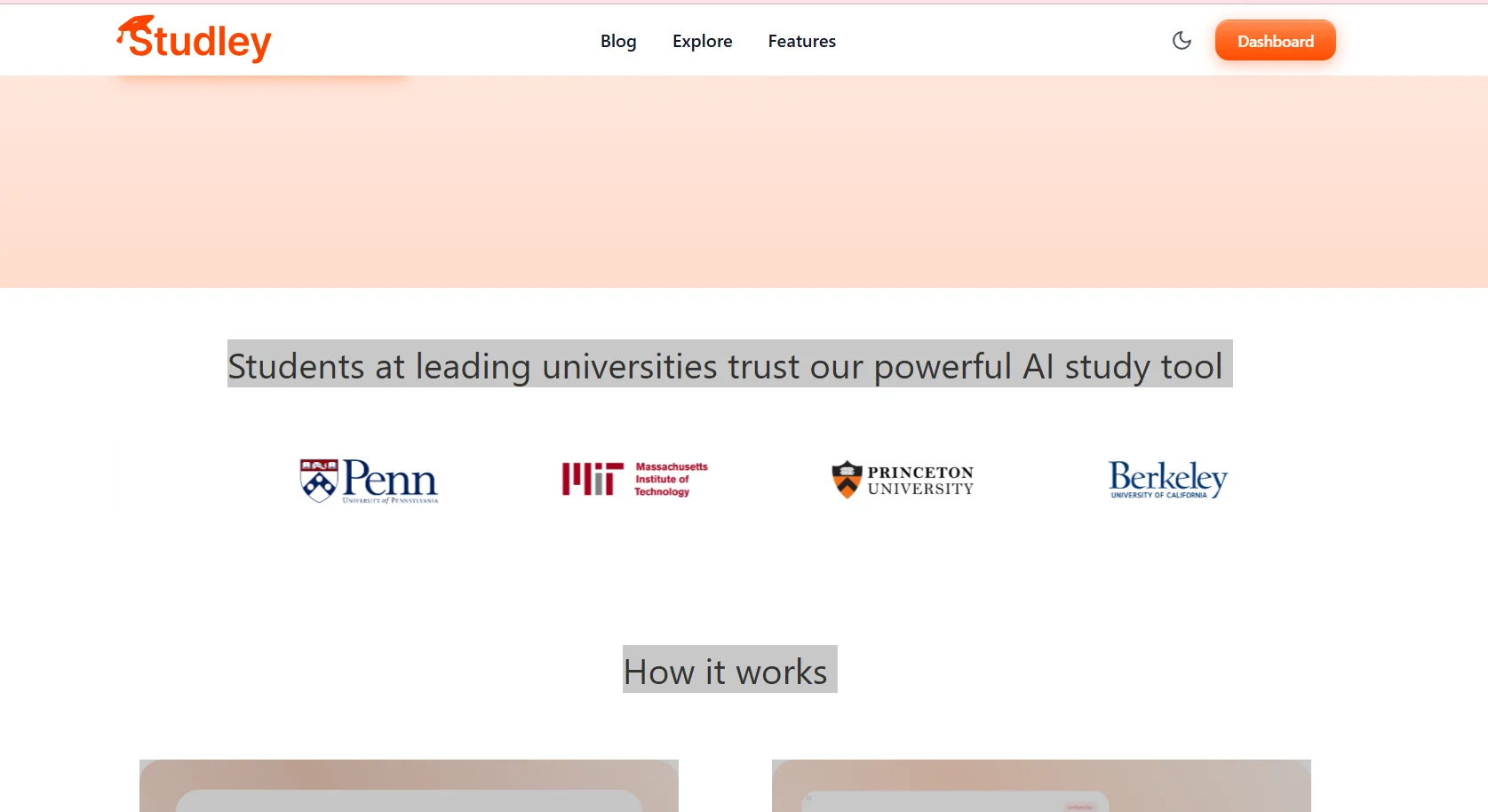
    Studley AI is an AI-powered study platform that helps students transform study materials—such as notes, files, essays, videos, and recorded lectures—into interactive learning resources. The tool can generate flashcards, multiple-choice quizzes, written exams, and fill-in-the-blank questions, AI-powered lessons, and organized notes, in addition to converting content into educational audio episodes. It also provides an AI-powered study assistant that can answer questions based on the study material uploaded by the user.

  6. Faceless Automator

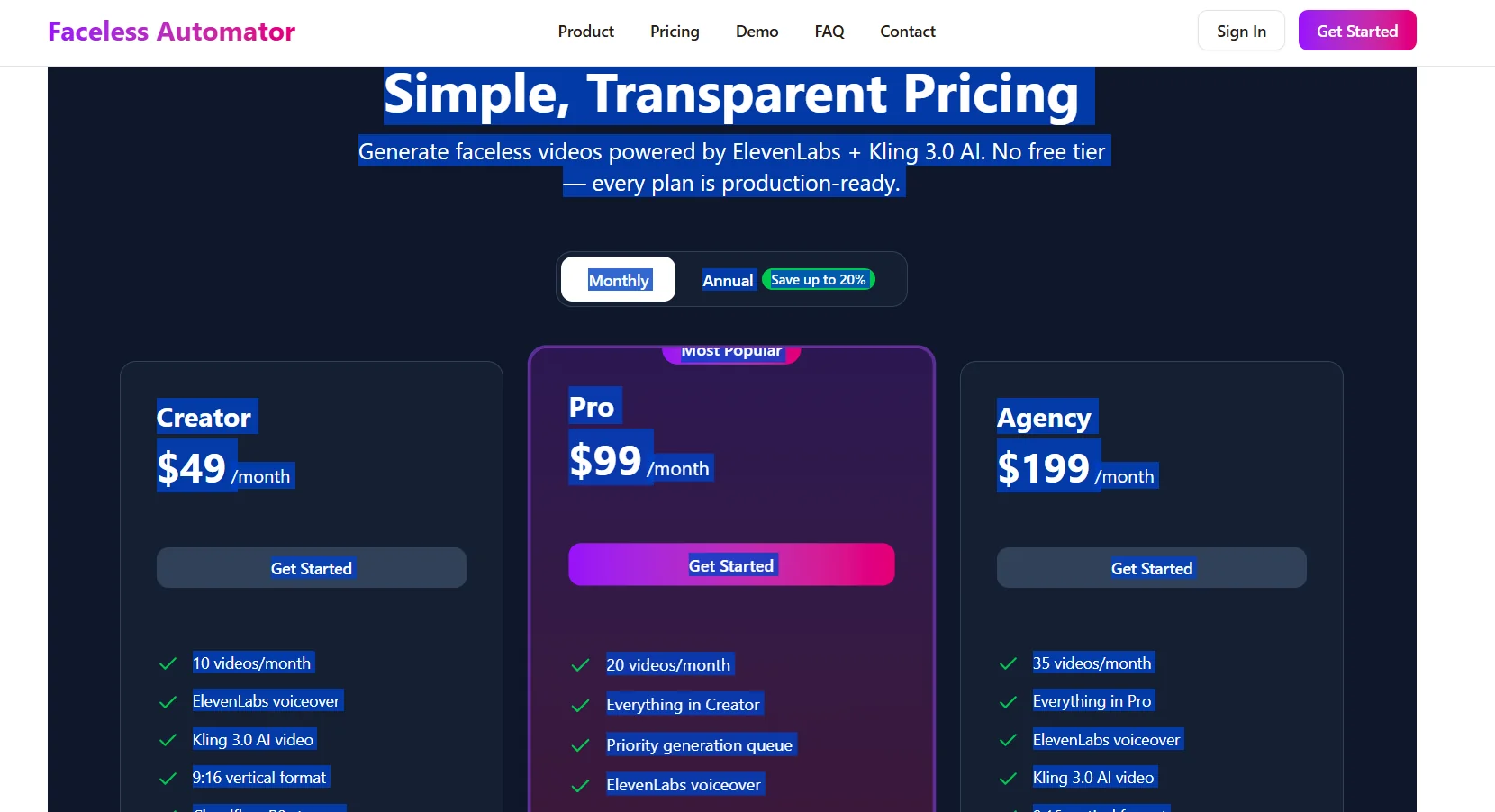
    Faceless Automator offers a tool for creating AI-powered Faceless videos, allowing users to turn any topic into a polished video in minutes without the need for a camera, a production team, or manual editing. The tool is aimed at content creators who want to quickly produce YouTube Shorts, TikToks, and Instagram Reels, as well as marketing agencies that need to produce video content for clients at scale, and companies looking to grow their social media presence without hiring a video team. The process consists of three main stages, starting with AI Script Generation using Claude AI to create industry-specific scripts, followed by Natural Voiceovers using professional voices powered by ElevenLabs, and finally Instant Video Assembly to combine the script, voiceover, and footage into a video ready for publication. The platform currently relies on ElevenLabs + Kling 3.0 AI and provides 9:16 HD-quality videos suitable for vertical video platforms. Video creation typically takes 2–5 minutes on average, though the duration may vary depending on the length of the script and the voiceover selection.

  7. BridgeMind

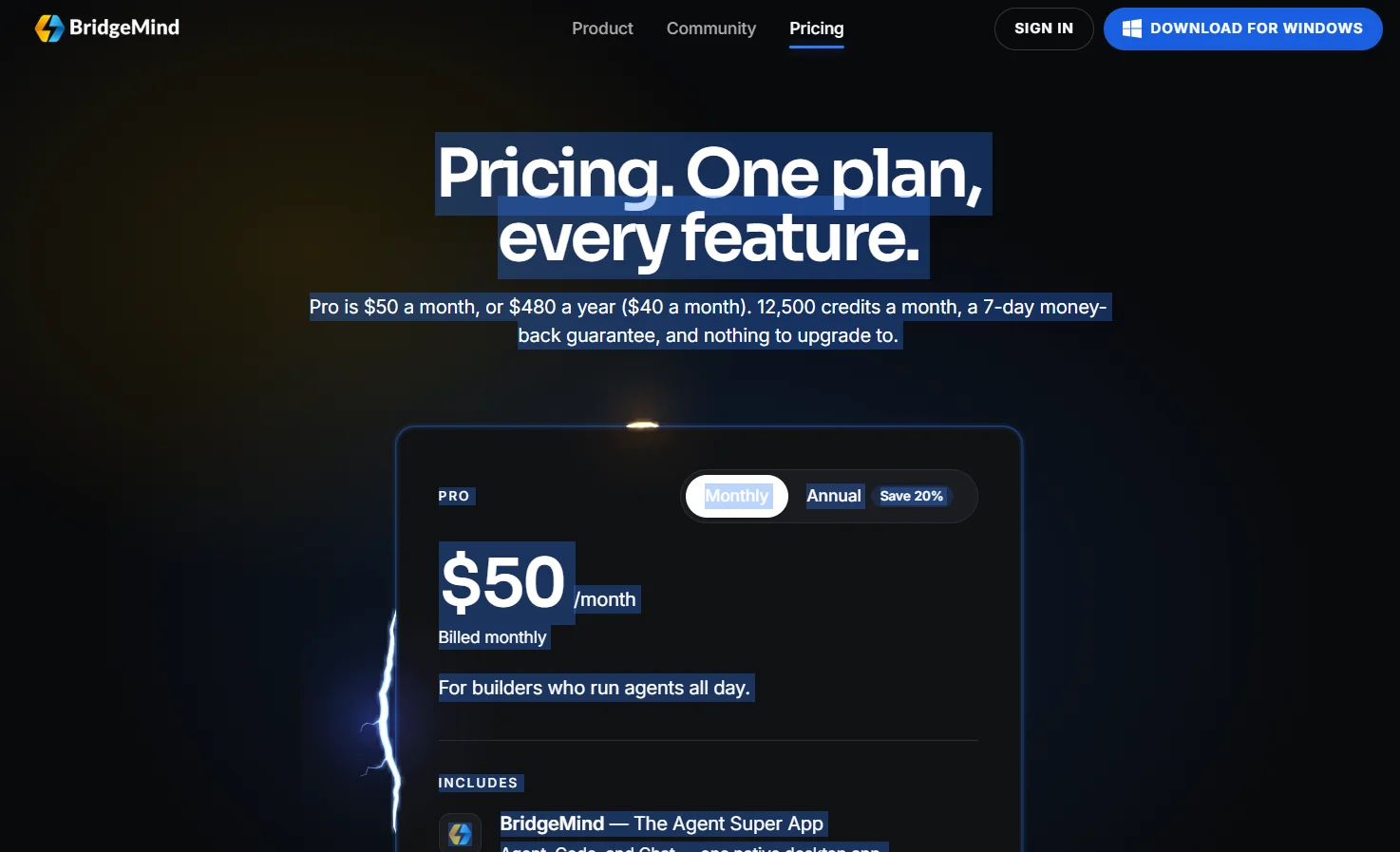
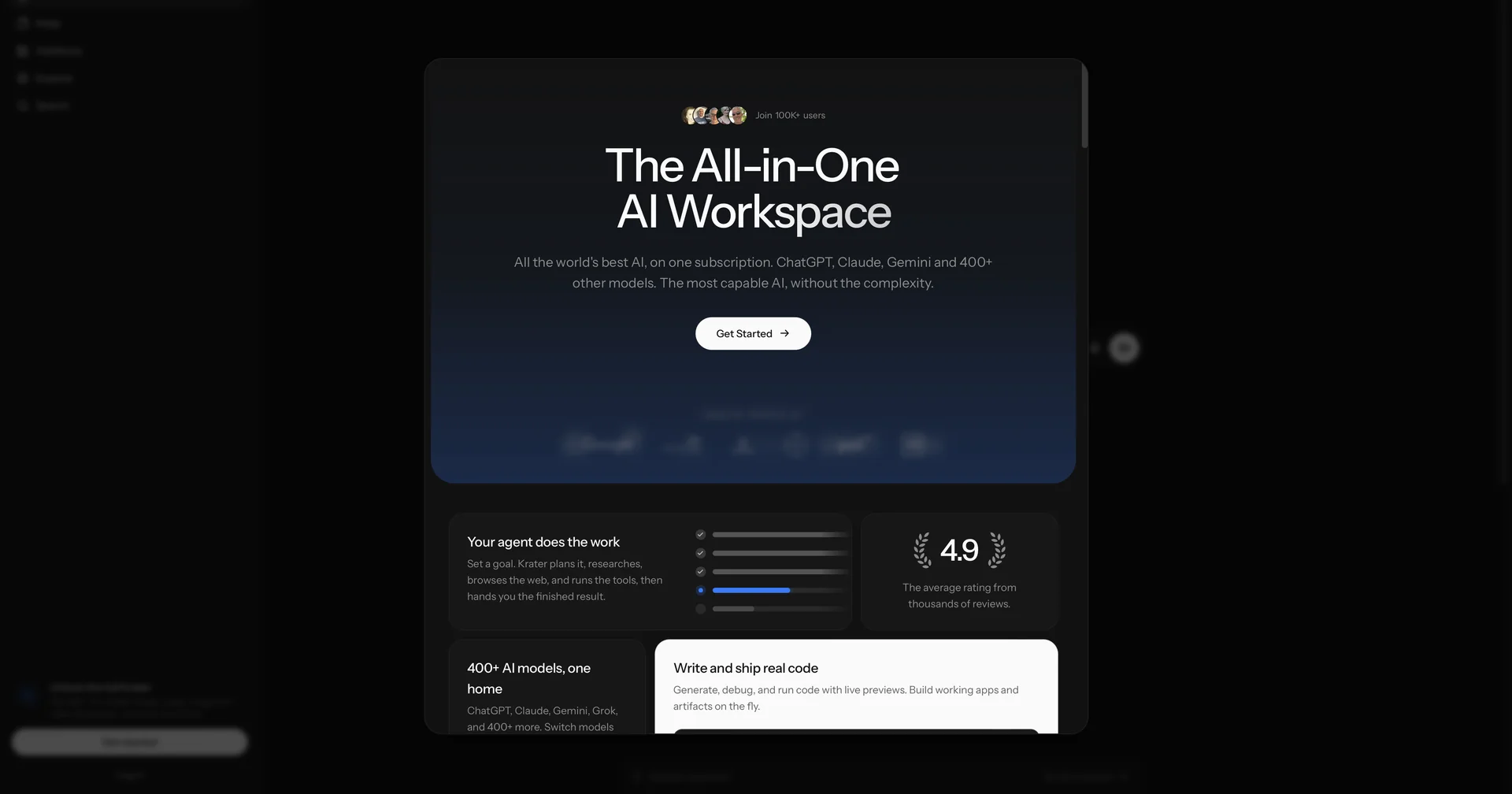
    BridgeMind offers a unified app under the concept of “The Agent Super App,” which combines AI agents that can be operated according to schedules and routines, a dedicated workspace for Vibe Coding, and a standalone mode for conversing with AI. The app combines Agent, Code, and Chat modes into a single desktop interface.

  8. Tellus

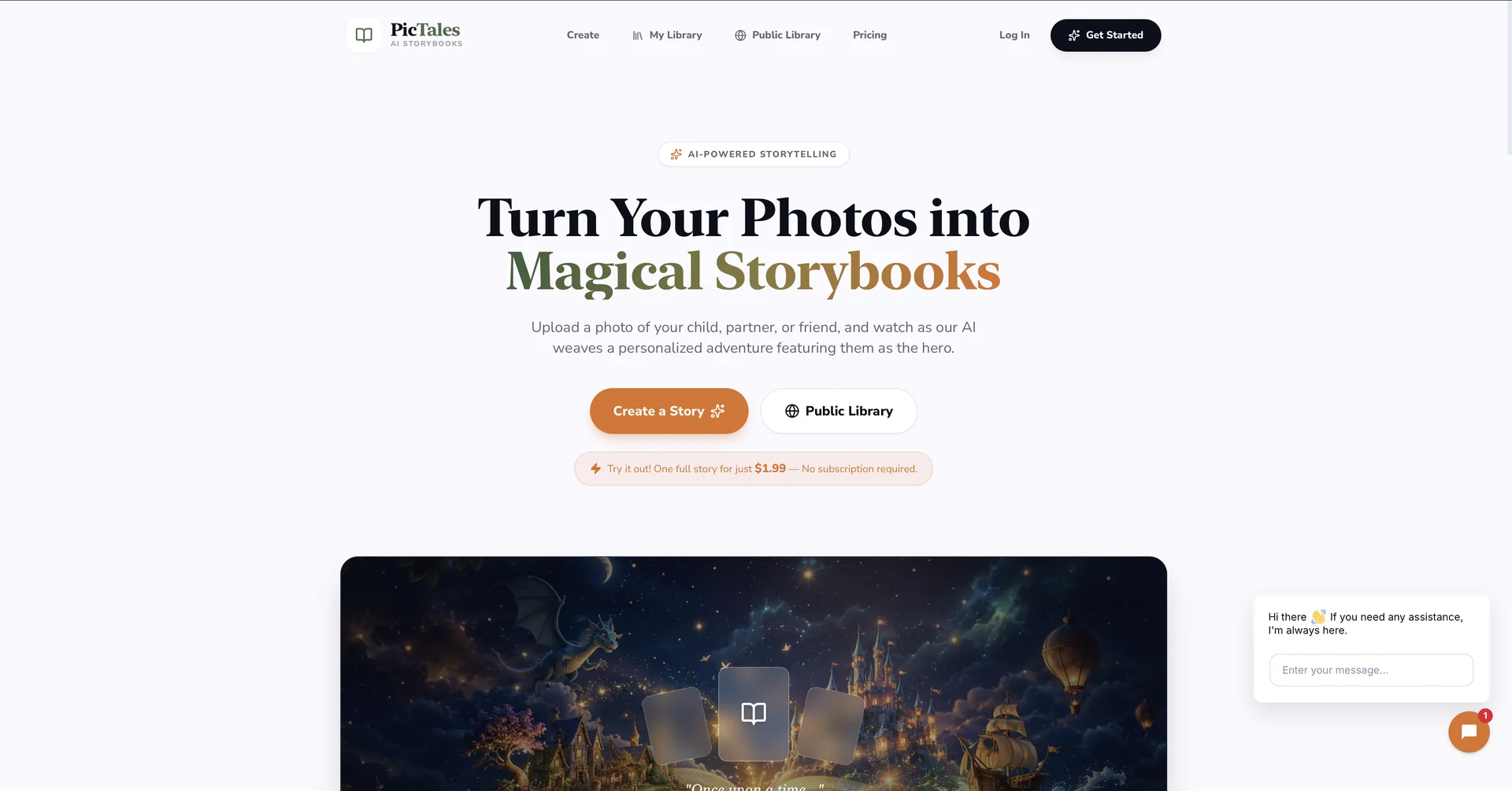
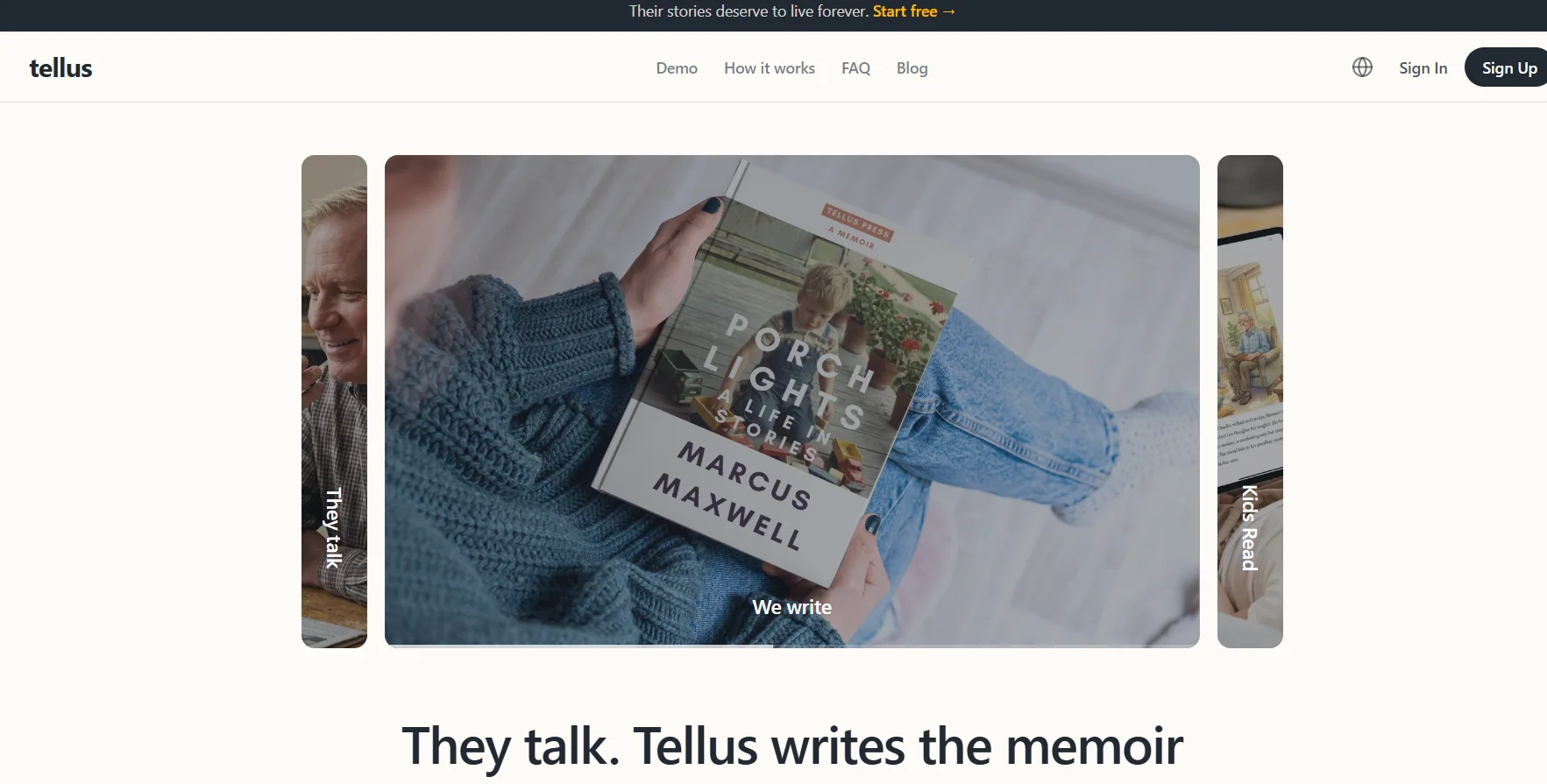
    Tellus is an AI-powered platform for preserving the stories and experiences of family members—especially those of parents and grandparents—by recording their memories and turning them into written autobiographies and illustrated children’s books. The process requires no writing, photography, or technical skills.

  9. Ludo.ai

    Ludo.ai is an AI-powered platform designed for game developers, individuals, studios, and teams, offering a wide range of tools to help create games and develop their assets and content. The platform enables the generation of game ideas, concepts, content, and playable prototypes, as well as the creation of 2D and 3D images and assets, and the animation of models and characters.

  10. ShortMake

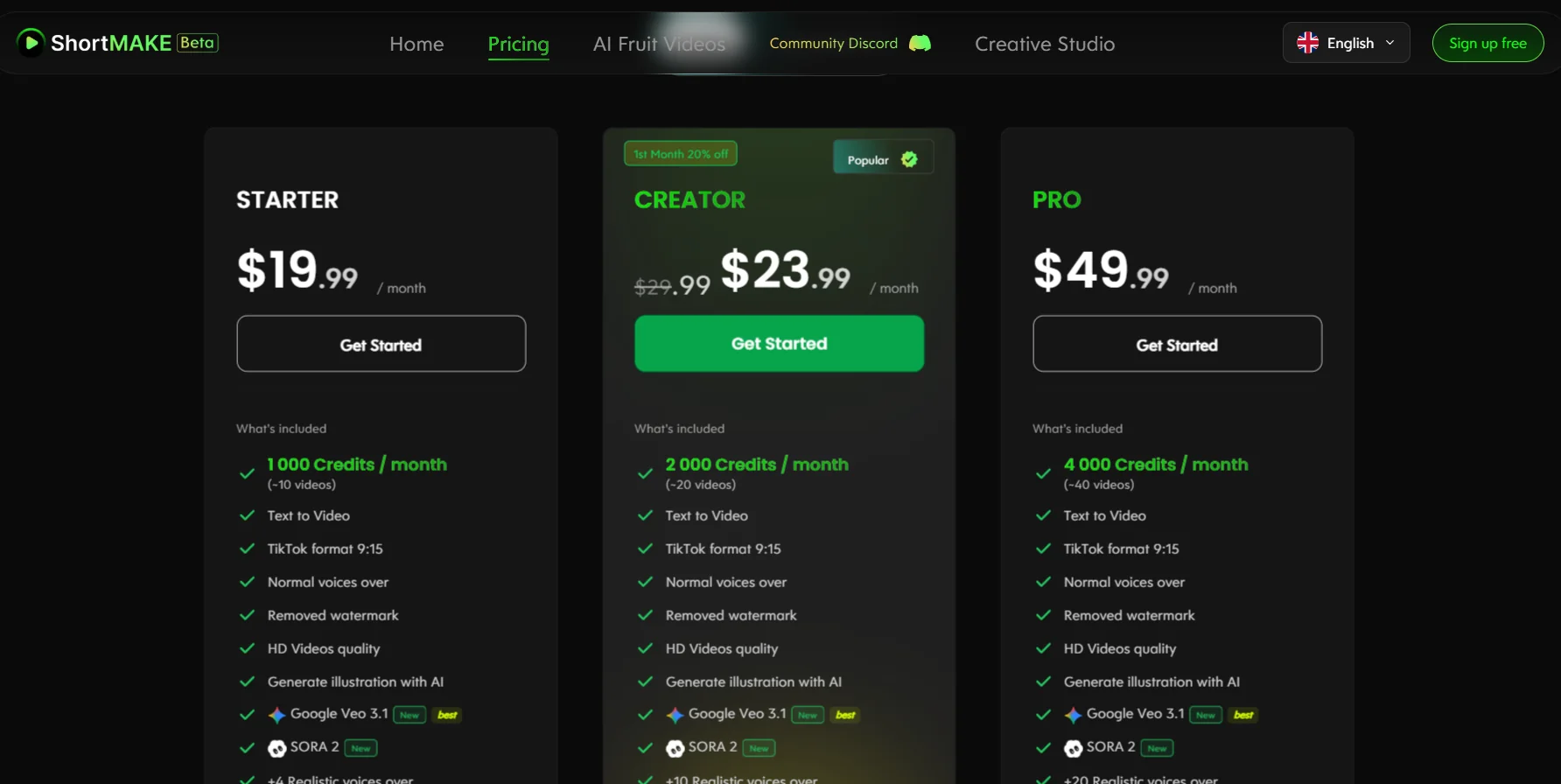
    ShortMake is an AI-powered platform that turns ideas and text into professional short videos in minutes, without the need for advanced editing skills. It is specifically designed to create short-form content for TikTok, YouTube Shorts, Instagram Reels, and Snapchat, and allows users to enter a simple idea, after which the AI creates the script, selects visual elements, adds voice-over and subtitles, and then automatically renders the final video.

  11. Kivi

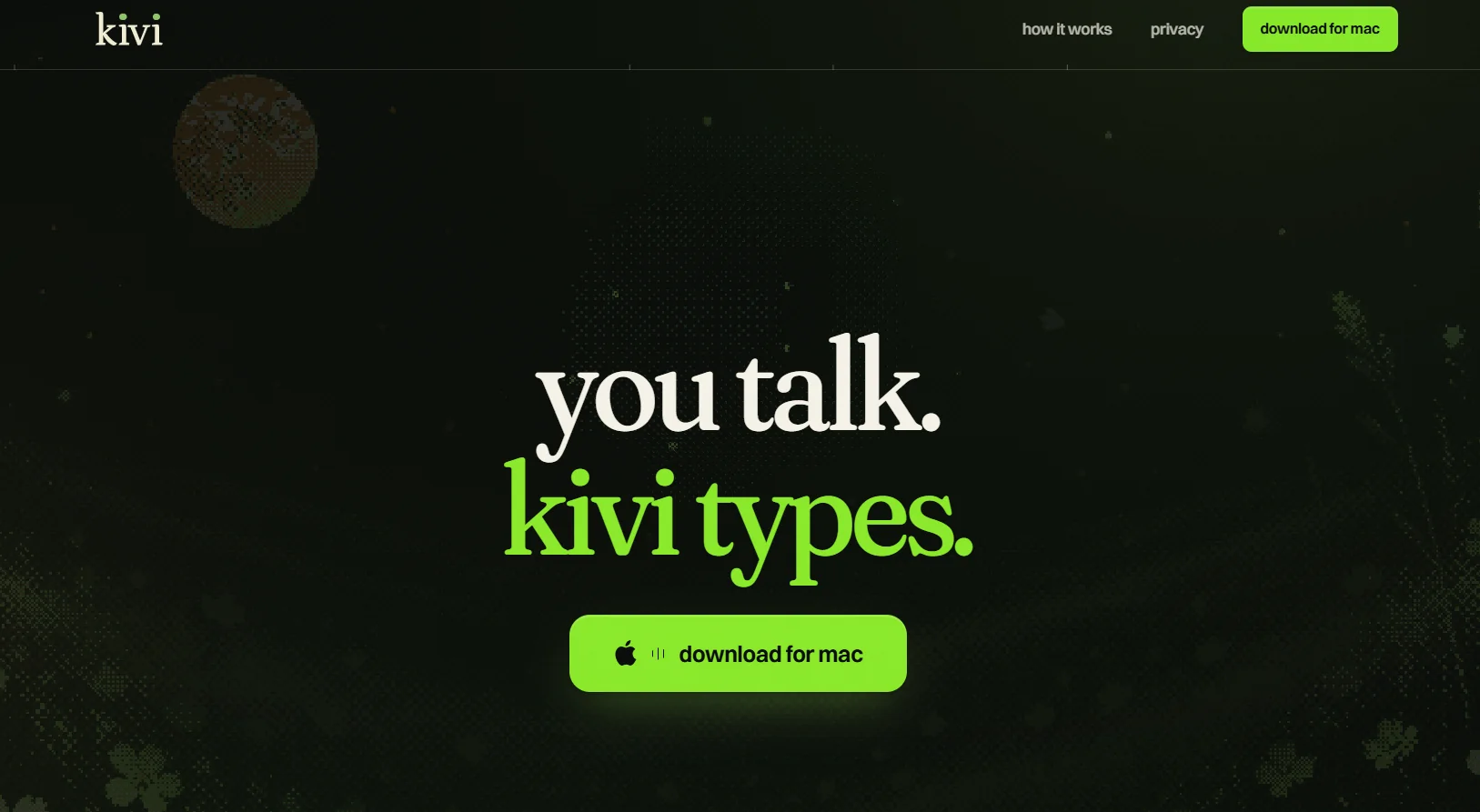
    Kivi is a tool for typing and controlling a computer using voice commands; it works on Macs, where the user speaks and the tool converts their speech into formatted text or makes the requested changes directly within apps. It can be used within multiple apps such as Slack, Reminders, Notes, Messages, Cursor, Mail, Terminal, and Numbers, It also allows you to select any text on the screen, press Fn + Ctrl, and speak to Kivi to execute commands such as rewriting the text, reformatting it, expanding it, creating additional content, or getting an answer.

  12. FineCam

    FineCam is an AI-powered virtual camera tool that lets you enhance your appearance in videos during video calls, meetings, and live streams, with the ability to remove the background and replace it with another one, enhance camera image quality, and add effects and virtual backgrounds. It also allows you to use the virtual camera within meeting and streaming apps that support camera sources.

  13. Pixlr AI Video Generator

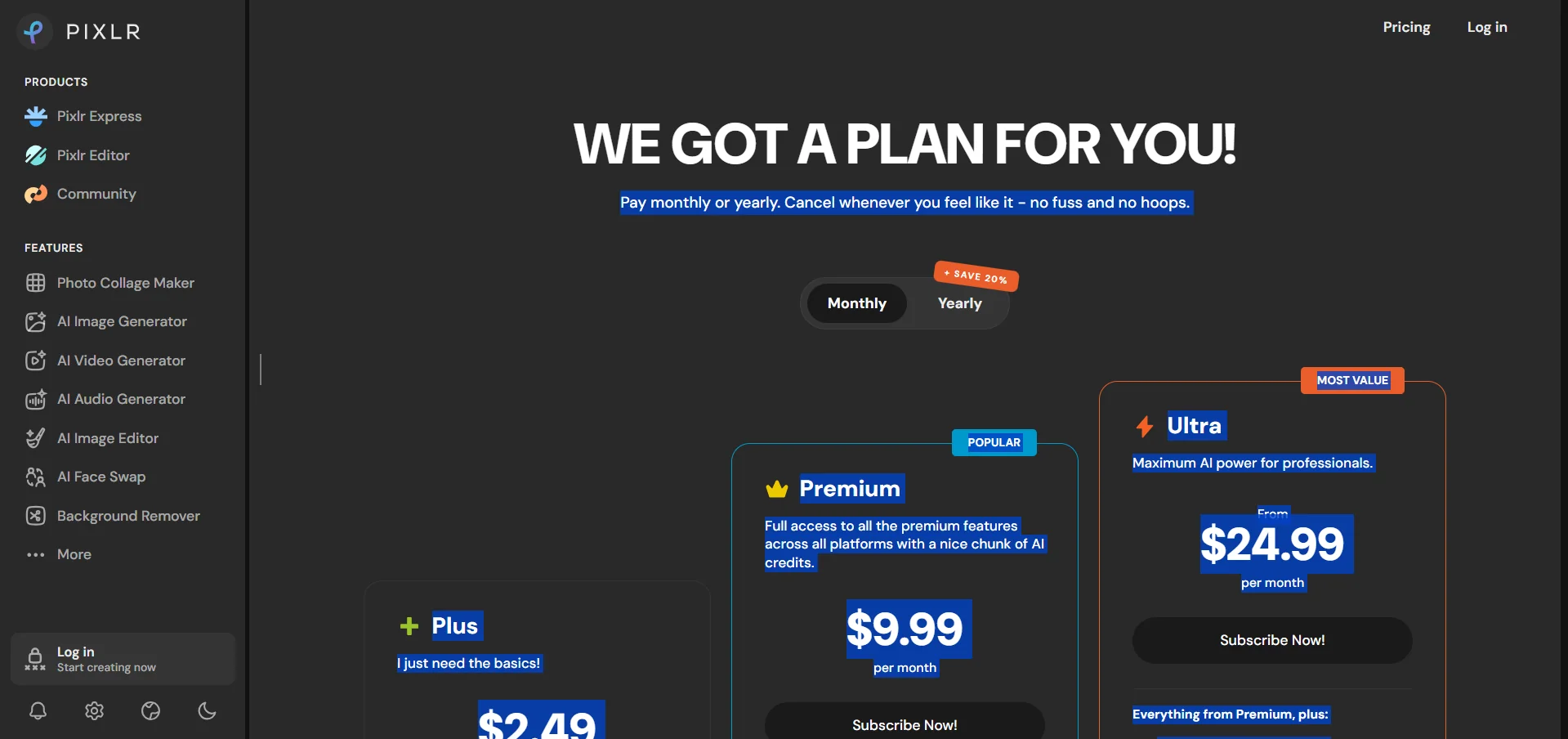
    Pixlr AI Video Generator is a tool from Pixlr that uses artificial intelligence to create videos from text or images. Users can describe the scene they want using a text prompt, and the tool then converts the description into a video. Alternatively, users can upload a still image and turn it into a moving clip by adding realistic motion to the elements within it. The tool supports multiple video generation models, including Google Veo, Kling, and Seedance, with the option to choose a model based on the user’s needs in terms of speed and quality. (Pixlr)