AI Bosala

العربية

AI Tools in Productivity & Scheduling

1,117 results

Open the Productivity & Scheduling category page

  1. EasyFolders .

    EasyFolders is a freemium Chrome extension designed to help ChatGPT users manage their conversations more efficiently. With unlimited folders, color tagging, full-text search, bookmarking, and a prompt library, it's great for anyone wanting to bring order to their AI chat environment. The free version covers most use cases, while the paid plans add cloud sync and lifetime access to all updates. Ideal for frequent users of AI chat tools across multiple devices.

  2. Flowith

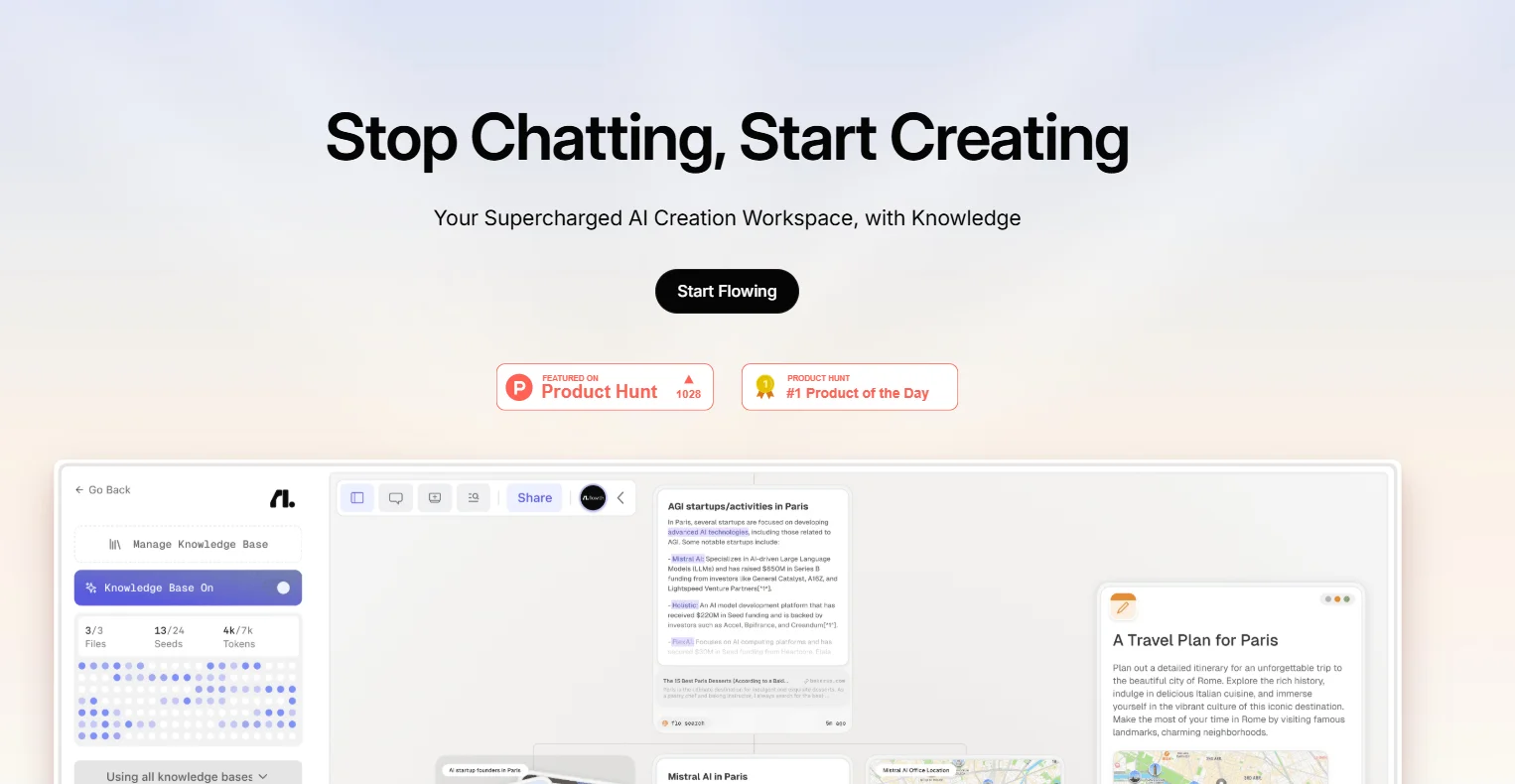
    Flowith is an advanced AI productivity platform offering a range of AI agents to automate workflows, manage knowledge smartly, and collaborate with teams. It supports multiple top-tier AI models and integrates with popular tools to streamline your work. The free plan provides basic AI credits and features, while paid plans expand access to more credits, models, and premium support, fitting needs from individual users to large enterprises.

  3. Sparkle

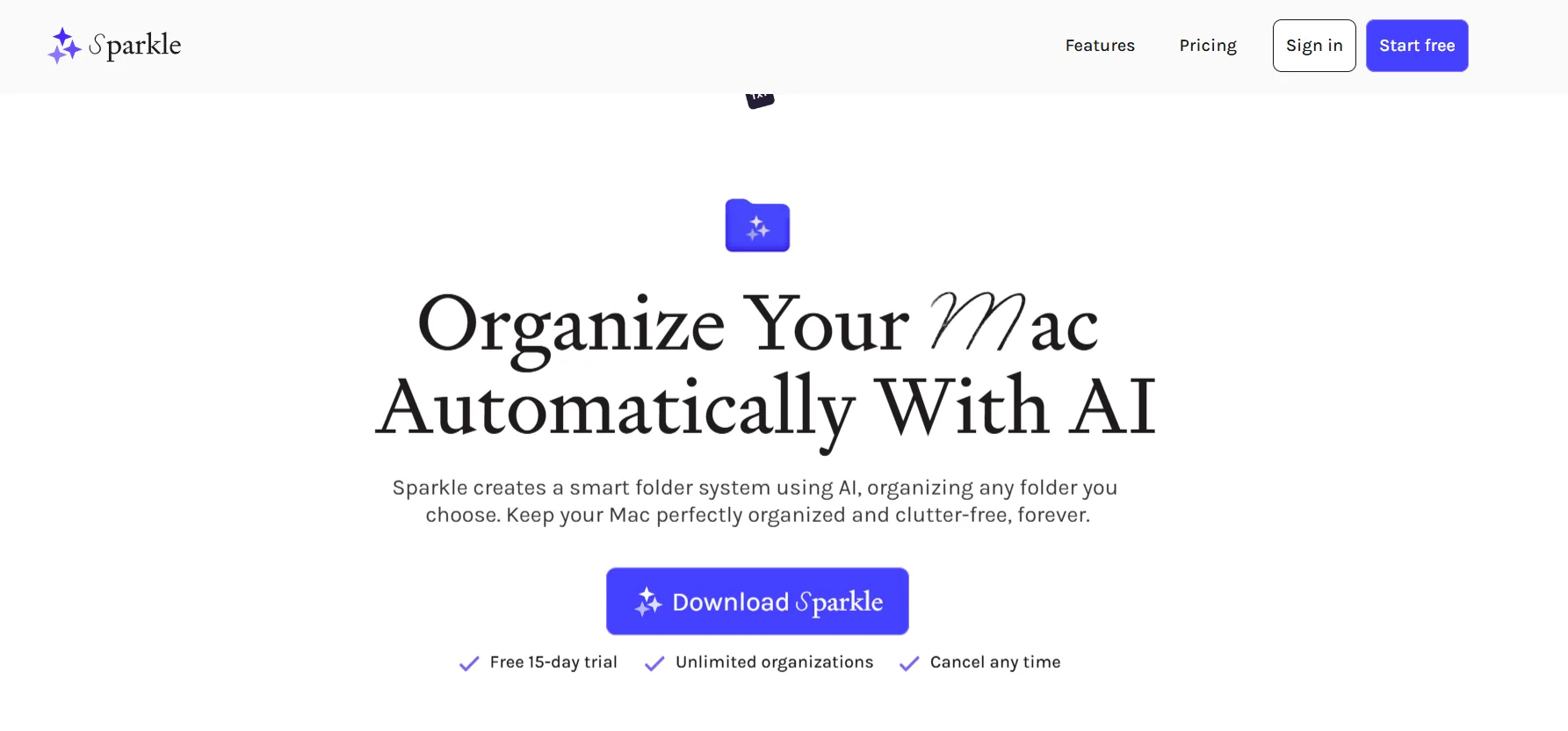
    Sparkle is an innovative solution for organizing files on Mac devices, using artificial intelligence technologies to create a smart folder system that adapts to your work style and personal needs. Instead of wasting time manually creating folders or searching through scattered files, Sparkle analyzes the contents of your folders, such as your desktop, documents, and downloads folder, and then automatically creates smart subfolders and categorizes files according to their type or your projects, ensuring a clear and accessible organization. Users can choose the folders they want to organize, while the tool takes care of the rest, including cloud storage files such as iCloud and Google Drive, so that all your files are permanently organized and self-organizing. User experiences reflect how easy Sparkle is to use and how effective it is, with many describing it as time-saving and enabling them to focus on creative tasks rather than digital clutter, with the ability to customize the folder system according to each user's needs. Sparkle's smart system ensures that your files will never get lost again, with a 15-day free trial before you make your final decision.

  4. ShellMate

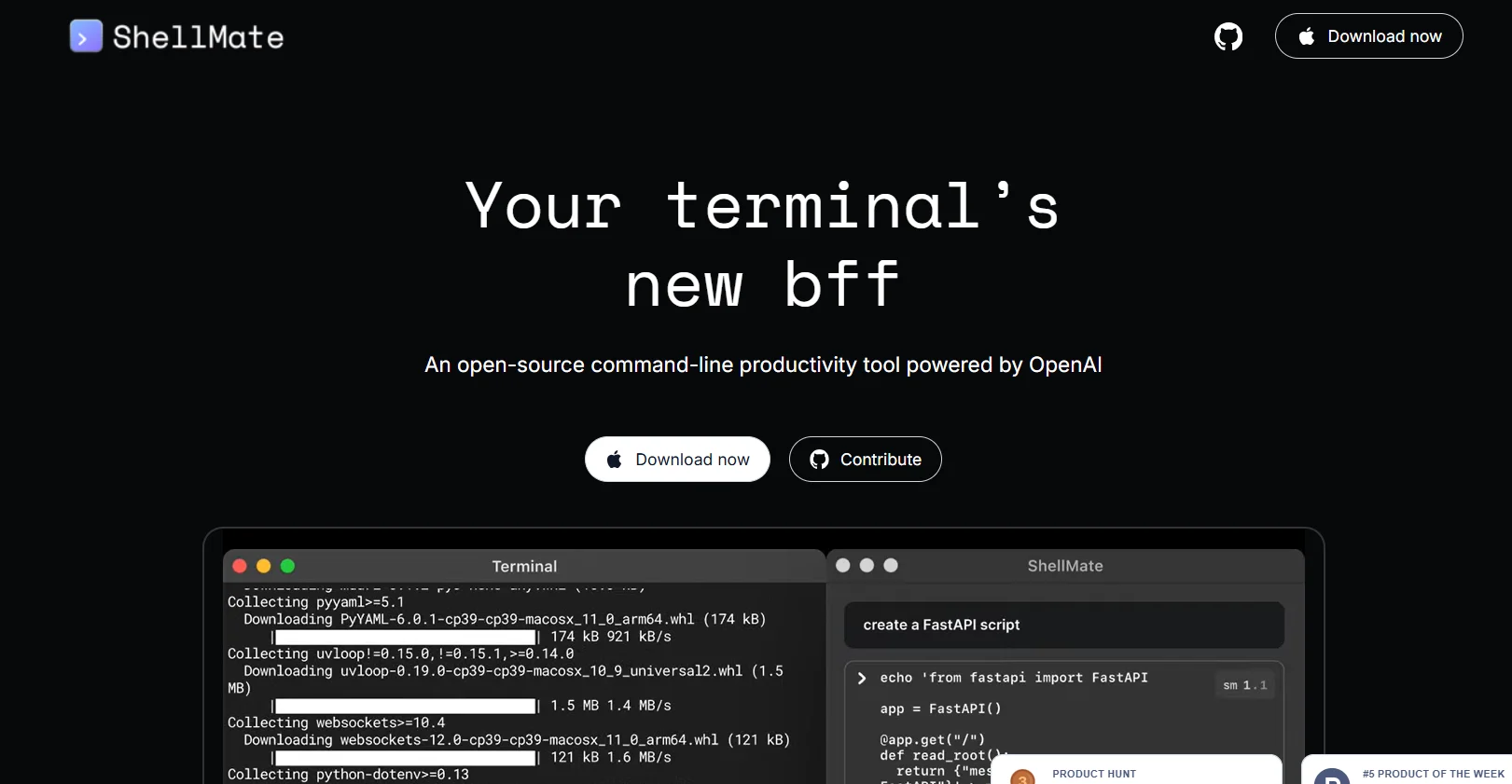
    ShellMate AI is the perfect companion for terminal users on Mac devices, as it is an open-source productivity enhancement tool powered by OpenAI technologies. The tool allows users to send queries directly from the terminal, either via stdin, command input media, or highlighted text, to provide quick answers without having to leave the current environment. ShellMate also features the ability to predict upcoming commands based on the user's terminal history, making task execution faster and smoother. Users can highlight specific text to focus the tool's attention on it, facilitating interaction without the need to rephrase queries. Using the sm shortcut, it becomes easy to insert AI-generated suggestions directly into the active terminal, ensuring a seamless and efficient work experience without the need to switch between different windows or applications.

  5. PrompBase

    Prompbase provides comprehensive and up-to-date information on the payment methods available at Bingo Australia online, including credit and debit cards, e-wallets such as PayPal and Skrill, bank transfers, and modern services such as PayID. The platform helps players choose the most suitable method for depositing funds and withdrawing winnings, with a focus on speed, security, and user convenience while playing.

  6. Aicado

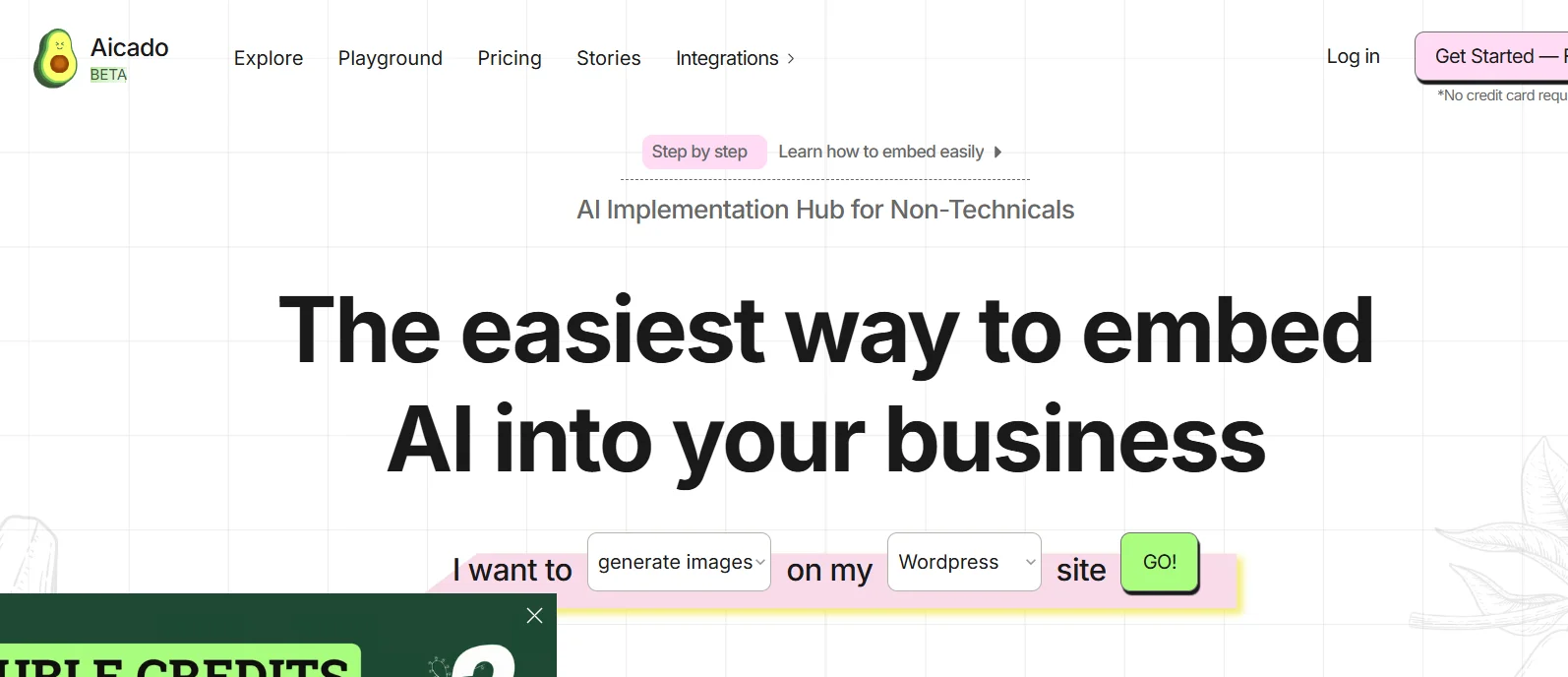
    Aicado.ai is a user-friendly no-code platform designed for non-technical users to easily integrate AI models into their websites and applications. With a flexible pay-as-you-go pricing system, it offers a cost-effective way for businesses to leverage AI without coding skills.

  7. Zivy

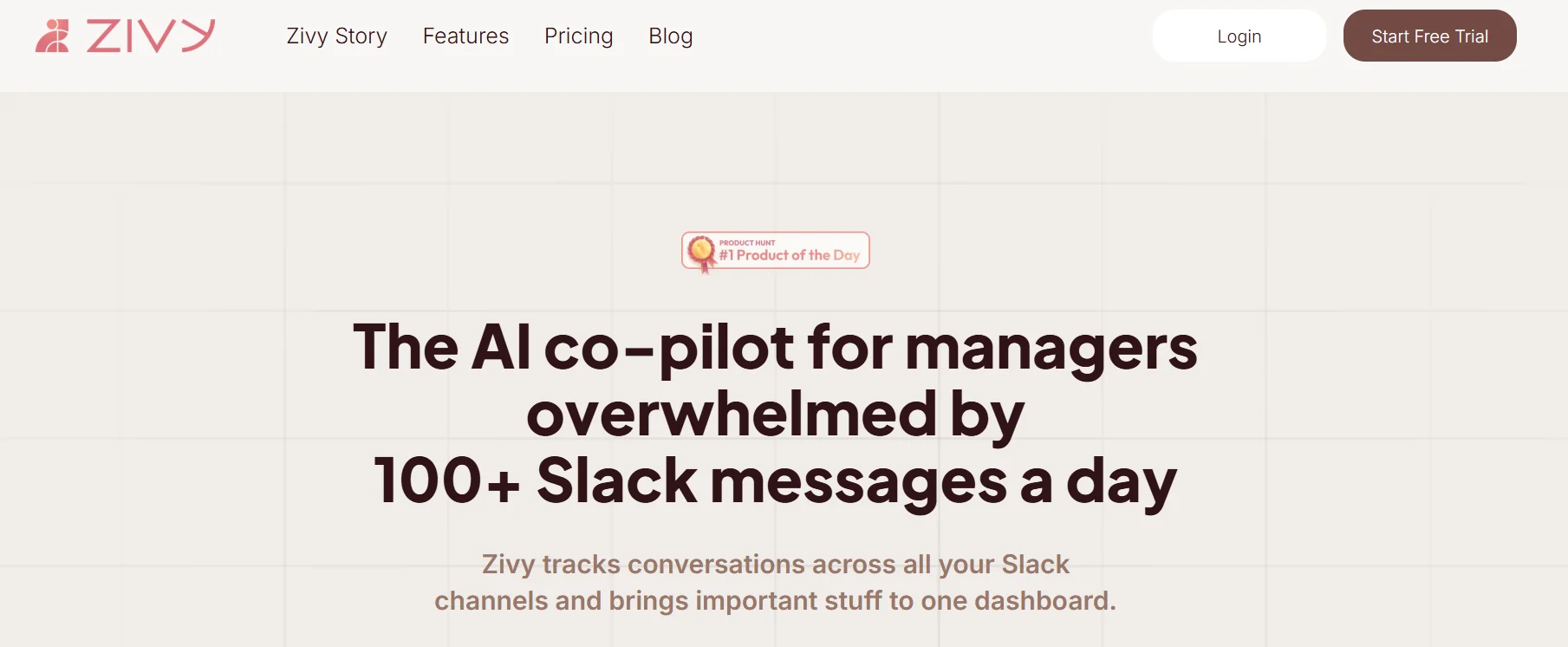
    Zivy offers flexible packages that help users reclaim their lost time on Slack with smart tools for managing messages and conversations. The platform offers features such as automatic message categorization, automated task tracking, AI-powered replies, long thread summarization, calendar integration, task management, built-in Slackbot, message composition, and personalized analytics, enabling users to quickly and efficiently wrap up conversations, while converting messages into clear, easily manageable tasks.

  8. MindMap AI

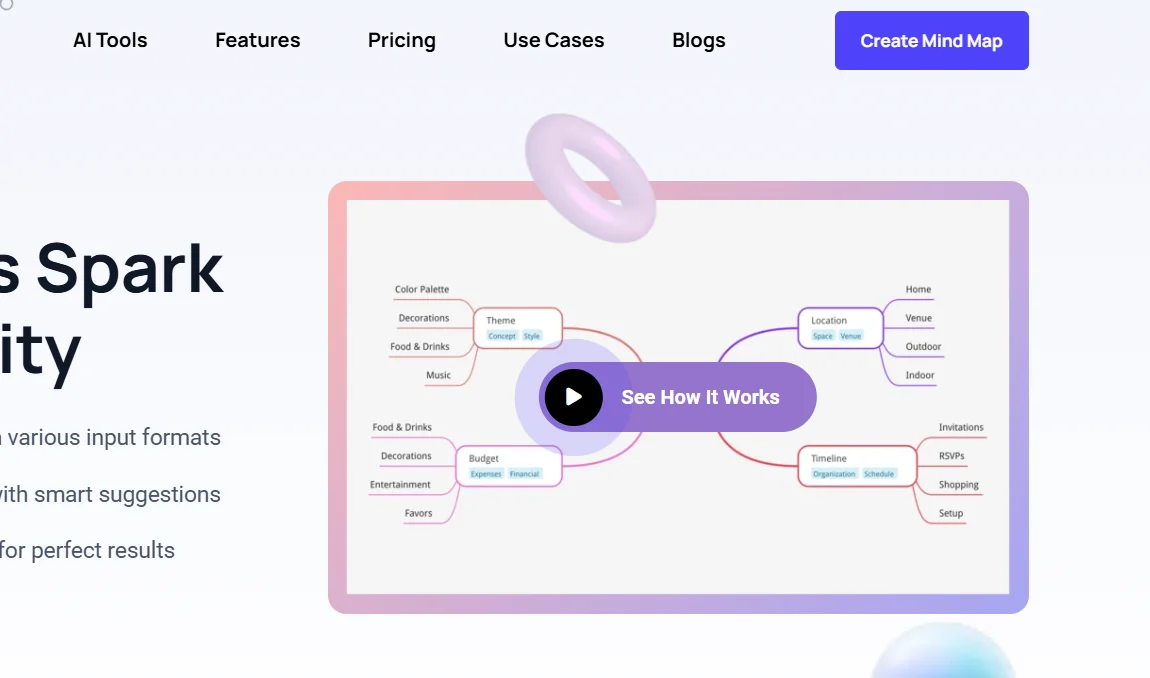
    The MindMap AI platform offers a smart visual thinking assistant that generates mind maps in an organized way that mimics real thinking rather than random branches. The tool uses a step-by-step thinking mode that understands context and hierarchical relationships before creating the map to ensure accuracy from the first attempt. It allows you to convert various types of content such as text, PDF files, images, audio, video, Markdown, and CSV files into organized mind maps in seconds, supporting more than twenty-five languages without compromising structure or meaning. It also provides a collaborative editing system that allows manual or joint work with artificial intelligence without the system overwriting the user's edits or changing their formatting, as well as the ability to efficiently process large documents and navigate between three display modes, including mind map, organizational chart, and logical diagram, while maintaining structural consistency. The tool offers full customization of colors, fonts, and shapes, and the addition of actionable elements such as task priority and due dates, as well as ready-to-use aesthetic templates. It emphasizes data protection and does not sell or use data to train general AI models, making it suitable for students, researchers, entrepreneurs, and work teams who need to organize ideas and transform mental chaos into a clear, actionable structure.

  9. AirDoc Pro

    AirDoc Pro is an AI assistant that transforms your files into smart, interactive conversations. It helps with summarizing documents, pulling data, and building document-based chatbots. Great for anyone dealing with lots of files in law, healthcare, accounting, and beyond. Paid monthly plans start at £14.99. There’s no real free plan, but the tool is easy to use and connects to platforms like WhatsApp, Telegram, and Slack — with more business tools coming soon.

  10. FastTrackr AI

    FastTrackr AI is a messaging-based productivity assistant that helps you write emails, book meetings, transcribe voice notes, and manage tasks – all from WhatsApp or iMessage. It replaces the need to jump between apps by handling your workflow within chat. The tool doesn’t offer a free plan, but comes with one-time payment options ($49, $79, $99) depending on your usage needs. It’s fully automated and designed for professionals who want AI help without adding new tools or logins to their day.

  11. Promptly AI

    Promptly allows users to write, save, and reuse AI commands in one place in an organized and efficient manner, saving time and increasing the accuracy and quality of results. Commands can be categorized by project, topic, or any system chosen by the user, accessed from any device, and shared with the team. It also allows commands to be run directly through the application programming interfaces of AI tools, parts of commands to be modified, multiple commands to be run at once, and the command library to be imported or exported for easy transfer or sharing.

  12. ChatGPT Personality Selector

    The ChatGPT-Personality-Selector add-on allows users to customize how ChatGPT interacts by selecting a predefined "personality," so that the model behaves according to a specific role or specialty without having to write lengthy instructions each time. You can choose personalities such as teacher, doctor, translator, password generator, stand-up comedian, startup expert, software developer, or Linux or Python terminal emulator. The personality is activated by selecting it from the list and pressing the confirmation button, and the model will immediately start working according to the preset settings.

  13. Prompter

    PrompterAI provided a smart solution to reduce meeting preparation time by creating a concise information package sent daily to email. The tool relied on automatic searches of LinkedIn profiles, tracking relevant recent news, reviewing the latest messages and conversations, and reviewing customer relationship management system notes. It then compiled this data into a concise report that helped users enter any meeting fully informed about the other party's background. It also provided AI-powered reminders to update CRM data, ensure follow-up tasks were completed after meetings, and reduce no-shows through smart alerts. It worked by connecting only email and calendar, with direct integration with tools such as Google Workspace, HubSpot, Salesforce, and Slack.

  14. Prompt Blaze

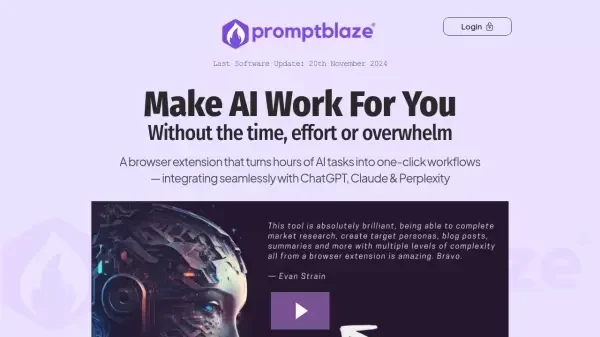
    PromptBlaze allows users to manage text commands in a coordinated and efficient manner, creating automatic chains (Prompt Chains) to link multiple commands together to perform complex tasks quickly, without the need for any programming knowledge. The tool supports integration with most AI platforms such as ChatGPT, Claude, Perplexity, Gemini, Poe, and Grok, and enables the execution of any specific text on web pages directly as command input. It also provides Quick Reply Menus to improve interaction speed, advanced command organization with the ability to edit and export, and support for workflow tools such as Zapier, N8N, and Make to connect with more than 2,000 applications.

  15. Khroma

    The Khroma platform offers an advanced experience for generating custom color palettes based on personal user preferences. The platform relies on a neural network that learns the colors chosen by the user to understand their likes and dislikes, and then generates endless color palettes that can be used in design. When a variety of colors are selected, the system analyzes them to offer unique combinations that can be displayed as color gradients, text lines, custom images, or color palettes. The platform also allows users to search for color palettes by hue, saturation, or color values, with HEX and RGB color codes, and save their favorite palettes in a personal library, in addition to accessibility ratings according to WCAG standards.

  16. GPT Cheat Sheet

    This resource provides a small PDF file (435 KB, one page) designed to quickly and effectively enhance users' skills in using ChatGPT and artificial intelligence. The guide contains essential elements including 40 roles that ChatGPT can perform, 15 different output formats, 15 useful add-ons, 15 important AI tools, 14 Chrome extensions for artificial intelligence, 12 checklists for using ChatGPT effectively, along with magic prompts, vocabulary, and additional benefits, making it a focused tool for practical and immediate application of knowledge.

  17. PromptBox

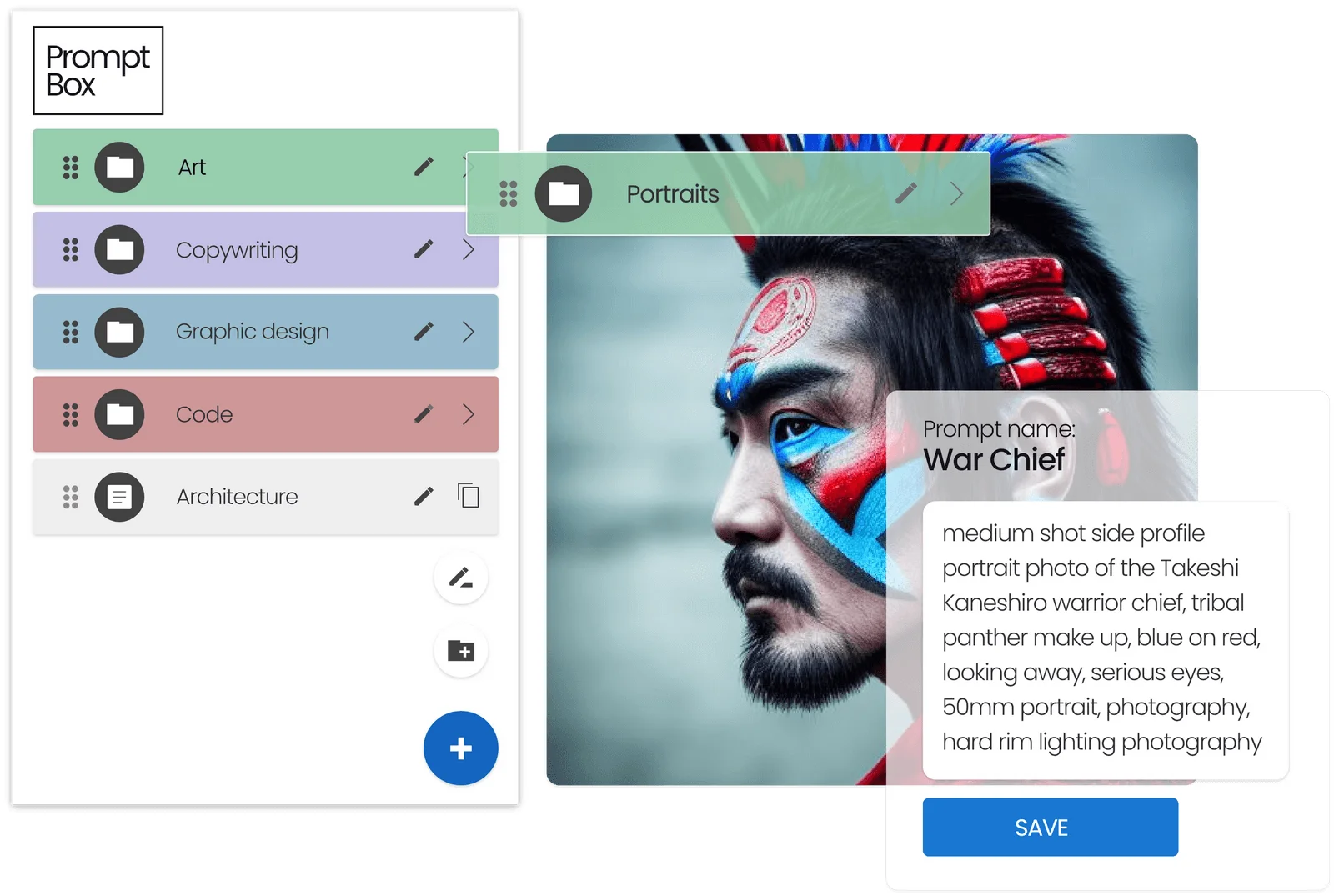
    PromptBox offers a comprehensive system for managing text and text templates, with the ability to quickly insert them using custom shortcuts that work across different applications and devices. The platform allows you to create an unlimited number of templates or prompts, organize them into folders, and use custom variables when activating shortcuts. This feature makes the tool suitable for reusing code, terminal commands, message templates, technical reports, customer service responses, or any repetitive content that needs to be inserted quickly and accurately.

  18. Sudowrite

    Sudowrite offers an advanced AI platform that helps writers and novelists overcome writer's block and speed up the process of creating novels and long stories in their own style. The platform offers features such as rich description writing, word and sentence suggestions, scene expansion, text review and rewriting, and constructive notes for style improvement. It also includes tools for plot planning, character development, and adding artistic elements by generating images of characters and written worlds, making the writing experience more comprehensive and organized.

  19. Klipy CRM

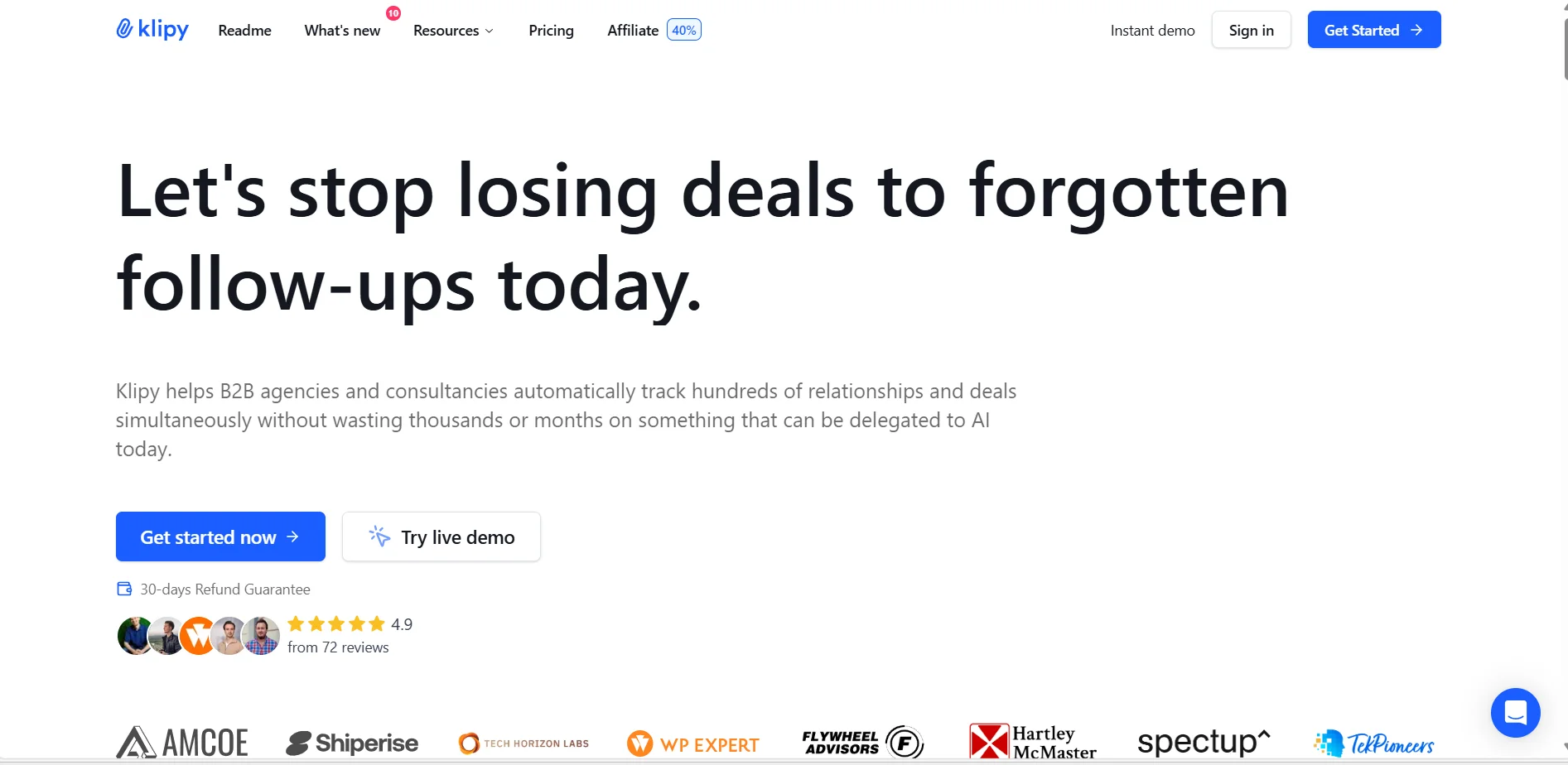
    Klipy offers a comprehensive solution for managing complex B2B sales using artificial intelligence, converting unstructured conversations into immediate action items, drafts, and ready-to-send messages to ensure that every qualified lead is followed up on until the deal is closed or confirmed. The platform relies on three main functions: Capture to collect emails, meetings, and chats and convert them into an organized schedule; Assign to convert interactions into priorities, follow-up tasks, and ready-to-send drafts; and Synchronize to enter organized data into company systems to improve reviews, training, and forecasts.

  20. Neighborbrite

    The Neighborbrite platform allows anyone to design and transform their backyard into an attractive outdoor space in minutes, without the need to install any app. The platform is based on three main steps: uploading a real photo of the yard, choosing a preferred style or model from a variety of designs, and then obtaining an instant visual representation of the new garden that can be shared with family and friends. The platform provides smart tools to explore the potential of outdoor spaces and experiment with different plant styles before implementing them in reality. The platform also includes a global community of more than 500,000 registered users and more than 15 million designs in over 170 countries.

  21. Simply Draw

    The Grouping app is a tool designed to help users organize and host various events, meetings, and gatherings. It allows users to create and manage events from start to finish, including selecting and booking venues, as well as providing social networking services for attendees before, during, and after the event. The app is designed to be a comprehensive tool for planning events, whether they are parties, business meetings, conferences, or any other type of gathering.

  22. Observely

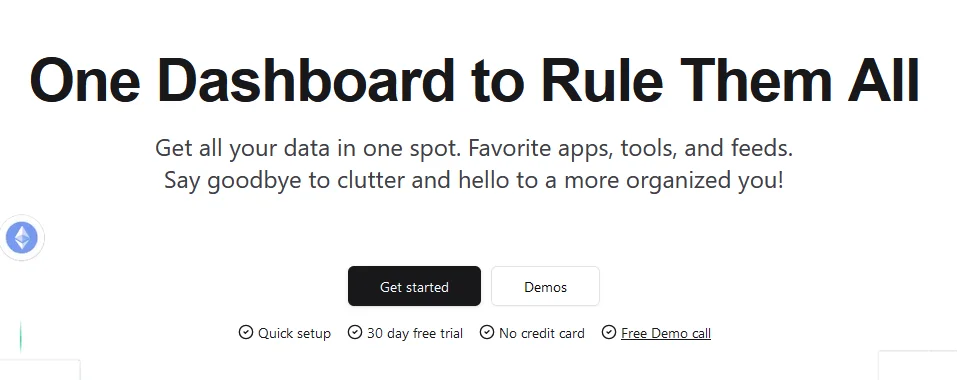
    Observe offers a personalized workspace that brings together all user data and tools in a single dashboard, making it easier to organize and increase productivity. The platform allows users to manage different applications, sources, and favorites without having to switch between multiple applications, helping them focus and complete tasks faster. Available tools include bookmark management, task tracking via the Todoist app, text or voice note-taking and transcription using Audionote, chatting with AI models via aiChat, Pomodoro timer for time management, following news via RSS, time tracking, integration with Google Calendar, viewing global exchange rates, managing inbox, connecting external services via Webhook, managing time zones, and embedding web content within the workspace.