Description
Tool name: PromptBox
Tool category: 🔖
• Content management and publishing
• Content and text writing
• Automation and smart agents
• Productivity and scheduling
️ What does this tool offer? ✏
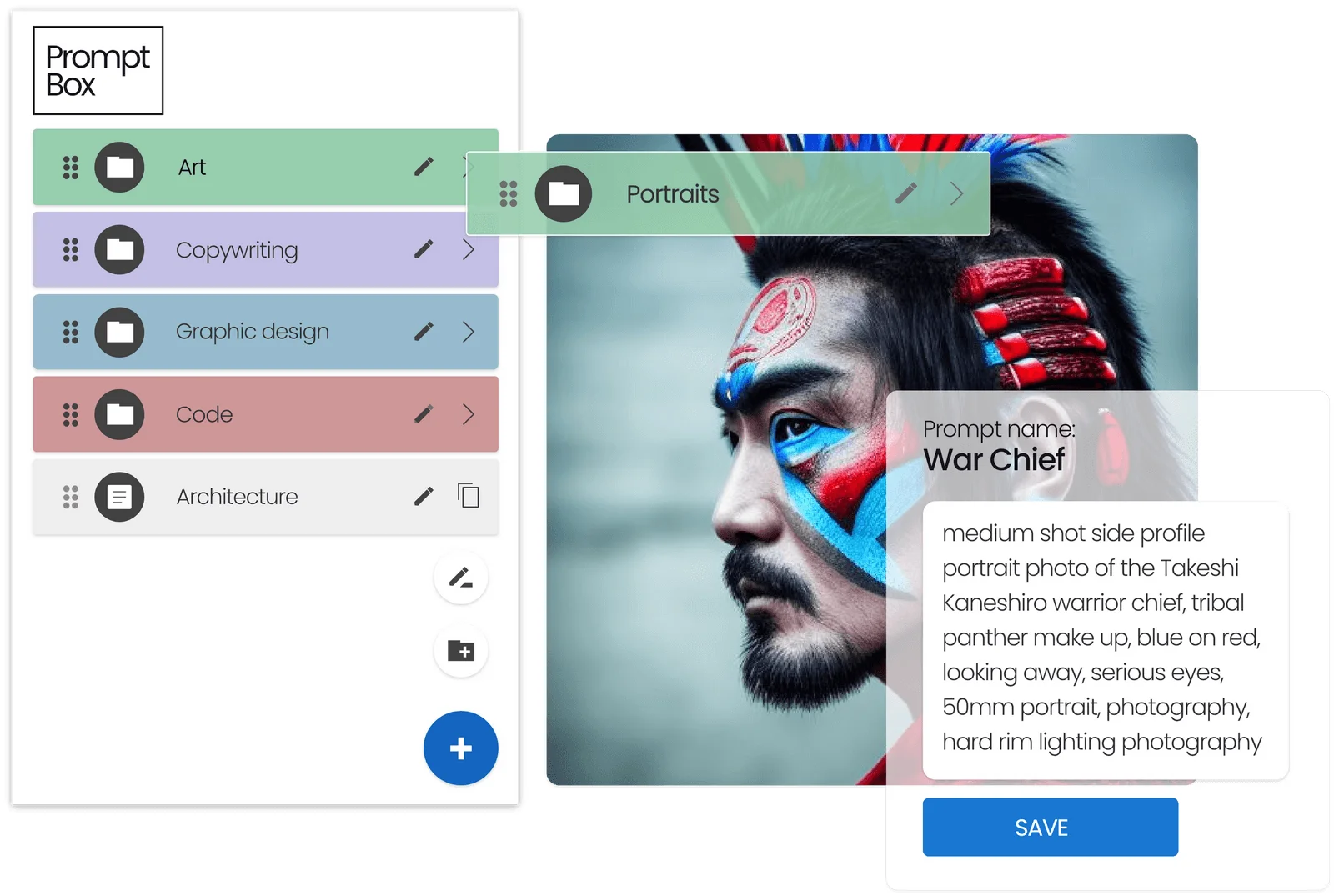
PromptBox offers a comprehensive system for managing text and text templates, with the ability to quickly insert them using custom shortcuts that work across different applications and devices. The platform allows you to create an unlimited number of templates or prompts, organize them into folders, and use custom variables when activating shortcuts. This feature makes the tool suitable for reusing code, terminal commands, message templates, technical reports, customer service responses, or any repetitive content that needs to be inserted quickly and accurately.
What does it actually offer based on user experience? ⭐
More than 30,000 users have praised its ease of use, folder organization, and variable support, with a noticeable improvement in daily workflow, especially for those who rely on AI tools or deal with repetitive technical content. The tool has helped reduce time wasted on copying and pasting, and has replaced other shortcut tools for some users thanks to its simplicity, speed, and stability.
Does it include automation? 🤖
Yes, automation includes quickly inserting text and templates via shortcuts, syncing content across devices, and automatically updating templates for all users in work teams.
Pricing model: 💰
The tool is completely free with no subscriptions or hidden fees, with full access to all features. There is no trial period or paid restrictions.
🆓 Free plan details:
Price: Completely free
Create an unlimited number of templates
Support for custom variables
Organize templates into folders
Cloud synchronization across all devices
Collaborate with your team by sharing templates
Paid plan details: 💳
There are no paid plans; all features are available for free without restrictions.
How to access the tool: 🧭
PromptBox can be accessed via the official website, with the ability to use the tool directly on mobile or desktop applications, and quickly and easily create and manage text templates.
Trial link or official website: 🔗
https://www.promptbox.ai/#pricing