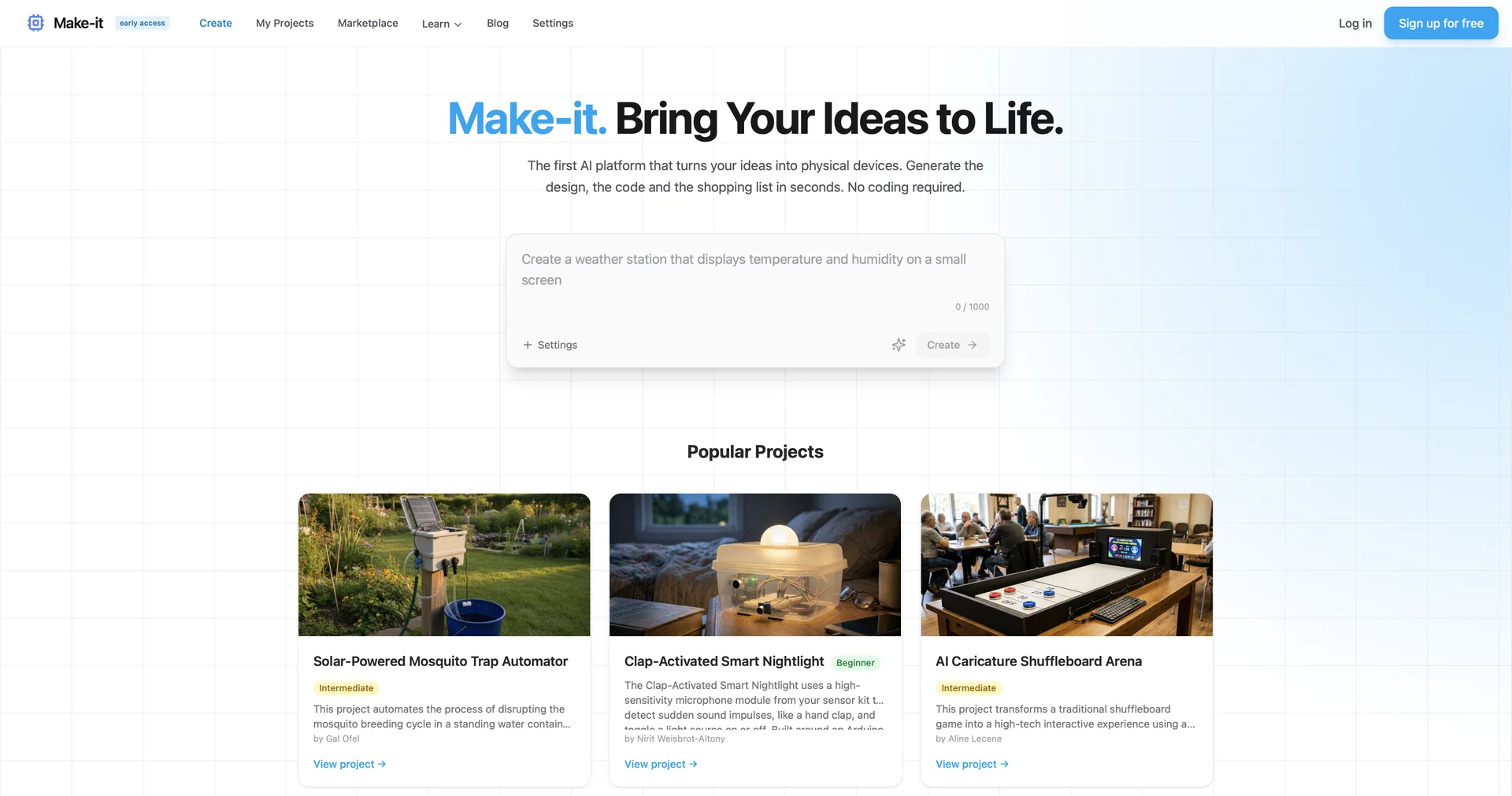
Make-it
Turn ideas into physical devices with AI.
5,122 results
Turn ideas into physical devices with AI.
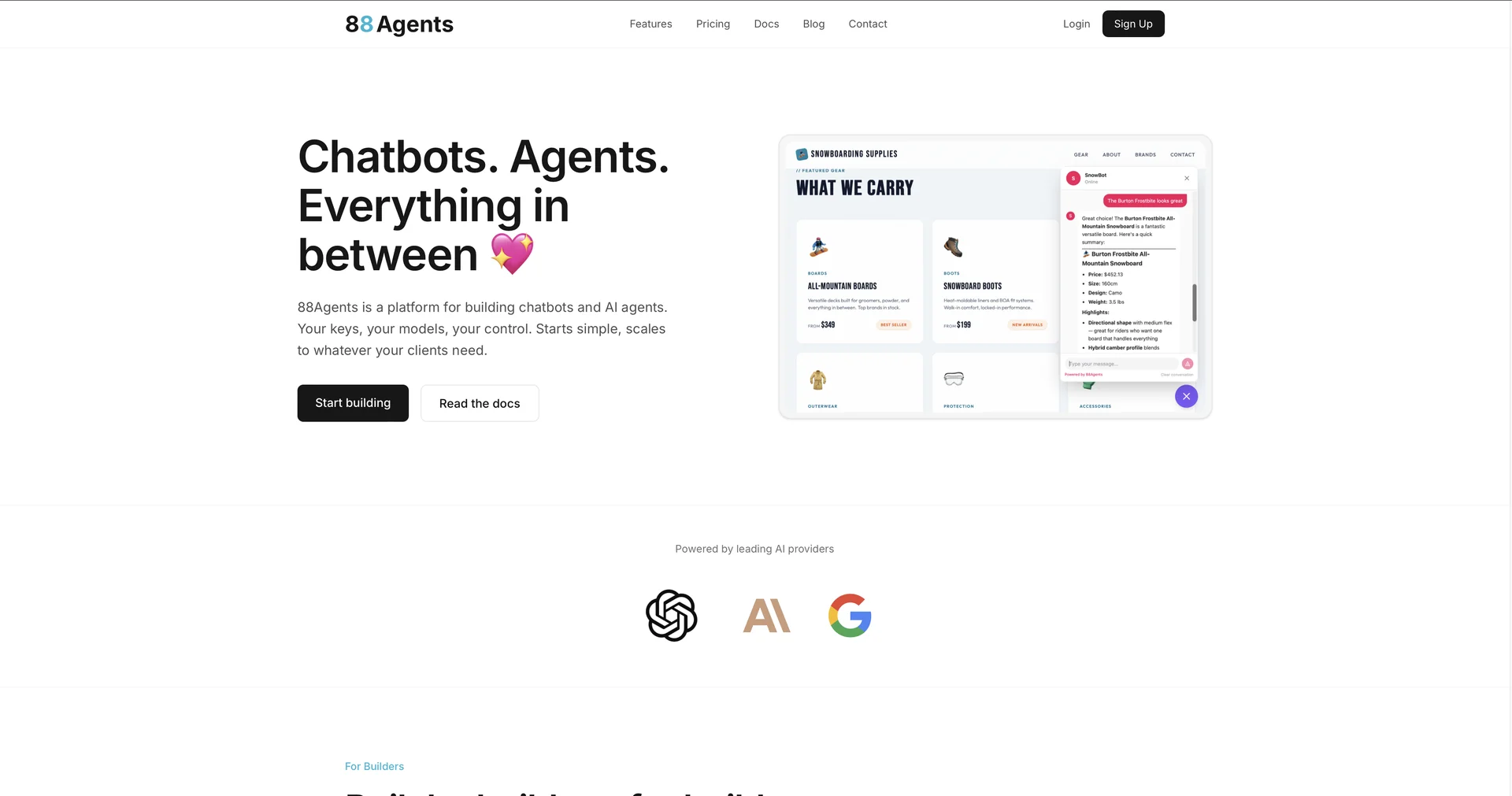
Build AI chatbots and agents for clients
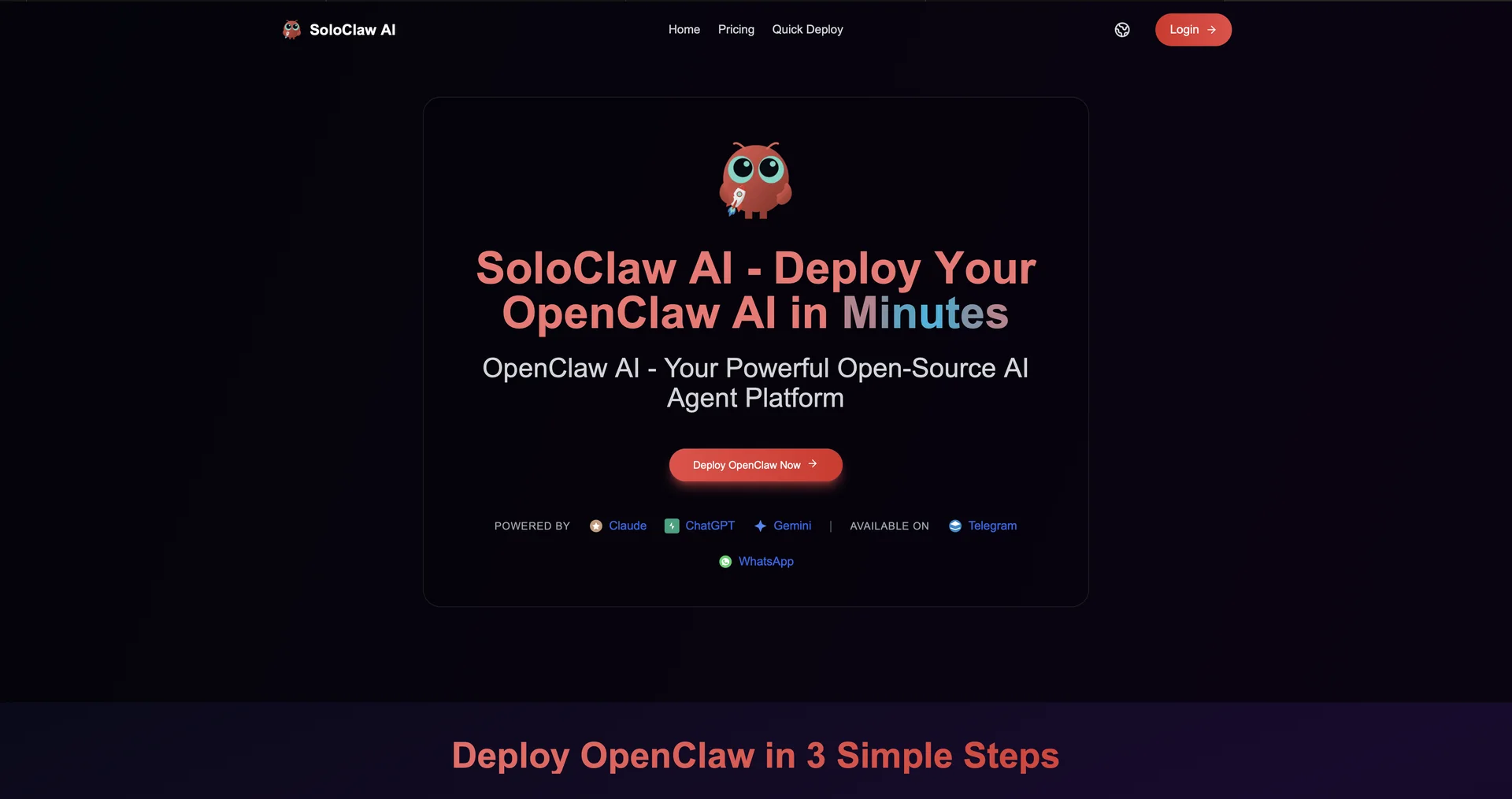
Deploy Your OpenClaw AI in Minutes
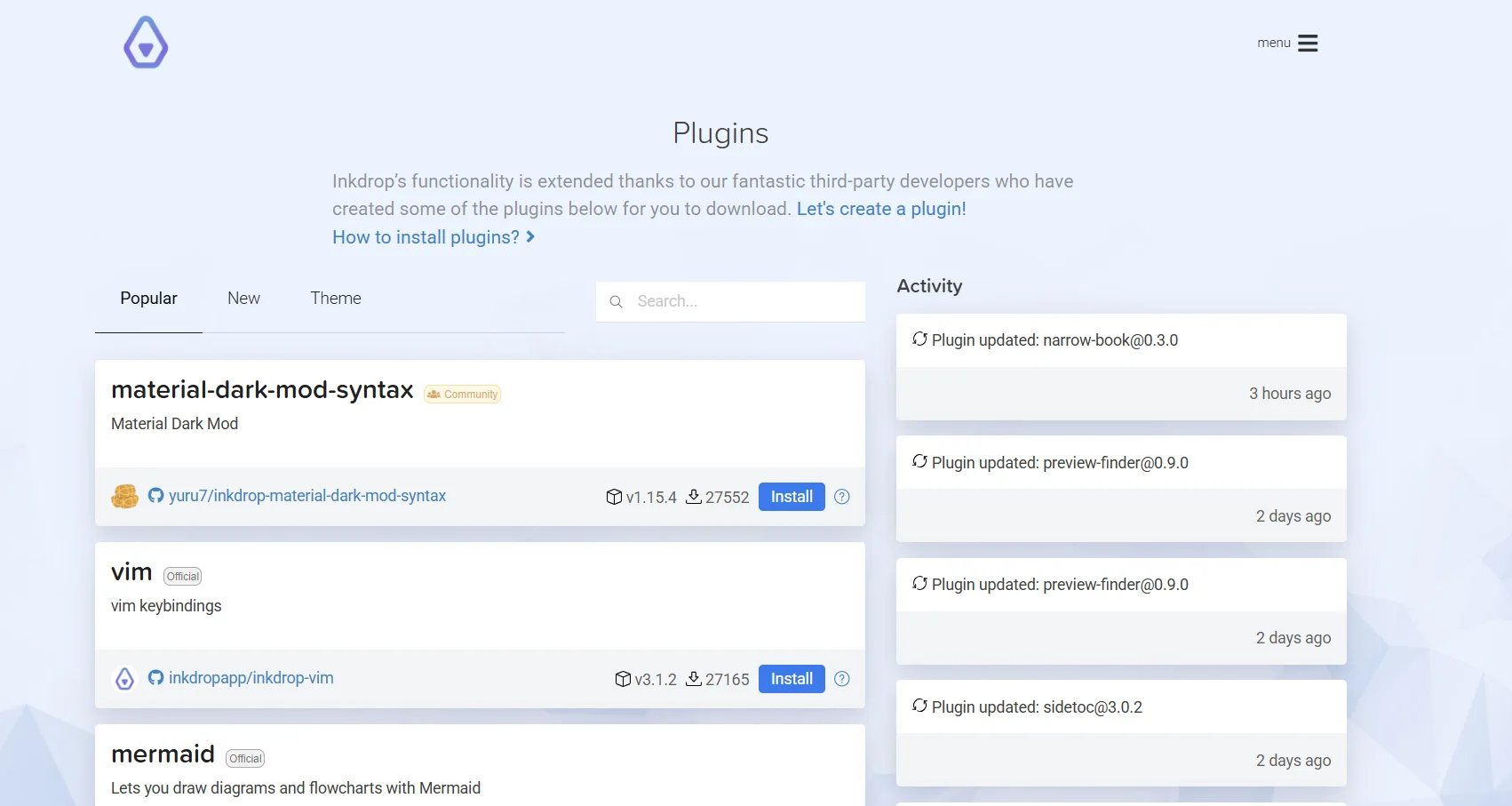
Inkdrop offers a dedicated workspace for developers and tech professionals to write and organize their notes using Markdown. The tool enables cloud-based note synchronization and full support for writing code, with the ability to organize files into notebooks and use tags and statuses such as "Active" or "Pending." It also features a clean user interface with dark mode support and the ability to add plugins to customize the experience.
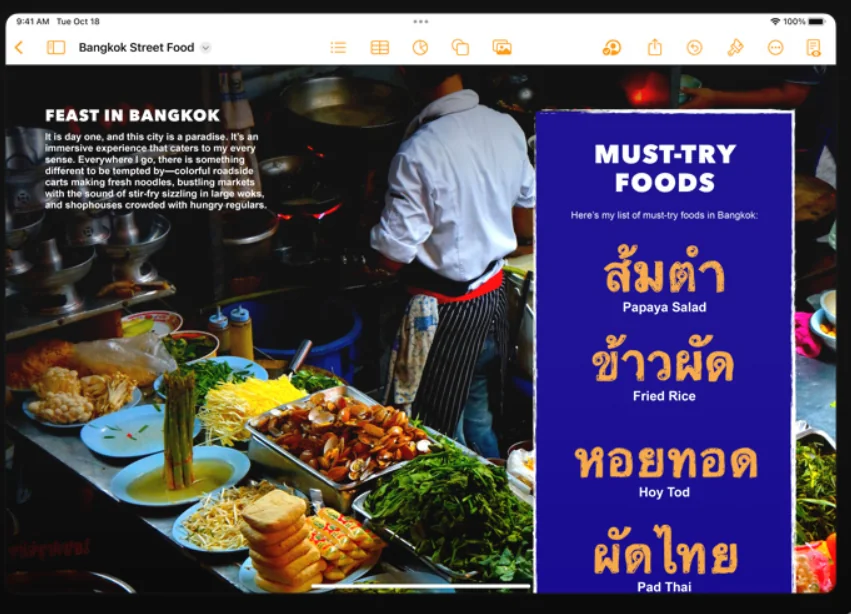
Apple Pages is a word processing app that lets users create professional documents such as reports, resumes, e-books, presentations, and posters using more than 90 templates designed by Apple, along with advanced formatting tools and visual design capabilities that include photos, graphics, charts, videos, and audio. The app works on Mac, iPhone, and iPad, and is also accessible via iCloud on the web.
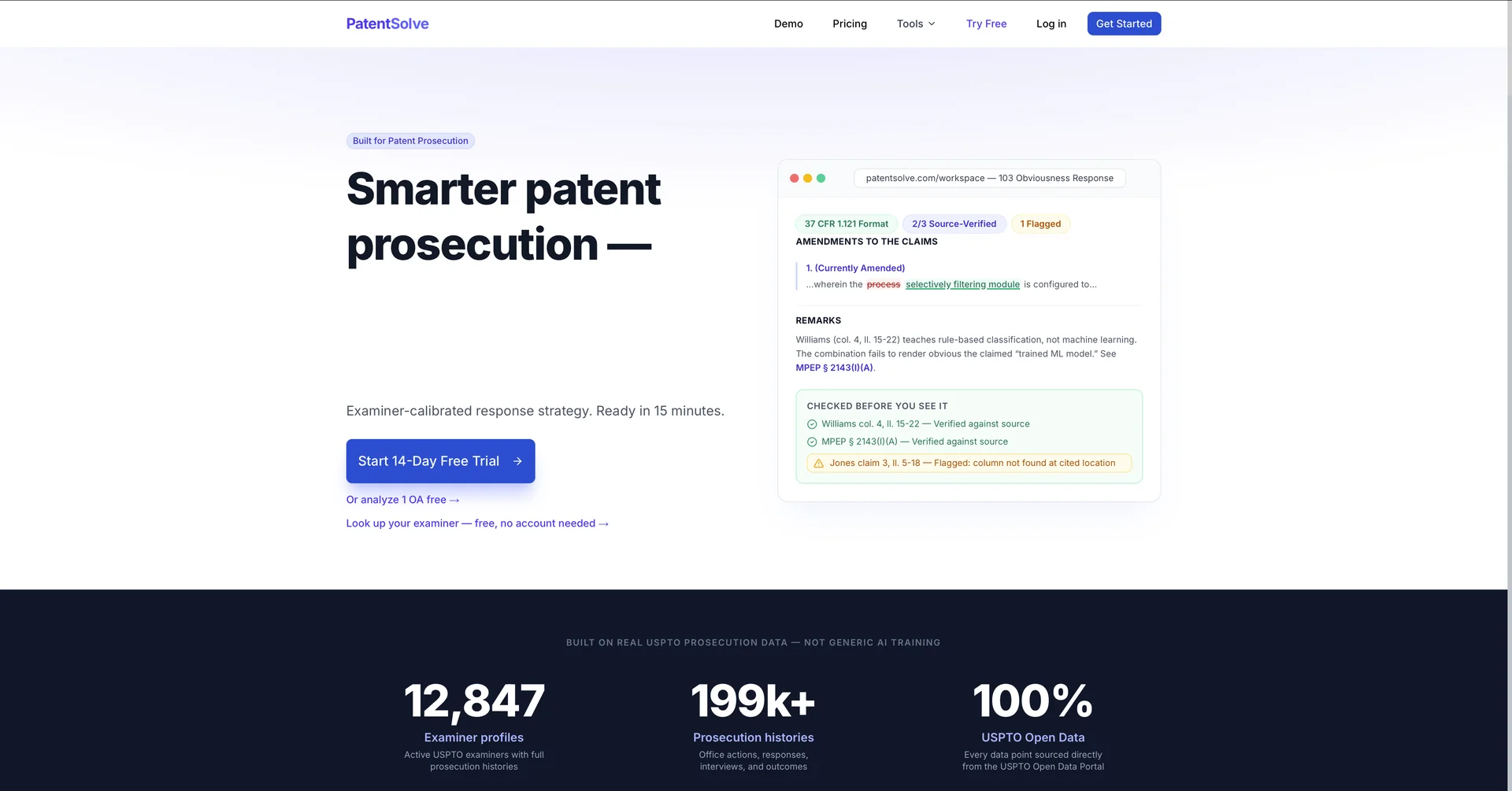
Turn 4-hour patent responses into 15-minute reviews.

Transform any image with AI-powered restyling and editing.
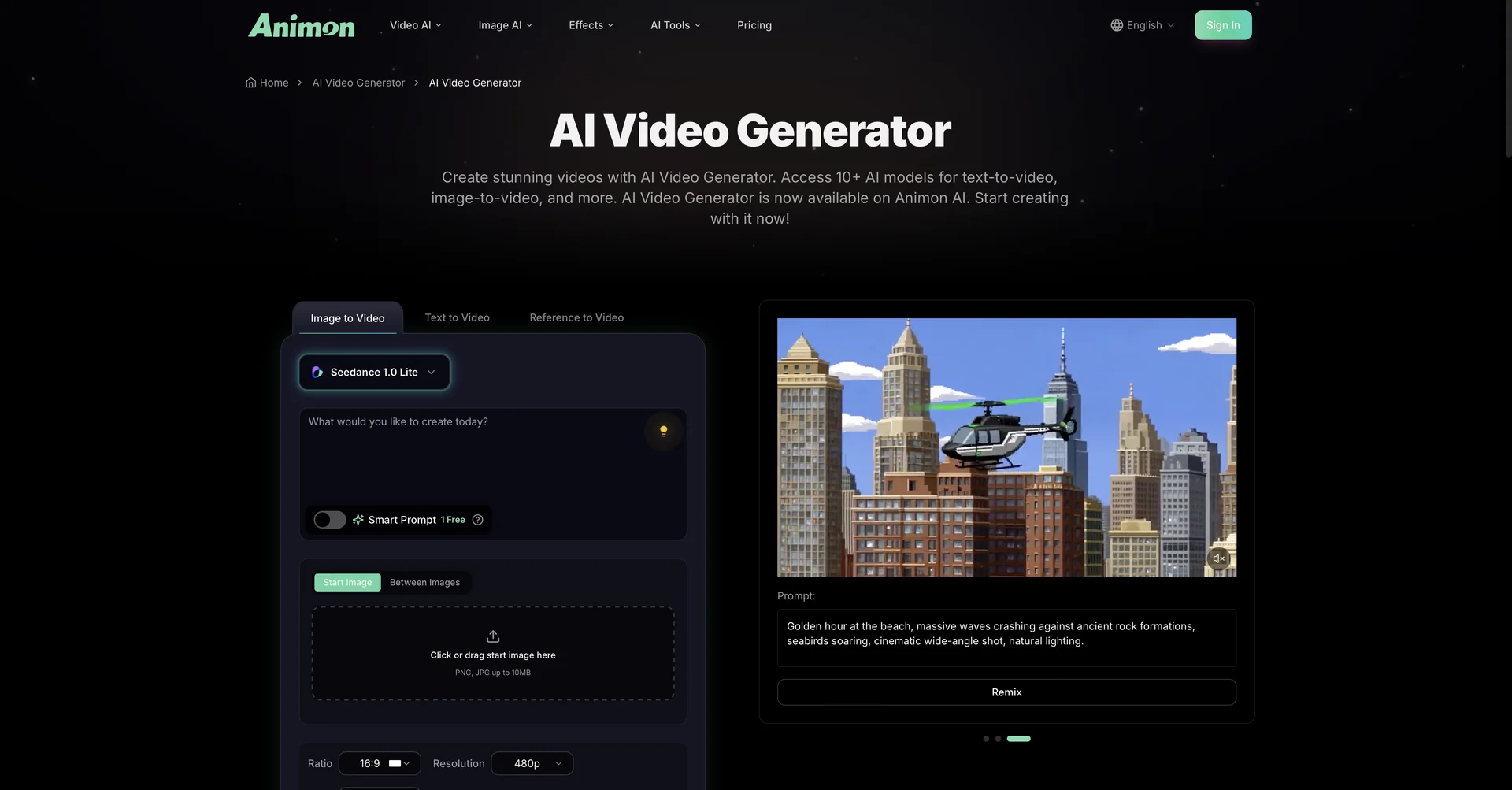
All-in-one AI-powered video creation tool.

Find out if your idea is worth building. Instantly.
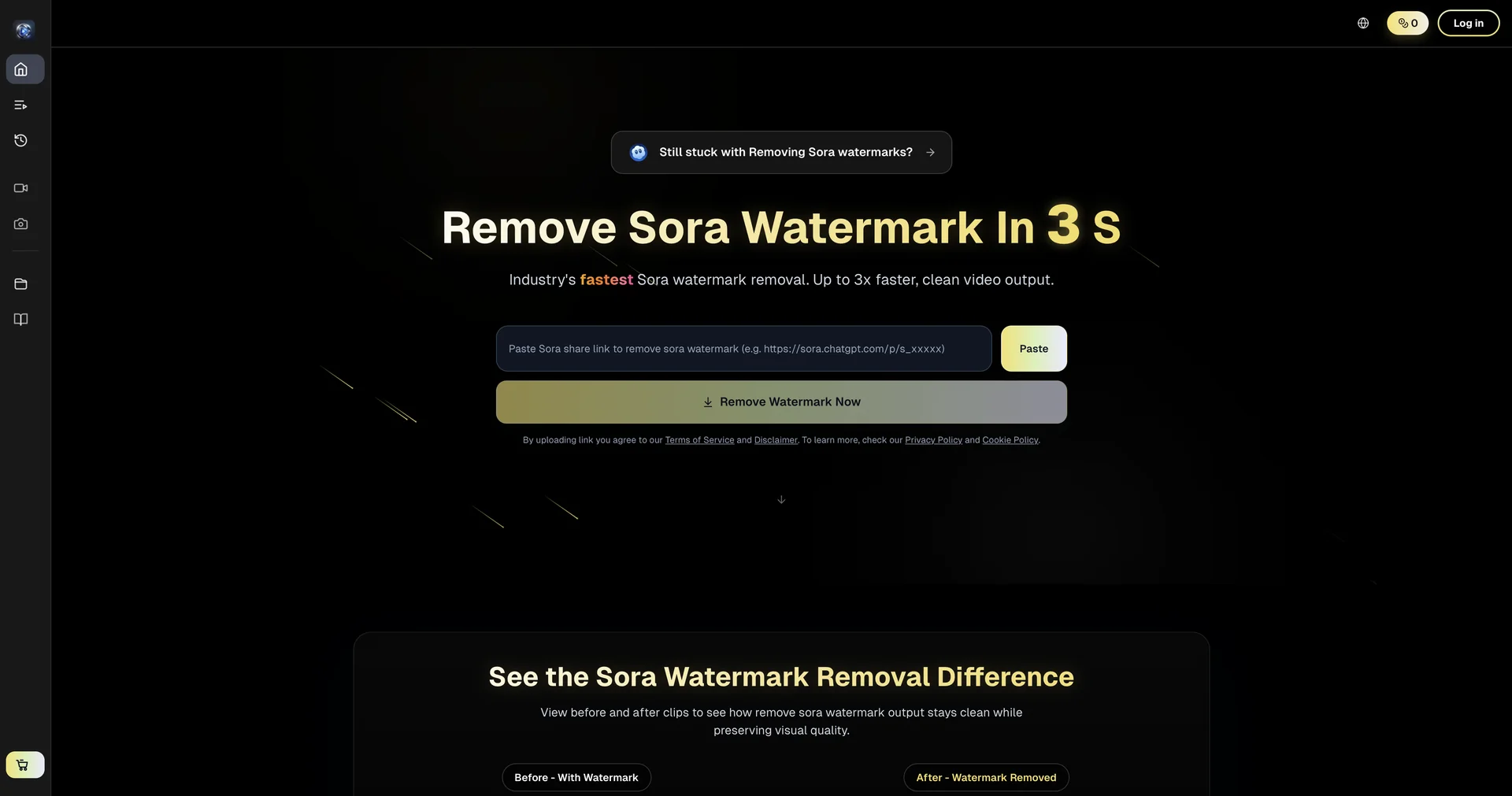
Remove Sora watermarks in 3 seconds flat.
Access your Microsoft account securely.
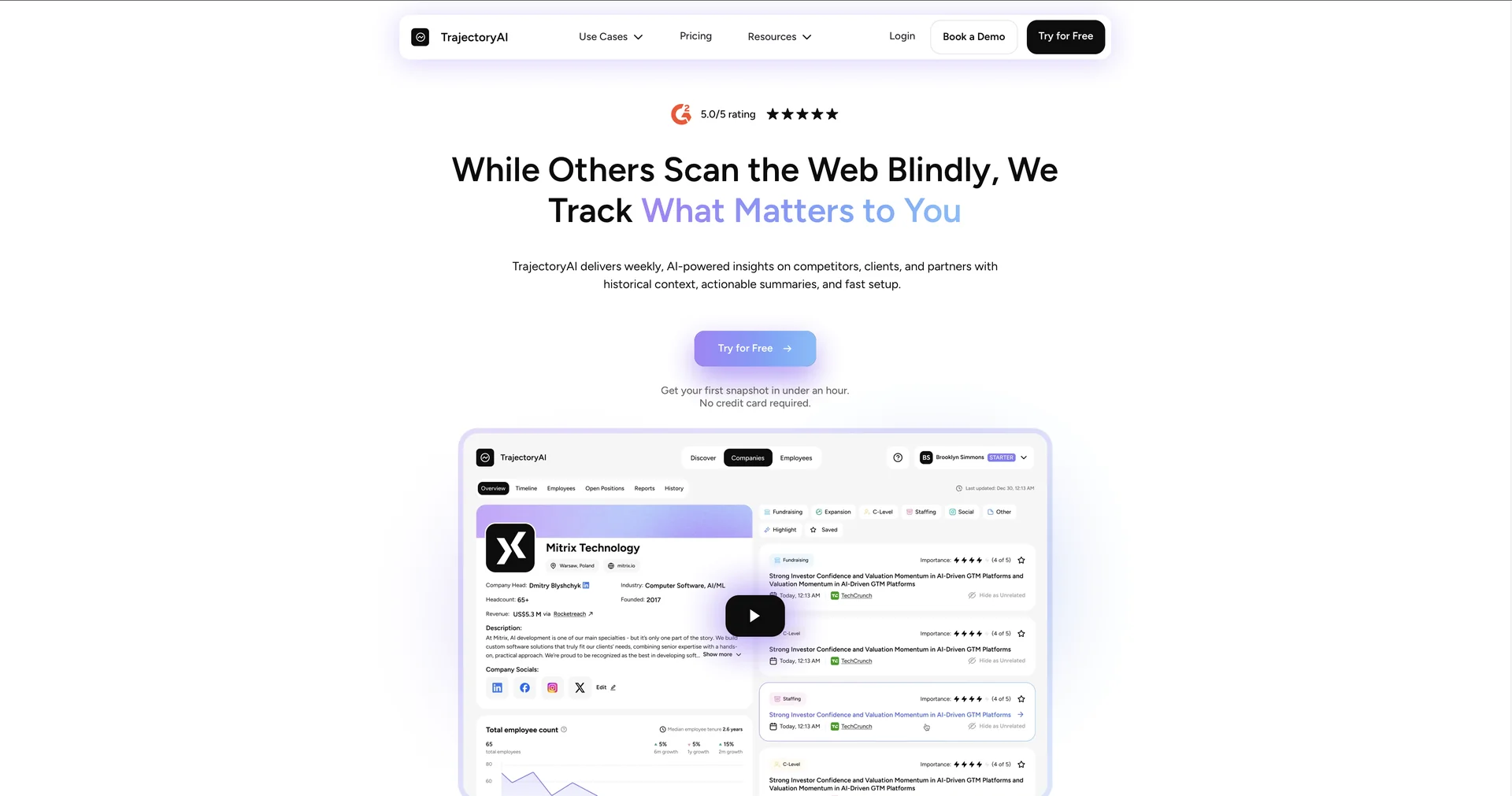
Real-time company monitoring with AI insights on competitors and clients

AI clone that learns your voice and posts for you
Remove Sora watermarks in 3 seconds.
Make AI text undetectable by humanizing it.
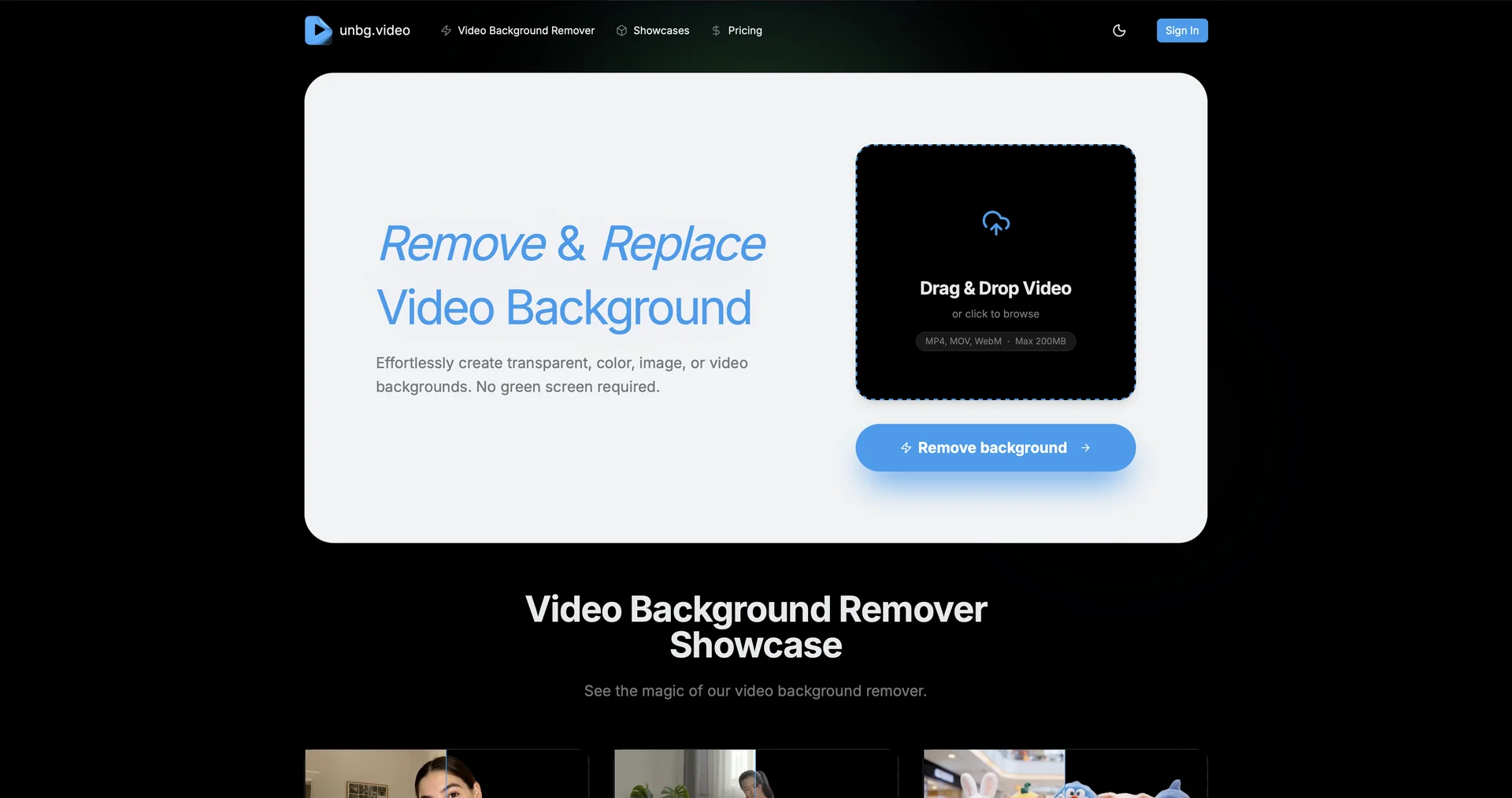
Remove video backgrounds instantly with AI precision.
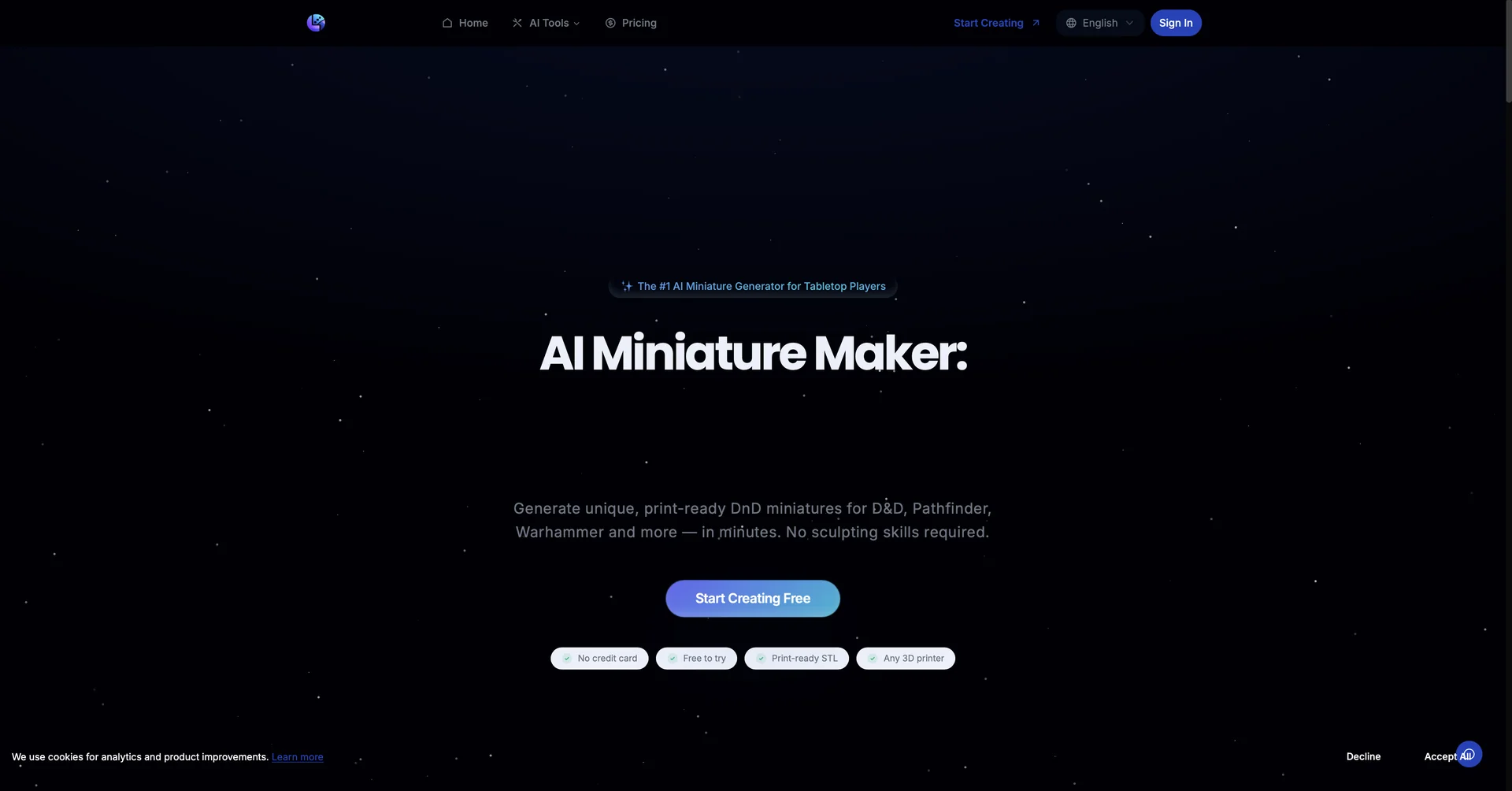
Generate print-ready DnD miniatures with AI in minutes.
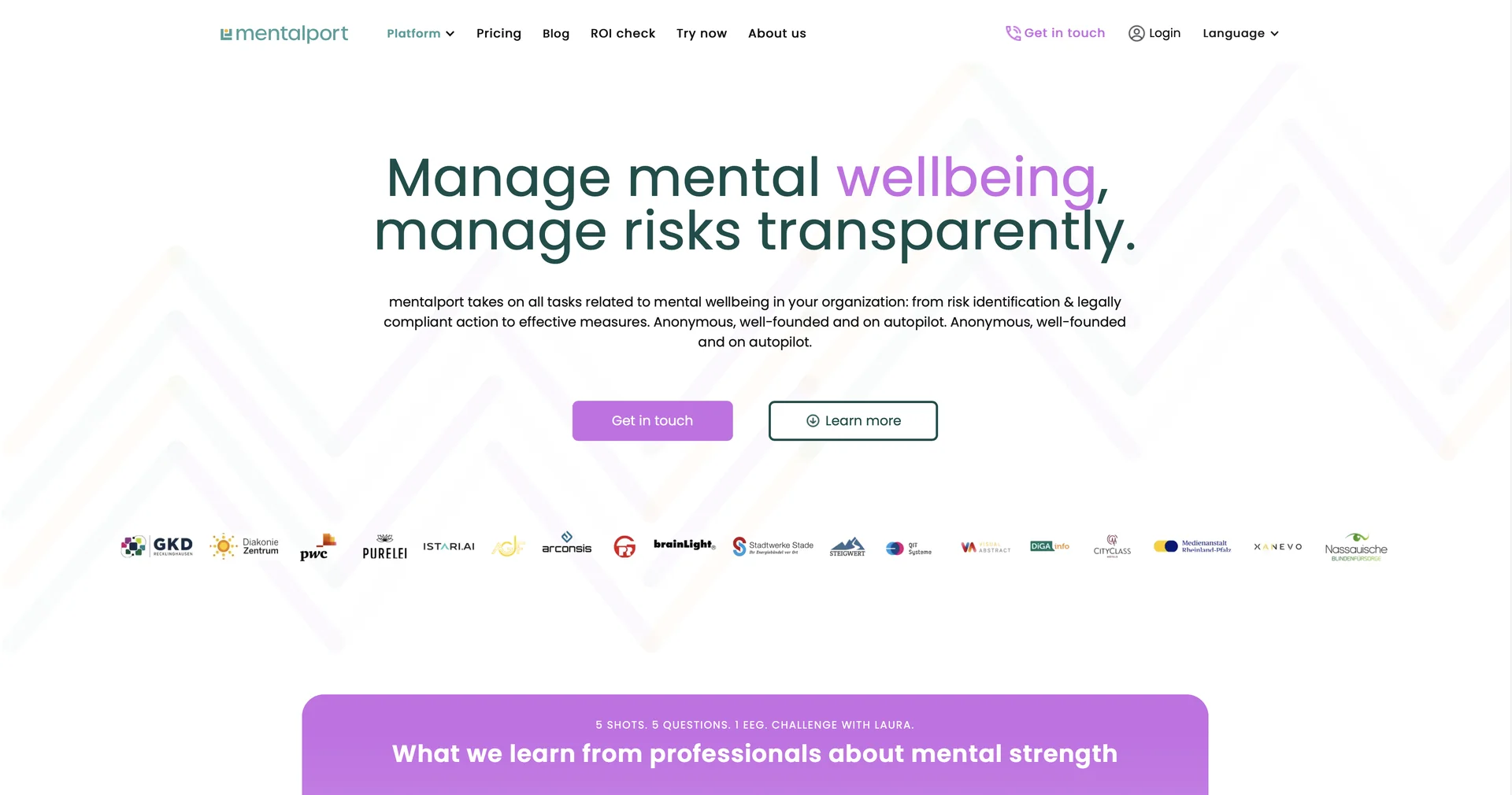
Strategically strengthen workplace mental wellbeing with measurable results.

AI transcribes patient-doctor conversations into medical notes.
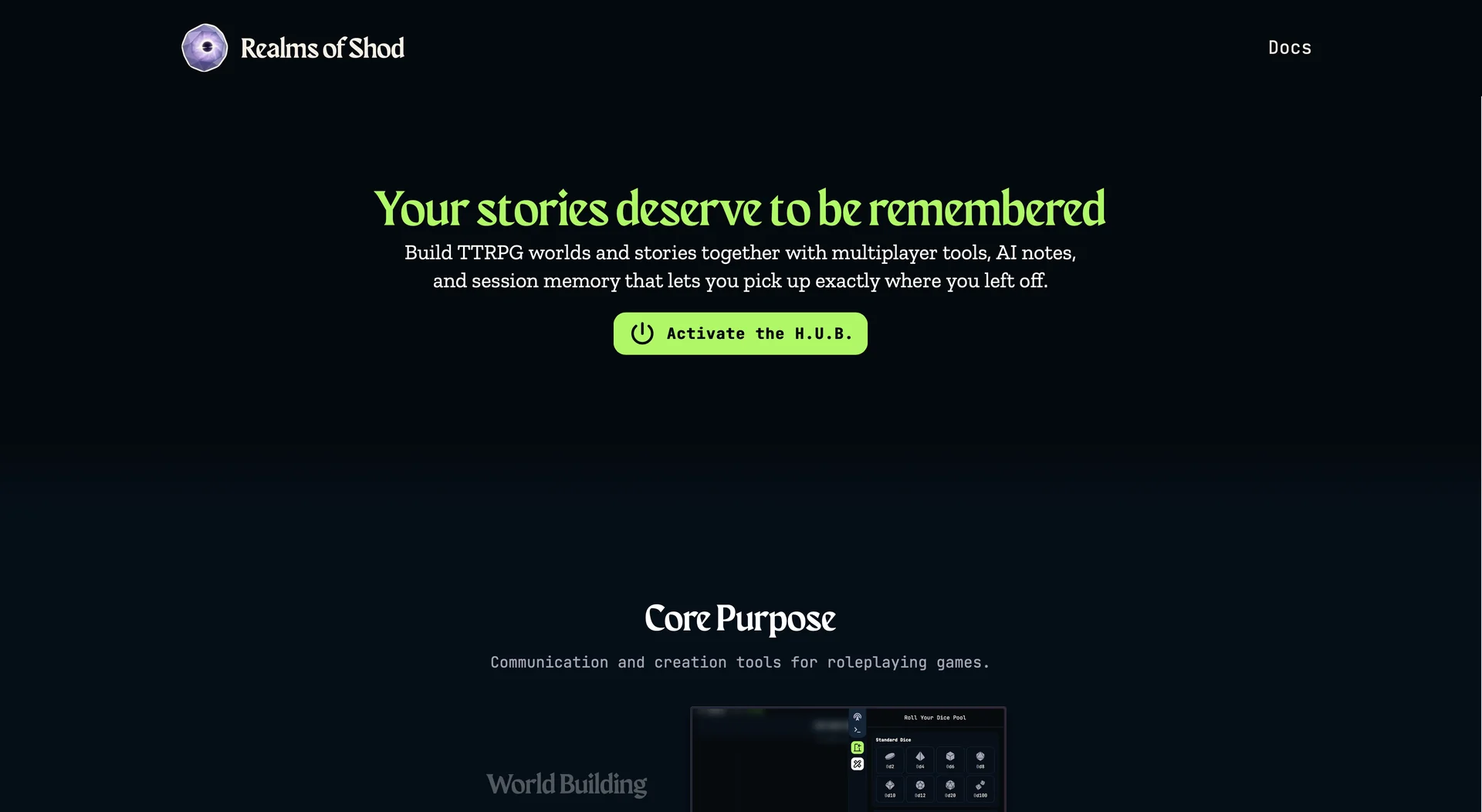
Turn TTRPG sessions into searchable story archives.
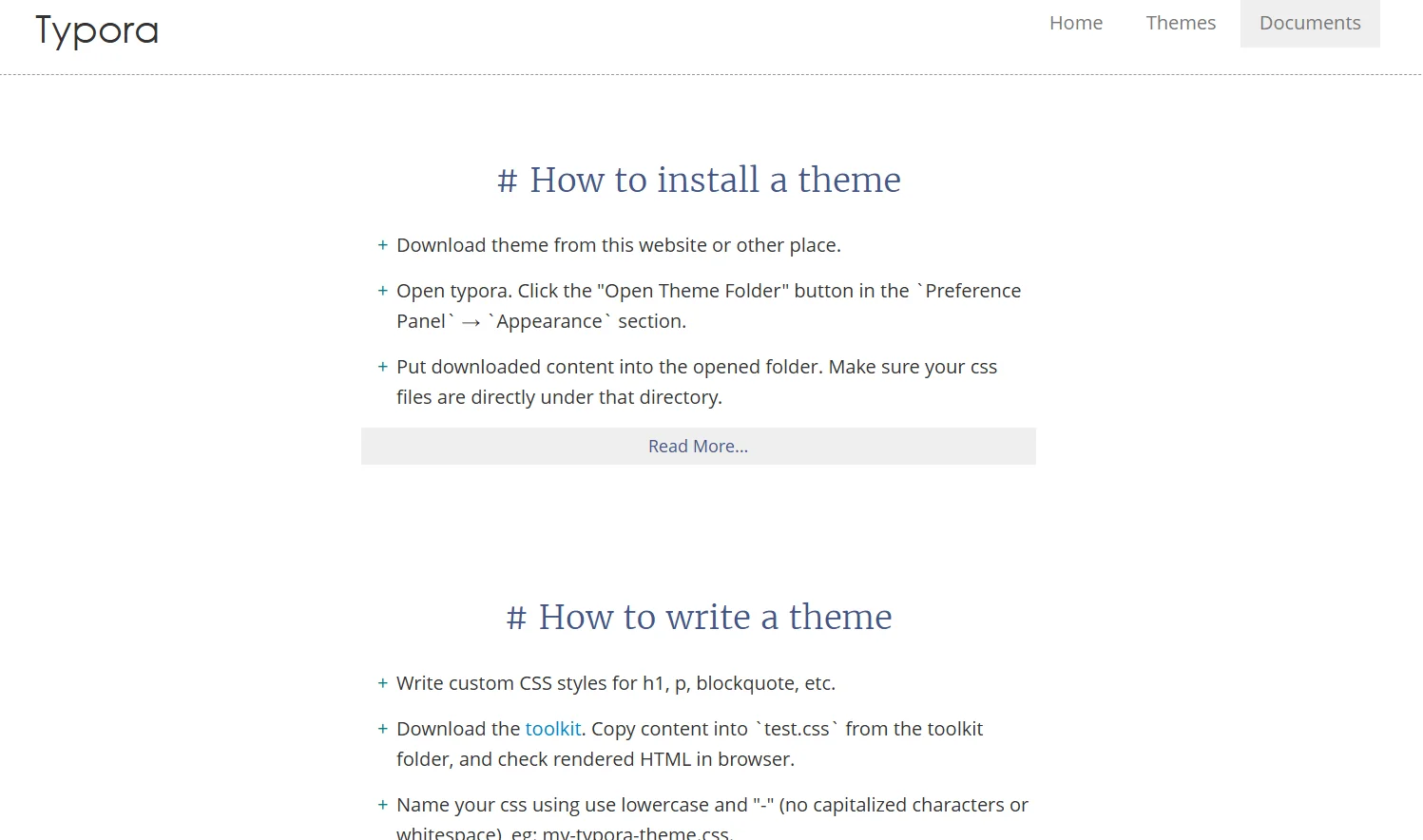
Typora is a Markdown editor that offers a seamless writing experience with no separation between writing and previewing (Seamless Live Preview). It supports the insertion of images, tables, lists, mathematical symbols, diagrams, and internal text styles. It provides organizational tools such as the Outline Panel and Organize Files, as well as focus modes like Focus Mode and Typewriter Mode. It allows for easy file import and export, and offers full interface customization via Themes and CSS.
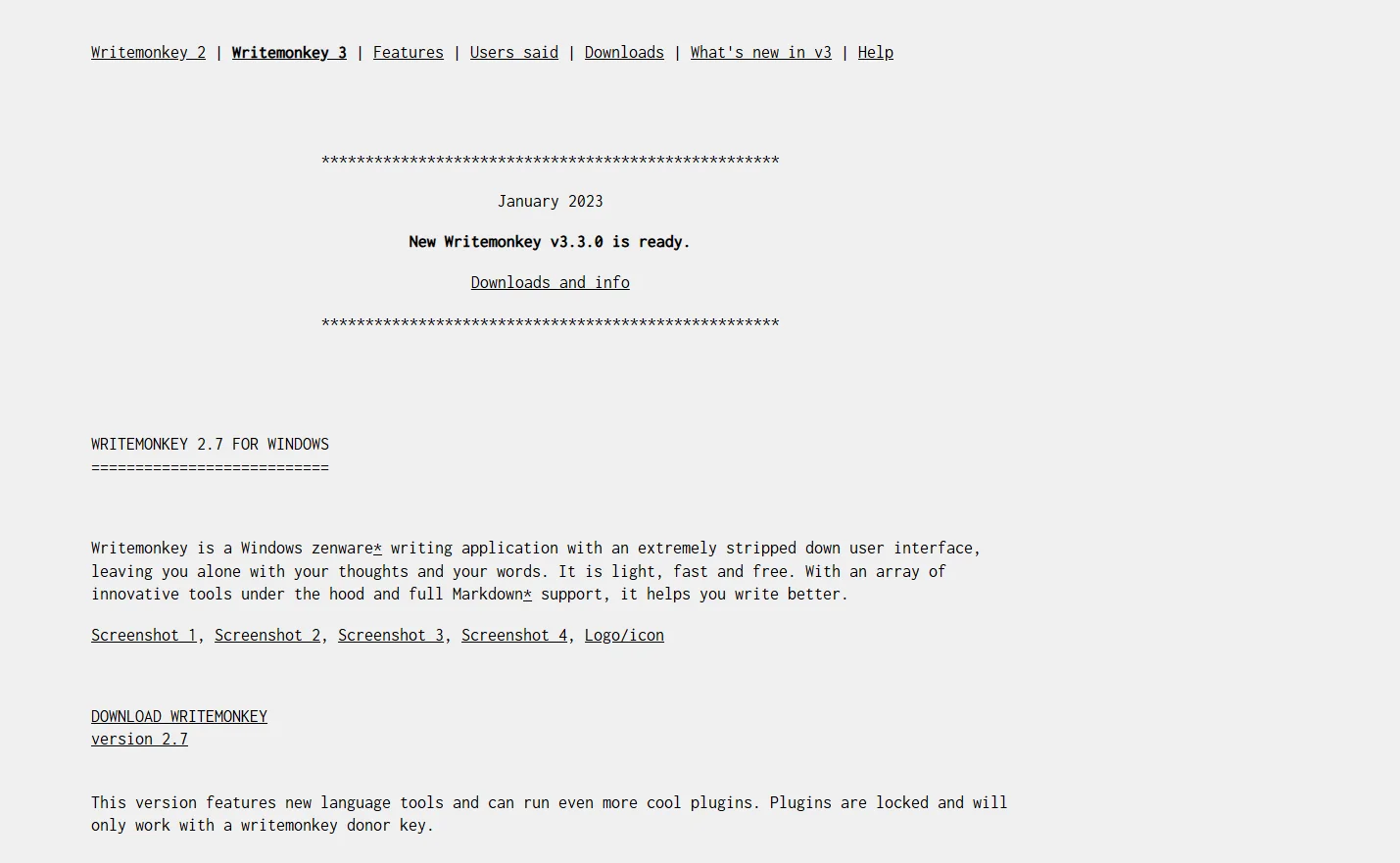
WriteMonkey is a simple text editor (Zenware) that provides a full-screen, distraction-free writing environment. It supports Markdown and allows you to organize your ideas using tools such as the "Repository" for side-by-side note-taking. It offers customization of sounds, backgrounds, and fonts, as well as a feature for quickly navigating between sections of a project (Jumps) to facilitate the management of long texts.
Quoll Writer is a free, open-source desktop application that helps writers organize and write novels and short stories. It offers management tools for characters, locations, and events, along with a timeline for long-form projects. It also provides a distraction-free writing environment and tools for reviewing and improving text, such as the "Problem Finder" feature.
Bear lets users create and organize notes flexibly, with the ability to use templates, add custom icons, and export content in multiple formats. It also supports searching within text, PDFs, and images, and offers cloud synchronization with iCloud to ensure access to notes from any device.