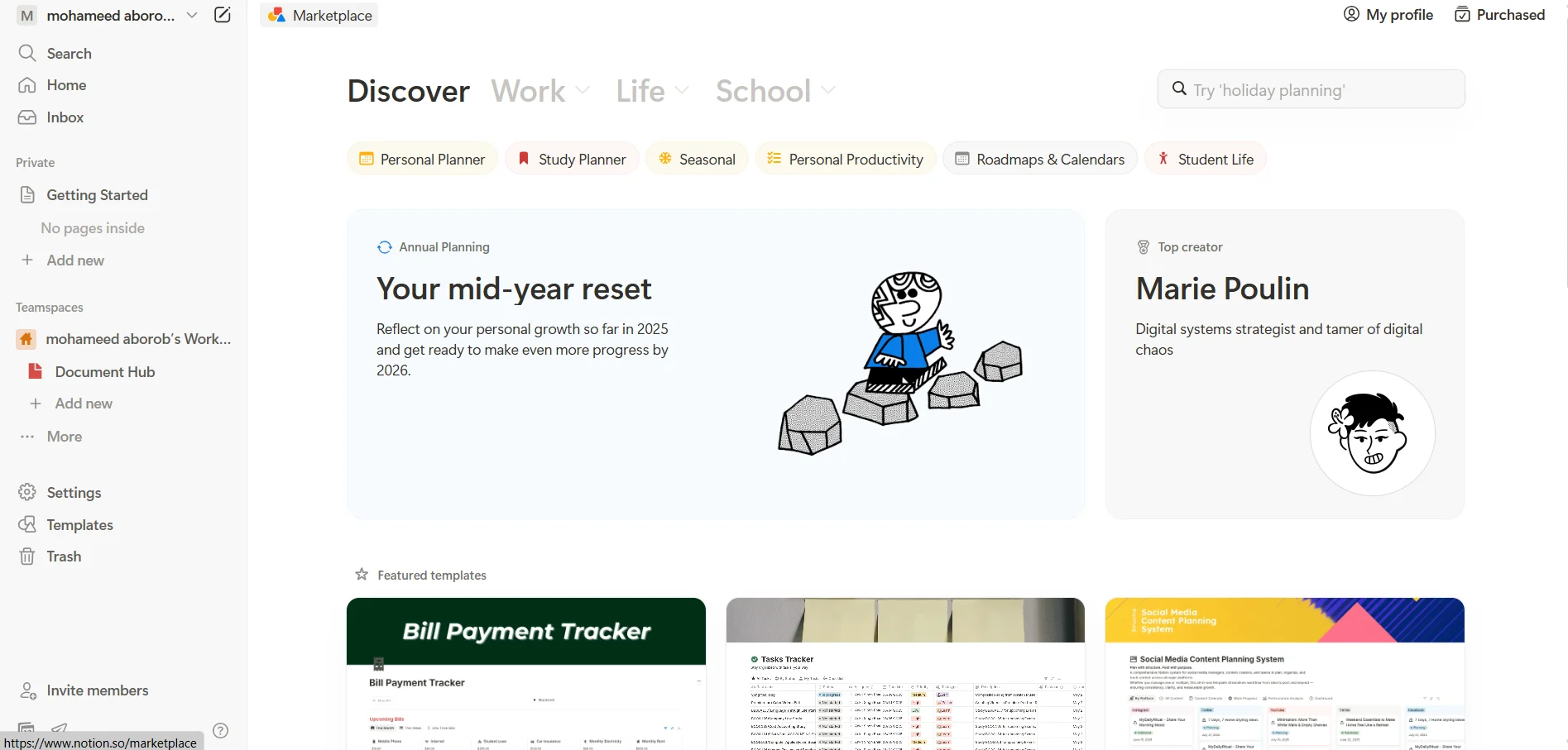
Description
🖼️ Tool Name:
Notion
🔖 Tool Category:
An all-in-one workspace for organizing everything in your life or work — notes, projects, tasks, databases, documentation, writing… basically anything you can think of, all in one place.
✏️ What does this tool offer?
Notion gives you a digital notebook where you can build pages, databases, tables, to-do lists, full project boards, and even collaborative docs with your team. You can use it solo or with others, and everything is super flexible and customizable.
⭐ What does the tool actually deliver based on user experience?
People love how flexible and customizable it is
You can build anything from a class schedule to a family tree
Great for students, solo creators, small teams, and even big companies
It integrates smoothly with tools like Slack, Zapier, and Google Drive
Works on mobile, desktop, and the app is clean and intuitive
Paid plans unlock more features like larger file uploads, more guests, and full syncing
🤖 Does it include automation?
Yep! It has semi-automated features like linked pages, synced databases, and external integrations. Plus, with the new Notion AI, you get automatic summaries, writing help, smart assistant support — all powered by AI.
💰 Pricing Model:
Freemium model — free plan + two main paid tiers depending on your needs. AI is a separate add-on.
🆓 Free Plan Details:
Free for individuals
Unlimited pages and blocks
File uploads limited to 5MB per file
Version history for 7 days only
Share with up to 10 guests
Limited integrations
Perfect for trying it out or for light personal use (students, small projects, note-taking)
💳 Paid Plan Details:
Plus Plan:
Price: $10/month (or $8/month if billed yearly)
Unlimited file upload size
Version history for 30 days
Up to 100 guests
Includes database syncing and basic automations
Ideal for small teams and everyday workflows
Business Plan:
Price: $20/month per user (or $15/month if billed yearly)
Everything in Plus
Version history for 90 days
Up to 250 guests
More advanced roles and analytics
Private team spaces
SSO (Single Sign-On) support
Enterprise Plan:
Custom pricing based on your company size
Unlimited version history
Advanced security (SCIM, domain management, detailed admin controls)
Priority support
Dedicated success manager
Best for large orgs with high compliance and control needs
🧠 Notion AI (Sold separately, works on any plan):
Price: $10/month (or $8/month if billed yearly)
Auto-writing, summarizing, autofilling databases, answering questions inside your docs
Powered by GPT-4, Claude, and other advanced models
Works with all plan types (free or paid)
🧭 How to Access:
Through the official Notion website
Available on iOS and Android apps
Works in any browser
Integrates with tools like Google Drive, Slack, Trello, and more
🔗 Experience Link:
https://www.notion.so/